Loading
Expanding Navbar
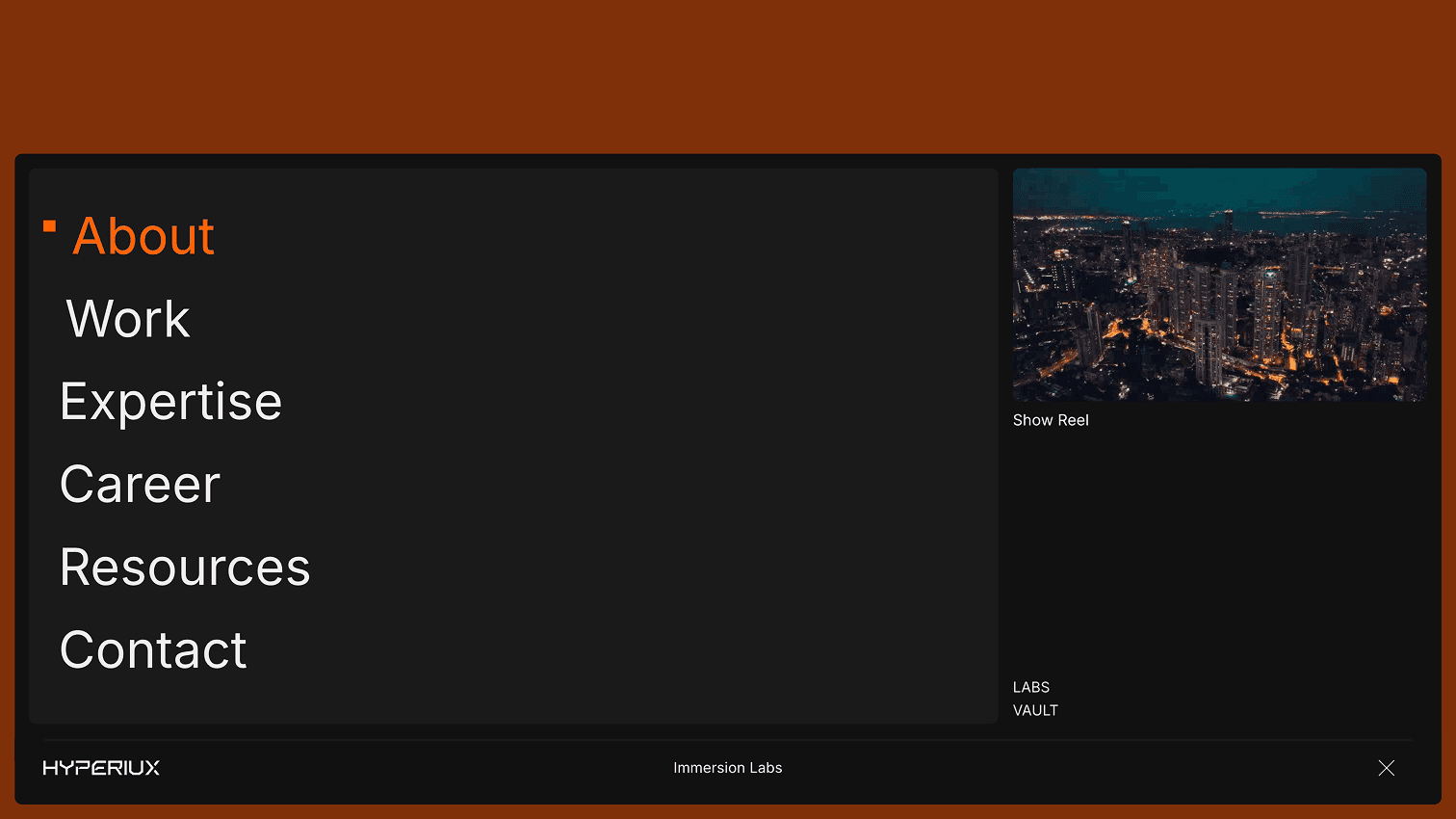
A compact navigation component that expands only when needed for link-dense marketing pages, product sites, and mobile-friendly menus.
Published On: June 4, 2026
Last Updated: August 17, 2026
GSAPLucide-react
Overview
Expanding Navbar gives navigation spatial presence: a compact nav grows only when needed.
Use it when the site has enough structure to justify a designed menu moment: services, products, resources, docs, use cases, or portfolios. For three links, keep it boring and fast.
In production, the risk is cleverness in the one place every visitor needs reliability. Build keyboard, click, tap, Escape, focus restore, and mobile behavior before adding directional or overlay motion.
Install Command
This is a Pro Effect.
You can preview it now. Upgrade to Pro for instant install access.
Usage Code
This is a Pro Effect.
You can preview it now. Upgrade to Pro for instant install access.
Component Code
This is a Pro Effect.
You can preview it now. Upgrade to Pro for instant install access.
This is a Pro Effect.
You can preview it now. Upgrade to Pro for instant install access.
This is a Pro Effect.
You can preview it now. Upgrade to Pro for instant install access.
This is a Pro Effect.
You can preview it now. Upgrade to Pro for instant install access.
This is a Pro Effect.
You can preview it now. Upgrade to Pro for instant install access.
This is a Pro Effect.
You can preview it now. Upgrade to Pro for instant install access.
Example Production Use Case
Use this as navigation-system implementation guidance. Verify the shipped menu API, trigger state, keyboard path, Escape close, focus trap/restore behavior, mobile drawer logic, and reduced-motion fallback before relying on exact props, defaults, imports, or installation steps.
Best Used For
- Compact headers with enough links to justify expansion on demand.
- Space-constrained marketing pages where the menu can grow without hiding the route.
- Expanding Navbar makes wayfinding feel designed while keeping keyboard and mobile paths clear.
Not For
Not for tiny sites, hover-only menus, checkout, forms, or navigation where speed and reliability are the whole job.
Performance Budget
Keep panel animations short, avoid layout shift, and do not block route transitions or scroll restoration.
Accessibility and Mobile
Use real links, aria-expanded triggers, Escape close, and focus restore. Mobile should use a drawer, accordion, or full-screen menu that does not depend on hover.
Common Mistakes
- Relying on hover only for Expanding Navbar.
- Forgetting Escape close and focus restore.
- Making a simple three-link site feel overbuilt.
Changelog
v1.1.0
Jul 21, 2026Added prefers-reduced-motion support: column/square expand animations are set instantly instead of tweened when the user has reduced motion enabled
v1.0.0
Jun 4, 2026Initial release
Props
| Prop | Type | Default | Description |
|---|---|---|---|
expandedWidth | number | 98 | Expanded desktop panel width in viewport units. |
duration | number | 1 | Expansion animation duration. |
backgroundColor | string | #ffffff | Navbar background color. |
activeColor | string | #ff5f00 | Hover or active link accent color. |
Frequently Asked Questions
When should I use Expanding Navbar?
Use it when a space-constrained page with enough links needs a compact nav that grows only when needed.
Can Expanding Navbar work without hover?
Yes. It needs click, tap, keyboard, and mobile paths that do not rely on hover.
How should Escape and focus restore work for Expanding Navbar?
Escape should close the menu and restore focus to the trigger. Trap focus only while overlay menus are open.
How should Expanding Navbar behave on mobile?
Use a drawer, accordion, or simple full-screen menu that respects touch expectations.
What should reduced motion do for Expanding Navbar?
Remove direction travel and large shifts; keep simple visible open/closed states.
Request a Custom Navigation Animation
Need a custom effect? Tell us what to create.


