Loading
Rope Cursor
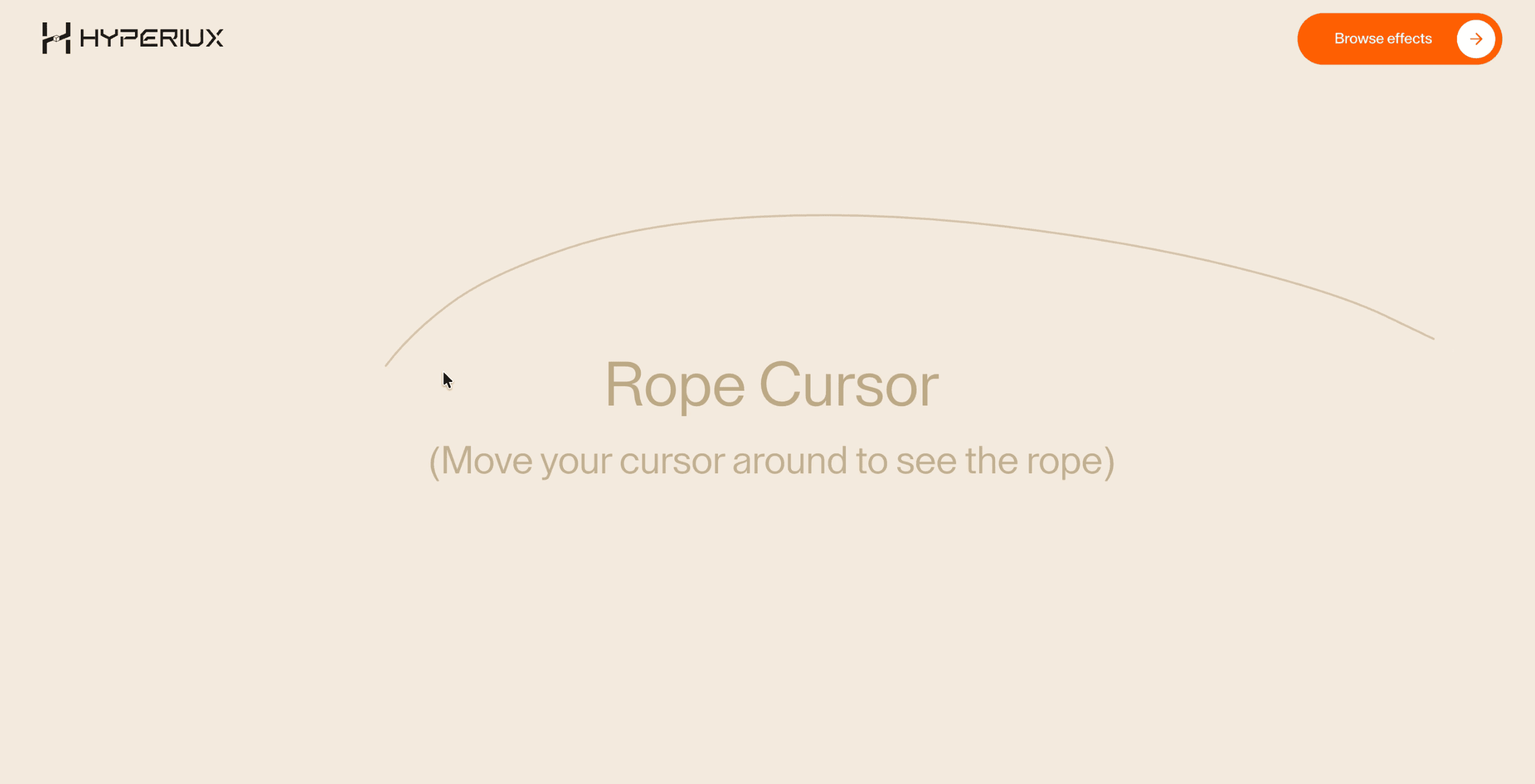
An elastic cursor effect that draws a delayed rope-like line behind the pointer for playful, high-craft desktop experiences.
Published On: June 4, 2026
Last Updated: August 17, 2026
svg-path
Overview
Rope Cursor turns pointer movement into atmosphere: a line follows the pointer with delayed weight.
It fits creative homepages, portfolios, campaigns, and brand-led experiments where the pointer becomes part of the identity, and not dashboards, checkout, forms, or dense product screens.
The thing to watch is keeping the pointer optional. The effect must turn off cleanly on coarse pointers, leave focus outlines intact, and never sit between the user and a click. A page that breaks when the cursor layer is removed has leaned on it too hard.
Install Command
This is a Pro Effect.
You can preview it now. Upgrade to Pro for instant install access.
Usage Code
This is a Pro Effect.
You can preview it now. Upgrade to Pro for instant install access.
Component Code
This is a Pro Effect.
You can preview it now. Upgrade to Pro for instant install access.
This is a Pro Effect.
You can preview it now. Upgrade to Pro for instant install access.
Example Production Use Case
Use this as cursor-system implementation guidance. Verify the shipped component export, pointer-tracking model, coarse-pointer disablement, z-index behavior, focus safety, cleanup, and reduced-motion handling before relying on exact props, defaults, imports, or installation steps.
Best Used For
- Playful studio or campaign pages where delayed pointer weight matches the brand tone.
- Desktop-only moments where the line can vanish on touch without changing the task.
- Rope Cursor gives pointer movement a brand role without hiding core controls or content.
Not For
Not for dashboards, checkout, forms, dense product UIs, or any flow where precision beats atmosphere.
Performance Budget
Use one cursor layer, throttle movement with requestAnimationFrame, avoid full-screen filter effects, and disable Rope Cursor on coarse pointers.
Accessibility and Mobile
Turn the effect off on touch and keep native gestures intact, and give any cursor-only reveal a visible or tappable alternative.
Common Mistakes
- Letting Rope Cursor cover focus rings or clickable controls.
- Forgetting to disable the effect on coarse pointers.
- Hiding useful content behind mouse-only movement.
Changelog
v1.0.1
Jul 24, 2026Added reduced-motion support, restyled the reduced-motion notice, and replaced per-frame GSAP tweens with direct time-based smoothing, removing the gsap dependency.
v1.0.0
Jun 4, 2026Initial release
Props
| Prop | Type | Default | Description |
|---|---|---|---|
ropeColor | color | #bda985 | Stroke color of the rope. |
ropeWidth | number | 2 | Stroke width of the rope. |
ropeOpacity | number | 0.6 | Opacity of the rope stroke. |
segmentLength | number | 0 | Distance allowed between rope segments. |
segmentCount | number | 8 | Number of points used to draw the rope. |
Frequently Asked Questions
When should I use Rope Cursor?
Use it when a playful, high-craft page needs a line following the pointer with delayed, springy weight not on utility flows.
Does Rope Cursor work on mobile?
Disable it on coarse pointers with CSS and JS pointer queries, then provide native touch behaviour.
Can Rope Cursor reveal important content?
Only when the same content is visible or accessible without pointer movement. Cursor-only reveals are not suitable for critical information.
How should Rope Cursor behave around links and buttons?
Clicks, focus outlines, hover states, and modal layering must all behave normally with the effect in place.
What should reduced motion do for Rope Cursor?
Disable trails, lag, ripples, and pointer-following motion, then return to the native cursor.
Request a Custom Cursor Animation
Need a custom effect? Tell us what to create.


