Loading
Draggable Canvas
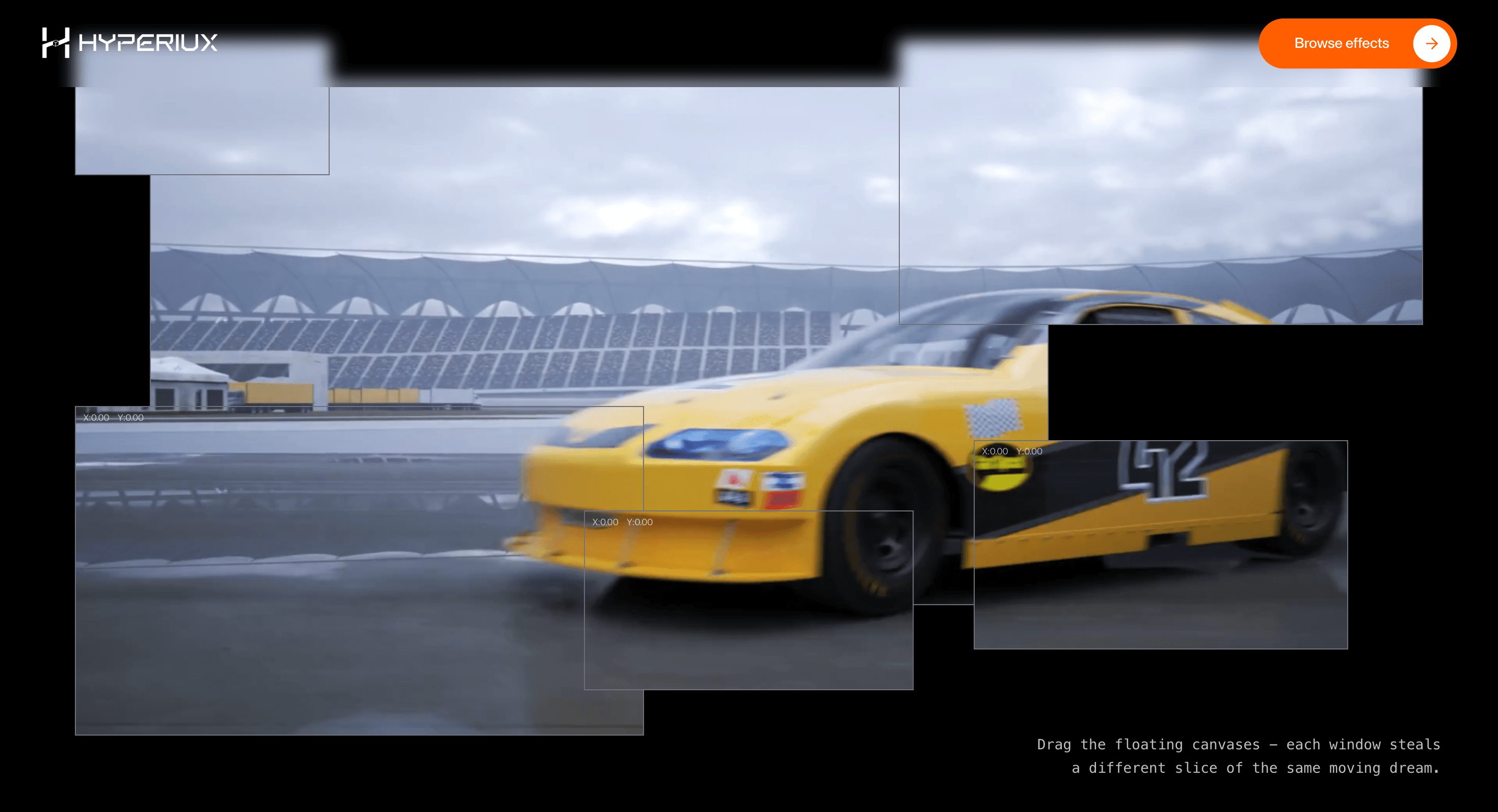
An interactive WebGL canvas that lets users drag and explore product visuals, portfolio surfaces, or branded hero scenes.
Published On: June 4, 2026
Last Updated: August 17, 2026
GSAP
Overview
Draggable Canvas makes the hero interactive without making it distracting.
Use it when exploration is the point: a project surface, product visual, or branded scene that should respond to touch and drag without turning navigation into a toy.
The production risk is discoverability. Drag can enhance exploration, but it cannot be the only path to understand content or reach controls.
Install Command
This is a Pro Effect.
You can preview it now. Upgrade to Pro for instant install access.
Usage Code
This is a Pro Effect.
You can preview it now. Upgrade to Pro for instant install access.
Component Code
This is a Pro Effect.
You can preview it now. Upgrade to Pro for instant install access.
This is a Pro Effect.
You can preview it now. Upgrade to Pro for instant install access.
This is a Pro Effect.
You can preview it now. Upgrade to Pro for instant install access.
This is a Pro Effect.
You can preview it now. Upgrade to Pro for instant install access.
Example Production Use Case
Use this as WebGL production guidance. Verify the shipped source, rendering stack, dependency list, shader assets, resource disposal, pause/offscreen behavior, DPR strategy, poster fallback, and reduced-motion state before relying on exact props, defaults, imports, or installation steps.
Best Used For
- Interactive showcases where drag adds exploration but does not gate content.
- Portfolio surfaces where movement helps visitors feel the work before opening it.
- Hero scenes that need tactile behavior with a clear touch fallback.
Not For
Not for low-power-first pages, dense content, dashboards, checkout, or routes where performance is the main conversion lever.
Performance Budget
Cap DPR at 1.0 on touch/mobile and up to 1.5 on mid-range desktop. Pause Draggable Canvas offscreen and in hidden tabs, reduce postprocessing before shipping, and keep texture sizes controlled.
Accessibility and Mobile
Keep meaningful content in HTML outside the canvas. On mobile, reduce shader quality and switch to a poster if the scene cannot hold frame rate.
Common Mistakes
- Making drag the only way to discover content or controls.
- Letting the canvas sit above focusable links and buttons.
- Forgetting that touch users need visible controls or a simplified interaction path.
Changelog
v1.1.0
Jul 22, 2026Added a prefers-reduced-motion notice on the left side, informing users the drag/inertia animation may not honor their reduced-motion preference
v1.0.0
Jun 4, 2026Initial release
Props
| Prop | Type | Default | Description |
|---|---|---|---|
friction | number | 0.12 | Inertia friction after drag release. |
scaleOnDrag | number | 1.04 | Scale applied while dragging. |
backgroundColor | string | #000000 | Canvas background color. |
canvasBorderColor | string | #71717a | Border color for each draggable canvas window. |
rounded | number | 0 | Corner radius for each draggable canvas window. |
Frequently Asked Questions
What GPU budget should Draggable Canvas use on mobile and desktop?
Interaction keeps the loop active during drag, so cap DPR at 1.0 on touch and 1.5 on desktop and keep the scene complexity modest enough to stay responsive under continuous input. Throttle works when the user isn't dragging. Test sustained dragging on mobile, where heat and battery show up fast.
What poster fallback should replace Draggable Canvas when WebGL fails?
Provide a static composition of the scene plus a clear, non-interactive way to see the same content, since the drag interaction won't exist without WebGL. Ensure nothing important was only reachable by dragging. The HTML message remains intact.
How should Draggable Canvas pause when offscreen or in a hidden tab?
Pause rendering and input handling when the canvas is offscreen or the tab is hidden, and release pointer capture so a drag isn't left "stuck." Resume cleanly on return. Because input is ongoing, leaving listeners and the loop alive offscreen is especially wasteful.
Which content should stay outside the Draggable Canvas canvas?
Any real content or controls labels, descriptions, links that stay in the DOM, and the drag should enhance exploration, not gate information. Provide a non-drag path to the same material for keyboard and assistive-tech users. The canvas is the playground, not the content store.
When should I choose a static image instead of Draggable Canvas?
Choose a static visual when exploration adds nothing, when the audience is mostly touch, or when the interactivity risks more frustration than delight. If users won't actually benefit from moving the scene, the cost isn't justified. Reserve drag for showcases where exploring is the point.
Request a Custom WebGL Animation
Need a custom effect? Tell us what to create.


