Loading
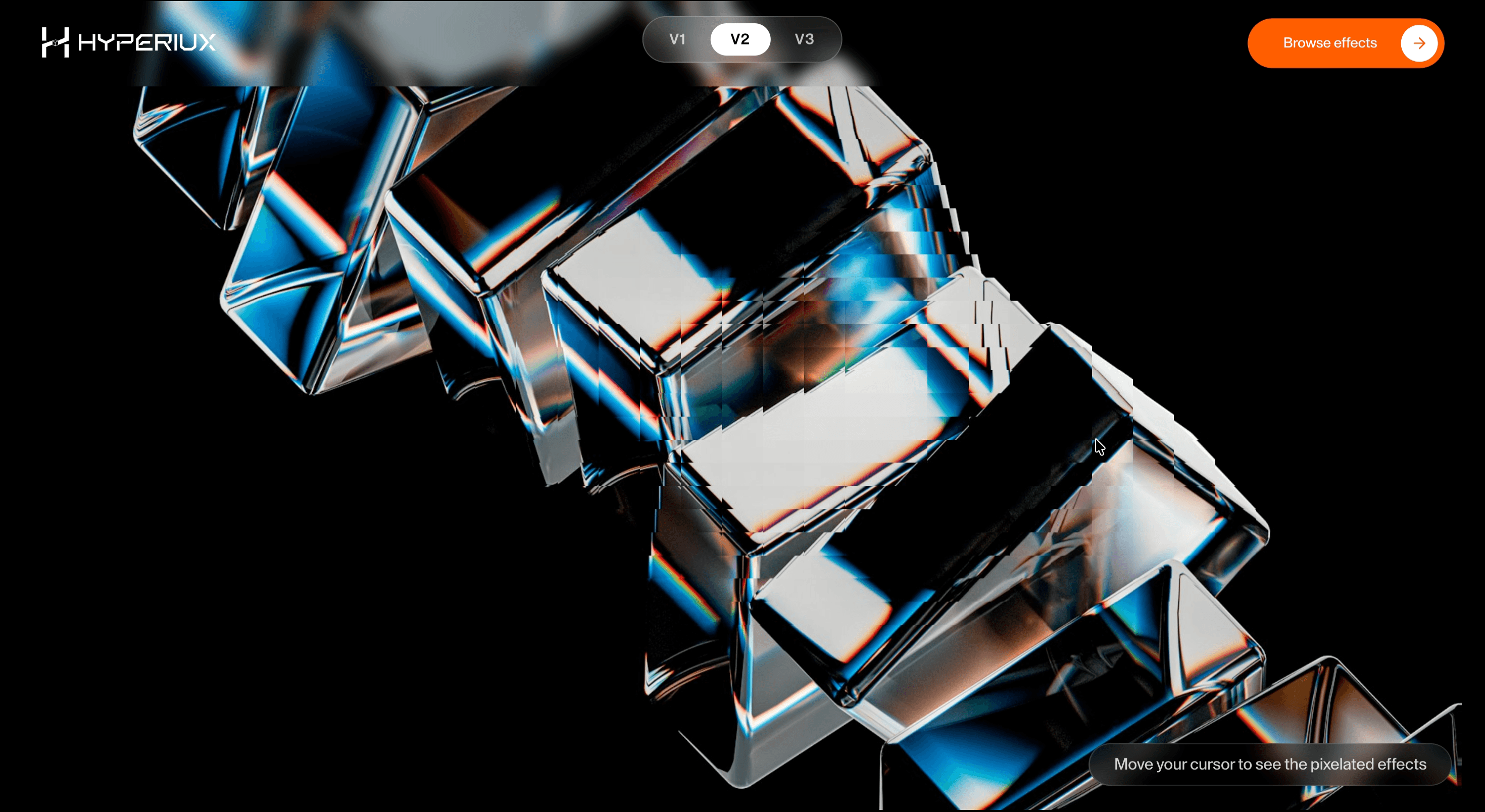
Mouse Pixelation
A pointer-led WebGL pixelation effect that reveals image detail through cursor movement for portfolios, campaigns, and technical hero surfaces.
Published On: June 4, 2026
Last Updated: August 17, 2026
Three.js@react-three/fiber@react-three/postprocessingGSAP
Overview
Mouse Pixelation reveals content through cursor movement. It makes the act of looking the first interaction.
Use it when pointer movement should make the hero feel discovered: portfolio imagery, technical visuals, or campaign surfaces where the reveal adds meaning.
The risk in production is pointer dependence. The final image and message must be available when hover is unavailable.
Install Command
This is a Pro Effect.
You can preview it now. Upgrade to Pro for instant install access.
Usage Code
This is a Pro Effect.
You can preview it now. Upgrade to Pro for instant install access.
Component Code
This is a Pro Effect.
You can preview it now. Upgrade to Pro for instant install access.
This is a Pro Effect.
You can preview it now. Upgrade to Pro for instant install access.
This is a Pro Effect.
You can preview it now. Upgrade to Pro for instant install access.
This is a Pro Effect.
You can preview it now. Upgrade to Pro for instant install access.
This is a Pro Effect.
You can preview it now. Upgrade to Pro for instant install access.
Example Production Use Case
Use this as WebGL production guidance. Verify the shipped source, rendering stack, dependency list, shader assets, resource disposal, pause/offscreen behavior, DPR strategy, poster fallback, and reduced-motion state before relying on exact props, defaults, imports, or installation steps.
Best Used For
- Pointer-led hero surfaces where interaction reveals image detail without hiding the message.
- Creative portfolios where the cursor can become part of the looking experience.
- Technical brand pages where pixelation supports the visual language.
Not For
Not for low-power-first pages, dense content, dashboards, checkout, or routes where performance is the main conversion lever.
Performance Budget
Cap DPR at 1.0 on touch/mobile and up to 1.5 on mid-range desktop. Pause Mouse Pixelation offscreen and in hidden tabs, reduce postprocessing before shipping, and keep texture sizes controlled.
Accessibility and Mobile
Keep meaningful content in HTML outside the canvas. On mobile, reduce shader quality and switch to a poster if the scene cannot hold frame rate.
Common Mistakes
- Requiring pointer movement for the page to make sense on touch devices.
- Pixelating critical text or controls instead of imagery.
- Forgetting the clean still image state for reduced motion and mobile.
Changelog
v1.1.0
Jul 22, 2026added reduced-motion
v1.0.0
Jun 4, 2026Initial release
Props
| Prop | Type | Default | Description |
|---|---|---|---|
gridSize | number | 35 | Controls the pixel/grid resolution across all three versions. |
mouseInteraction | boolean | true | Enables cursor-driven pixel movement, trails, and cube rotation. |
lerp | number | 0.1 | Controls the smoothing amount for mouse-following motion. |
backgroundColor | string | #000000 | Canvas background color for the V1 pixel-circle version. |
cubeSize | number | 1 | Scales the cube in the V3 enhanced pixel cube version. |
gridEmbossing | number | 1 | Controls the extruded grid depth in the V3 enhanced pixel cube version. |
Frequently Asked Questions
What GPU budget should Mouse Pixelation use on mobile and desktop?
The pixelation samples the image as the cursor moves, so cap DPR at 1.0 on mobile and 1.5 on desktop and keep the source texture appropriately sized. Update the effect around the pointer rather than the whole frame where possible. Note that the core interaction is pointer-based, which shapes the mobile story.
What poster fallback should replace Mouse Pixelation when WebGL fails?
Show the clean, un-pixelated image so the content is fully visible without the effect. The HTML copy is unaffected. Make sure nothing important depended on pixelation to be seen.
How should Mouse Pixelation pause when offscreen or in a hidden tab?
Pause rendering and pointer tracking when the canvas is offscreen or the tab hidden, and idle when the pointer is away. Resume on visibility and interaction. Idling between movements keeps it inexpensive.
Which content should stay outside the Mouse Pixelation canvas?
Real content stays in HTML; the pixelation is a visual layer over imagery, not a place to store text or links. Because the reveal is pointer-driven, ensure touch and keyboard users still get the full image and meaning. Keep actions as DOM elements.
When should I choose a static image instead of Mouse Pixelation?
Choose a static image when most traffic is touch (where there's no hover to drive the effect), when performance matters, or when the pixelation is novelty rather than purpose. If the interaction won't reach your audience, show the plain image. Reserve it for pointer-first, exploratory pages.
Request a Custom WebGL Animation
Need a custom effect? Tell us what to create.


