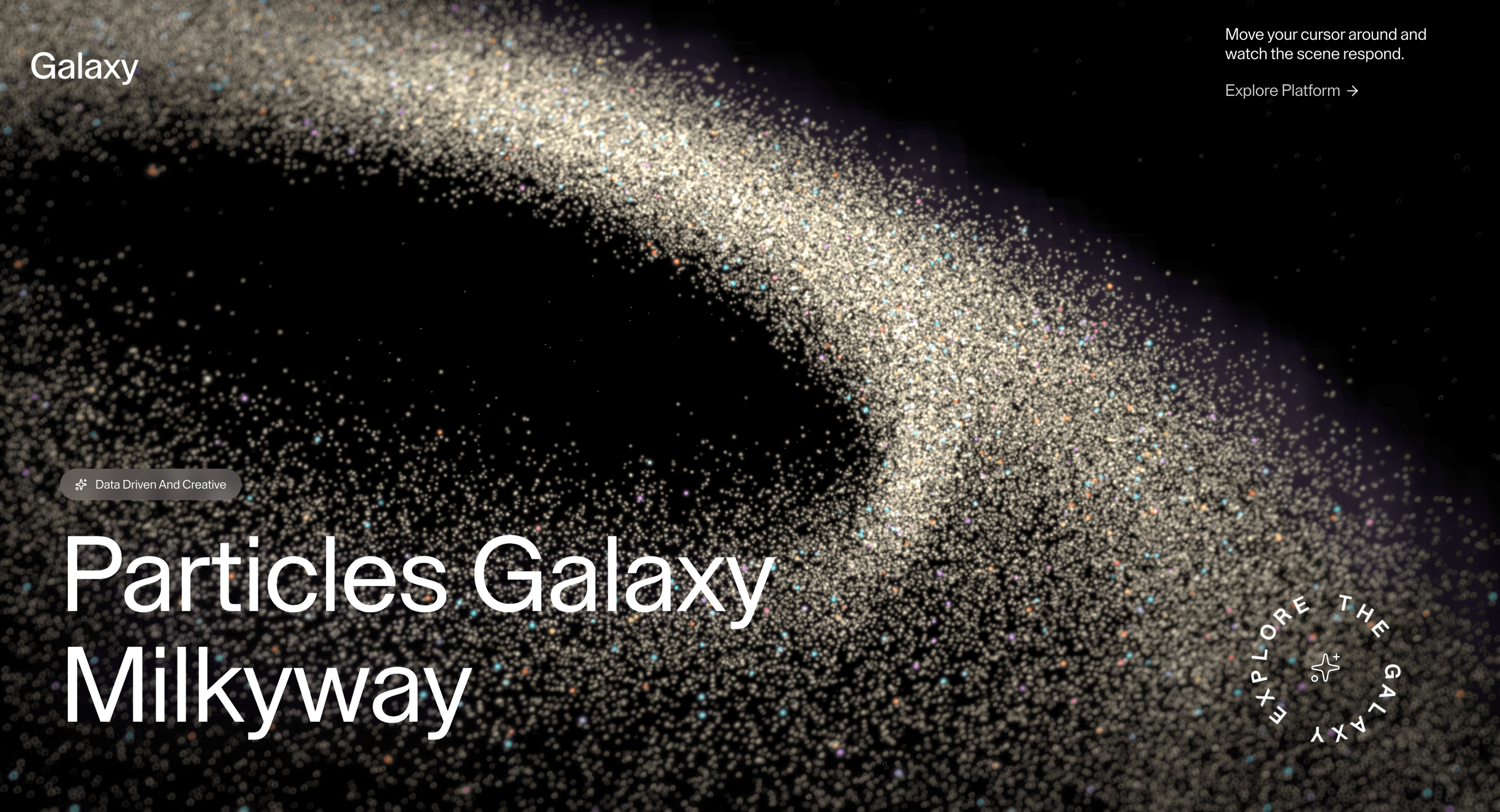
Milky Way gives the hero scale without weight: a starfield as atmosphere, not spectacle.
Use it for AI, space-adjacent, developer-tool, and premium brand heroes that need atmosphere behind a short claim. The page job is scale: the field should make the statement feel larger without adding visual noise.
The production risk is needless particles. If a static starfield gives the same feeling, ship the still on lower tiers.
Use this as WebGL production guidance. Verify the shipped source, rendering stack, dependency list, shader assets, resource disposal, pause/offscreen behavior, DPR strategy, poster fallback, and reduced-motion state before relying on exact props, defaults, imports, or installation steps.
Best Used For
Hero sections where atmospheric scale matters more than direct interaction.
AI and technical launch pages where a controlled starfield supports the first claim.
Portfolio or campaign pages where the field is ambience, not content.
Not For
Not for low-power-first pages, dense content, dashboards, checkout, or routes where performance is the main conversion lever.
Performance Budget
Cap DPR at 1.0 on touch/mobile and up to 1.5 on mid-range desktop. Pause Milky Way offscreen and in hidden tabs, reduce postprocessing before shipping, and keep texture sizes controlled.
Accessibility and Mobile
Keep meaningful content in HTML outside the canvas. On mobile, reduce shader quality and switch to a poster if the scene cannot hold frame rate.
Common Mistakes
Using particle density where a static starfield would carry the same atmosphere.
Making the starfield the only place the visual identity exists.
Leaving a continuous particle loop running below the fold.
Frequently Asked Questions
What GPU budget should Milky Way use on mobile and desktop?
A starfield's cost scales with particle count, so cap DPR at 1.0 on mobile and 1.5 on desktop and reduce the number of stars on smaller devices. Favor cheap point rendering over heavy per-particle shading. Confirm the field stays smooth on a phone before shipping.
What poster fallback should replace Milky Way when WebGL fails?
Use a static starfield image so the sense of scale survives without the live particles. The hero copy is HTML and reads regardless. A good still keeps the atmosphere intact.
How should Milky Way pause when offscreen or in a hidden tab?
Pause the particle animation when the canvas scrolls away or the tab is hidden, resuming on return. A drifting starfield left running in the background is needless GPU work. Use a visibility check with demand rendering.
Which content should stay outside the Milky Way canvas?
Headline, subhead, and CTA stay in the DOM over the field; the stars are ambience, not content. Don't place any message inside the rendered scene. Keep the CTA a real button.
When should I choose a static image instead of Milky Way?
Choose a static field when the motion is purely atmospheric, when targeting mobile, or when the page can't spare the GPU. If a still conveys the same scale, it's the efficient pick. Reserve the live starfield for heroes where the drift adds genuine mood.