Loading
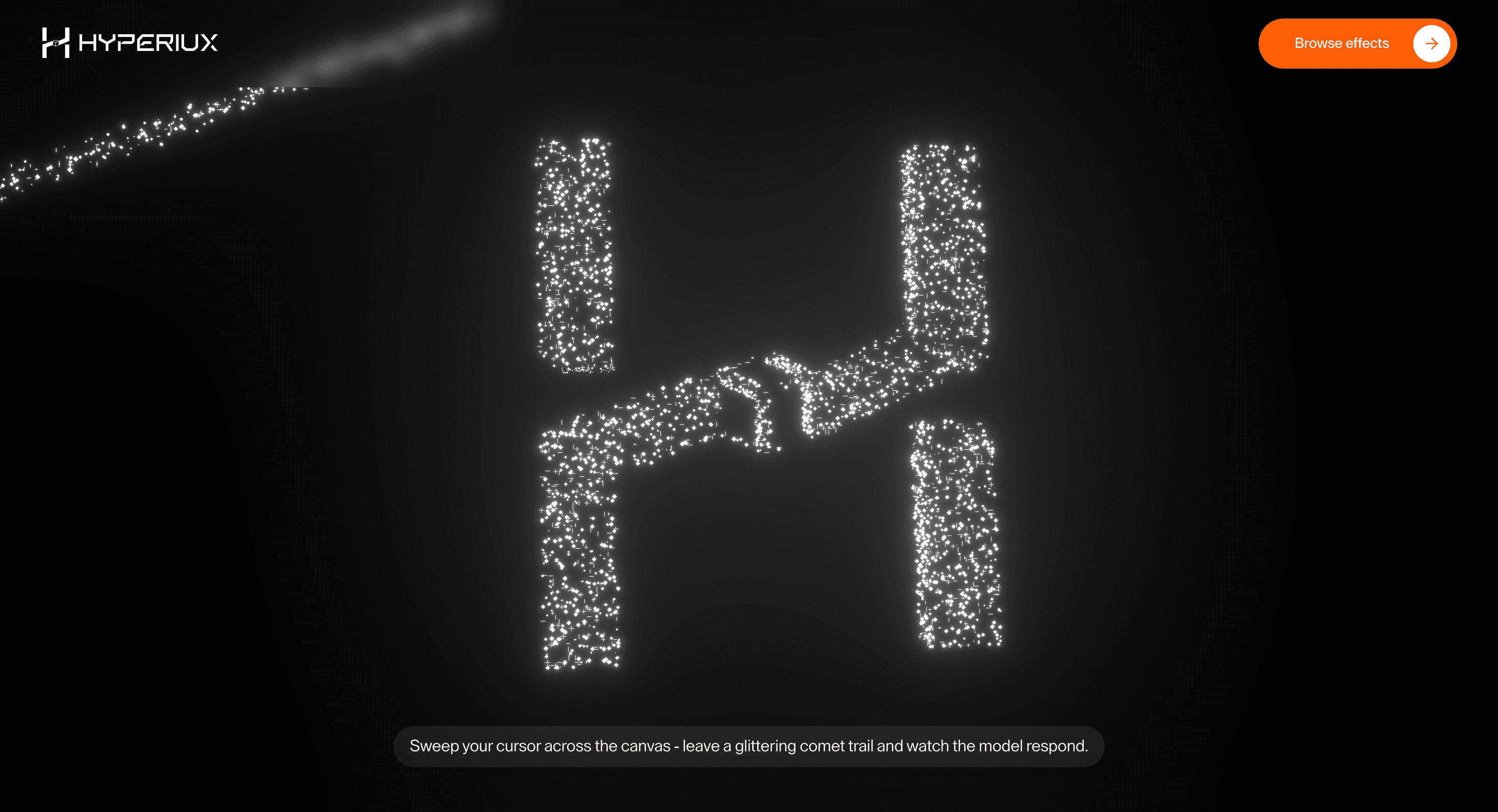
Hyperiux Glitter
Add a premium shimmer layer to brand heroes and launch sections, giving the page a polished visual surface without burying the message.
Published On: July 21, 2026
Last Updated: August 17, 2026
Three.js@react-three/fiber@react-three/drei@react-three/postprocessingpostprocessing
Overview
Hyperiux Glitter Concept gives a page surface a premium shimmer without turning the hero into a nightclub.
Use Hyperiux Glitter Concept when a brand needs light, signal, and movement as atmosphere. It belongs on high-craft homepages, launch sections, editorial intros, and premium product moments where the background can carry texture while the foreground still does the selling. The page job is polish: the visual surface should make the brand feel more considered, not louder.
The production risk is glare. Glitter effects can ruin contrast, distract from CTAs, and become expensive if every sparkle wants its own GPU budget. The shimmer should stay behind the message and disappear gracefully when motion, contrast, or device limits require it.
Install Command
This is a Pro Effect.
You can preview it now. Upgrade to Pro for instant install access.
Usage Code
This is a Pro Effect.
You can preview it now. Upgrade to Pro for instant install access.
Component Code
This is a Pro Effect.
You can preview it now. Upgrade to Pro for instant install access.
This is a Pro Effect.
You can preview it now. Upgrade to Pro for instant install access.
This is a Pro Effect.
You can preview it now. Upgrade to Pro for instant install access.
This is a Pro Effect.
You can preview it now. Upgrade to Pro for instant install access.
Example Production Use Case
A premium digital studio can use Hyperiux Glitter Concept behind a homepage hero where the brand wants craft before the first scroll. The glitter catches attention without moving the headline, form, or CTA. The outcome is polish: the page feels expensive without making the interface harder to use.
Best Used For
- Premium homepages where shimmer, texture, and light are part of the brand system.
- Launch sections that need atmosphere without video or a full 3D object scene.
- Short hero moments where the glitter can be restrained, masked, and paused.
Not For
Not for long reading pages, dashboards, forms, checkout, low-contrast layouts, or sites already carrying heavy video and WebGL.
Not for pages where the glitter competes with the headline or makes buttons harder to find.
Performance Budget
Cap DPR, keep particle or shader work lean, avoid heavy postprocessing unless it earns the scene, and pause animation offscreen. Provide a static gradient or image fallback for low-power devices.
Accessibility and Mobile
Treat the effect as decorative. Hide the canvas from assistive technology, preserve foreground contrast, and disable pointer-following shimmer on coarse pointers. Reduced-motion users should see a static surface.
Common Mistakes
- Letting sparkle density fight headline readability.
- Running the effect behind forms or important decision copy.
- Treating glitter as a brand strategy. It is light, not positioning.
Changelog
v1.0.1
Jul 21, 2026Add prefers-reduced-motion support
v1.0.0
Jul 20, 2026Initial release
Props
| Prop | Type | Default | Description |
|---|---|---|---|
glitterColor | string | #ffffff | Primary glitter color. |
accentColor | string | #ffffff | Secondary glitter highlight color. |
speed | number | 1 | Particle animation speed. |
mouseInfluence | number | 1 | Cursor influence on glitter movement. |
rotationInfluence | number | 1 | Cursor influence on model rotation. |
Frequently Asked Questions
When should I use Hyperiux Glitter Concept?
Use it when a premium homepage, product launch, or editorial hero needs a shimmering WebGL surface behind short foreground copy.
How do I keep glitter from hurting readability?
Mask the effect behind text zones, reduce brightness near CTAs, keep contrast high, and test the hero with real copy rather than placeholder type.
Should the effect respond to the pointer?
Only gently. Pointer response can make the surface feel alive, but it should never pull attention away from links, buttons, or forms.
What is the reduced-motion fallback?
Freeze the shimmer into a static texture, gradient, or poster image. The page should still feel designed without animated glitter.
Can this work on mobile?
Yes, if simplified. Reduce density, remove pointer behavior, cap DPR aggressively, or swap to a static visual on low-power devices.
Can Hyperiux adapt Hyperiux Glitter Concept for a real brand system?
Yes. A custom version should define shimmer style, color rules, masking, contrast limits, fallback design, performance budget, source handoff, and implementation notes for the specific page.
Request a Custom WebGL Animation
Need a custom effect? Tell us what to create.


