


Draggable Marquee
A moving marquee strip that users can drag, pause, and explore for logos, proof points, tags, awards, or visual content.
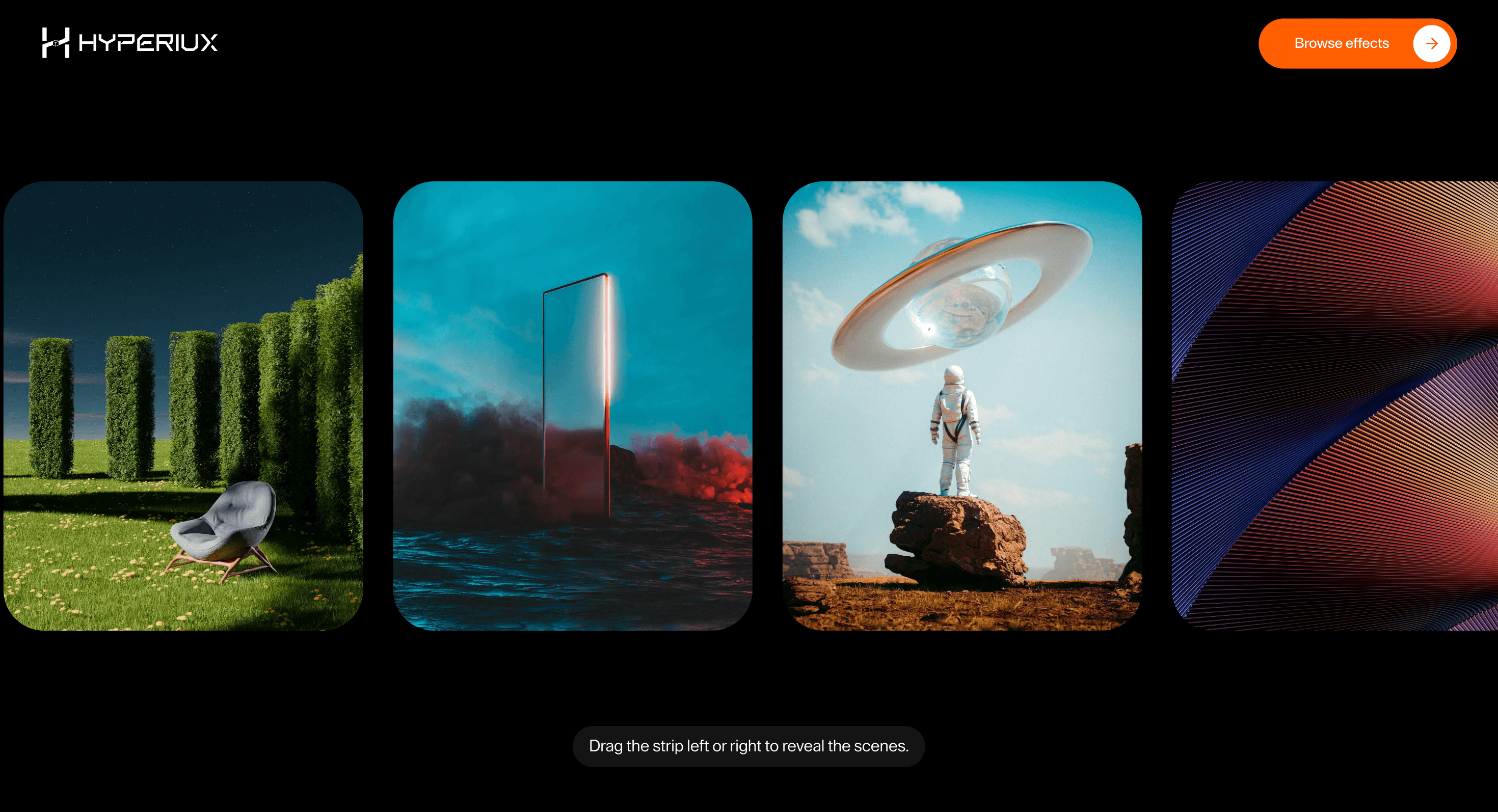
Overview
Draggable Marquee gives repeated content a second mode: scroll for rhythm, drag for choice.
Use Draggable Marquee when continuous motion should invite interruption. Brand campaigns and editorial pages use it best when visitors can grab a stream of logos, tags, images, or statements and change the pace themselves. The page job is participation: the marquee should feel alive because the visitor can steer it.
In production, the risk is control. If the marquee cannot pause, drag, or reduce motion cleanly, it becomes background noise with a pointer event attached.
Install Command
This is a Pro Effect.
You can preview it now. Upgrade to Pro for instant install access.
Usage Code
This is a Pro Effect.
You can preview it now. Upgrade to Pro for instant install access.
Component Code
This is a Pro Effect.
You can preview it now. Upgrade to Pro for instant install access.
This is a Pro Effect.
You can preview it now. Upgrade to Pro for instant install access.
This is a Pro Effect.
You can preview it now. Upgrade to Pro for instant install access.
Example Production Use Case
A campaign page showing partner logos and short messages: Draggable Marquee lets visitors interrupt the motion and inspect the stream at their own pace. The outcome is participation: the section feels active without hiding the content.
Best Used For
- Logo, award, partner, or tech-stack strips where visitors may want to pause and inspect the stream.
- Logo, tech-stack, and award strips that should drift but also invite a flick.
- Draggable Marquee creates a concrete scroll outcome that a static section would not deliver.
Not For
- Not for mandatory proof, compliance logos, or content users must read in sequence.
- Not for logo strips where motion prevents recognition, trust, or partner scanning.
Performance Budget
Animate transform and opacity, avoid layout reads in scroll handlers, pre-size media, and clean up timelines/listeners when the route changes.
Accessibility and Mobile
The animated sequence must match DOM order. On mobile, replace pinned or horizontal mechanics with stacked sections, native swipe, or static cards.
Common Mistakes
- Letting horizontal drag fight native vertical scrolling.
- Using motion for logos that must be recognized quickly.
- Making the marquee the only way to access important proof.
Changelog
v1.1.1
Jul 23, 2026v1.1.0
Jul 21, 2026Props
| Prop | Type | Default | Description |
|---|---|---|---|
speed | number | 7.2 | Autoplay movement speed (px per tick). |
pauseOnHover | boolean | false | Pauses autoplay while hovered. |
throwMultiplier | number | 2.8 | Drag-release momentum strength. |
throwFriction | number | 0.975 | Momentum decay rate per frame after a drag release — closer to 1 coasts longer. |
Frequently Asked Questions
What makes Draggable Marquee different from a standard scroll reveal?
It gives a repeating strip two modes: it drifts on its own for rhythm, and the user can grab and drag it to take control. A standard reveal is a one-way entrance; this is an ongoing, optionally interactive band. Use it for logos, tags, or proof that should move but also invite a flick.
How should Draggable Marquee simplify on mobile devices?
Touch already implies dragging, so make the swipe gesture first-class and ensure horizontal drag doesn't fight vertical page scroll. Keep auto-scroll gentle so it doesn't compete with the user. Reduced-motion users should see a static, readable strip.
What should developers test before shipping Draggable Marquee?
Verify drag and native scroll don't conflict, that momentum settles predictably, and that keyboard users can reach and read every item without the drag. Confirm the loop doesn't leak nodes over time. Check that the content is real, focusable HTML, not painted text.
Which content structure works best with Draggable Marquee?
Short, equal-weight, repeatable items like client logos, technologies, awards, or tags — where order isn't critical. It's wrong for sequential arguments or anything that must be read top to bottom. Keep each item glanceable.
When should I avoid Draggable Marquee even if the preview looks good?
Avoid it for important sequential content, for anything that must be fully read, or where horizontal drag would interfere with scrolling on touch. If the items carry real meaning that order conveys, use a list. Skip it when motion is the only reason it's there.
Request a Custom Scroll Effect Animation
Need a custom effect? Tell us what to create.


