


3D Portfolio Slider
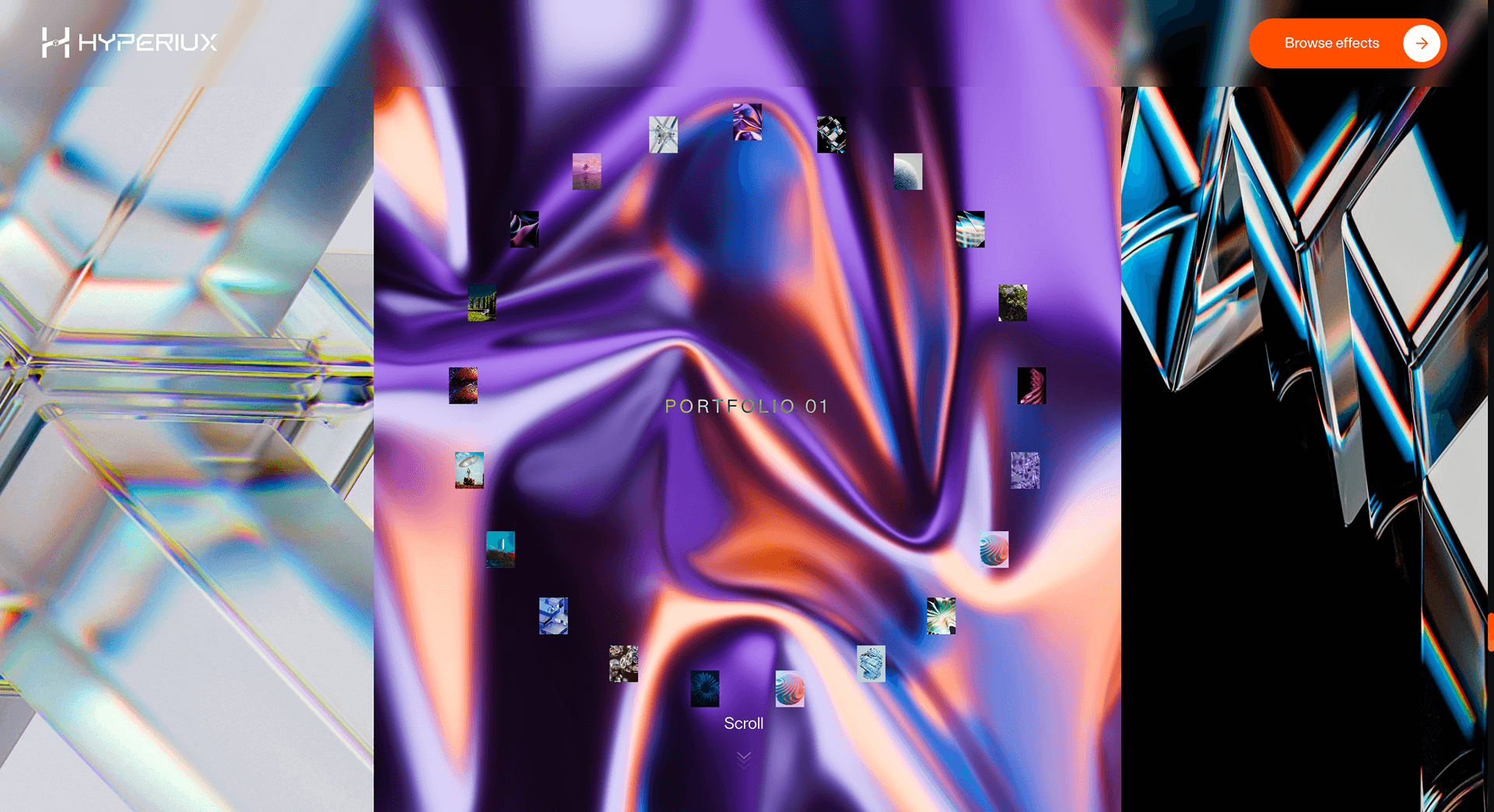
A spatial portfolio slider that gives selected projects depth, movement, and presence as users scroll through the page.
Overview
3D Portfolio Slider turns a portfolio grid into a controlled spatial reveal. Each project gains presence before it gets evaluated.
Use 3D Portfolio Slider when the work itself needs to feel spatial. Creative agencies, studios, and portfolio developers are the natural fit because the effect turns browsing into a controlled reveal of craft, not a thumbnail wall. The page job is presence: each project should feel like it occupies space before the visitor clicks through.
The risk in production is whether perspective and depth remain coherent when aspect ratios change. The fallback should become a readable portfolio stack, not a broken 3D lane squeezed into a phone.
Install Command
This is a Pro Effect.
You can preview it now. Upgrade to Pro for instant install access.
Usage Code
This is a Pro Effect.
You can preview it now. Upgrade to Pro for instant install access.
Component Code
This is a Pro Effect.
You can preview it now. Upgrade to Pro for instant install access.
This is a Pro Effect.
You can preview it now. Upgrade to Pro for instant install access.
This is a Pro Effect.
You can preview it now. Upgrade to Pro for instant install access.
Example Production Use Case
A creative studio rebuilding its portfolio page: 3D Portfolio Slider introduces scroll-linked depth so browsing the work feels like moving through it. The outcome is presence: the work is experienced before it is evaluated.
Best Used For
- Studio portfolios where scroll-linked depth makes selected work feel spatial rather than listed.
- Agency and studio portfolios where the work should feel dimensional, not listed.
- Makes agency and studio portfolios feel spatially considered rather than just well-photographed.
Not For
Not for large portfolio archives where visitors need to compare many projects or open work from a simple grid.
Not for low-power-first audiences unless a static project grid is the primary fallback.
Performance Budget
Animate transform and opacity, avoid layout reads in scroll handlers, pre-size media, and clean up timelines/listeners when the route changes.
Accessibility and Mobile
The animated sequence must match DOM order. On mobile, replace pinned or horizontal mechanics with stacked sections, native swipe, or static cards.
Common Mistakes
- Using aggressive perspective that distorts the work instead of framing it.
- Letting the spatial lane replace a portfolio grid where visitors need fast comparison.
- Testing with placeholder images instead of real project crops and aspect ratios.
Changelog
v1.0.2
Jul 23, 2026v1.0.1
Jul 22, 2026Props
| Prop | Type | Default | Description |
|---|---|---|---|
zoomFactor | number | 1 | Multiplier on the shader zoom applied to planes as they swing away from center. |
scrollSpeed | number | 0.01 | How fast wheel/scroll input moves the carousel. |
showCaption | boolean | true | Shows the project caption text overlay. |
Frequently Asked Questions
What perspective depth works for portfolio cards on desktop and tablet?
Enough perspective to suggest space without warping the work - strong depth flatters the motion but distorts the thumbnails you're trying to sell. Keep the tilt subtle on tablet, where viewing angles are wider and the cards are physically smaller. Preview with real project imagery, since aggressive perspective that looks good on placeholders often hurts actual photography.
Does 3D Portfolio Slider use CSS transforms or WebGL?
This is exactly the kind of fact to confirm against the shipped component rather than assume, because the answer changes how you budget performance and fallbacks. A CSS-transform build is lighter and degrades to a flat grid easily; a WebGL build needs a poster fallback and GPU budgeting. Treat the implementation detail as a verification item before you commit the page.
How many portfolio items can it handle before performance drops?
The cost scales with how many cards are transformed and composited at once, not with the total project count, so virtualize or window the list and only animate what's near the viewport. A dozen featured pieces usually stays smooth; a full archive should page or lazy-mount. Measure on a mid-range laptop and a real phone before shipping a large set.
What keyboard pattern should a 3D portfolio slider support?
Each project should be reachable and operable by keyboard in the same order it appears in the DOM, with a visible focus state and Enter/Space to open. Arrow keys can move between cards, but tab order and focus must never depend on the 3D transform. If the spatial interaction can't be made keyboard-equivalent, expose the same projects as a plain focusable list.
When is a masonry grid better than 3D Portfolio Slider?
Choose masonry when visitors need to compare many pieces quickly, when the work is mixed-aspect, or when most traffic is mobile and scanning matters more than presence. The 3D slider earns its weight on a focused, curated set where each project deserves a beat of attention. If the goal is breadth and fast triage, the static grid wins.
Request a Custom Scroll Effect Animation
Need a custom effect? Tell us what to create.


