Loading
Cursor Move
Make the page respond to pointer position with animated text, coordinates, or visual feedback that feels reactive without taking over.
Published On: June 4, 2026
Last Updated: August 17, 2026
mouse-tracking
Overview
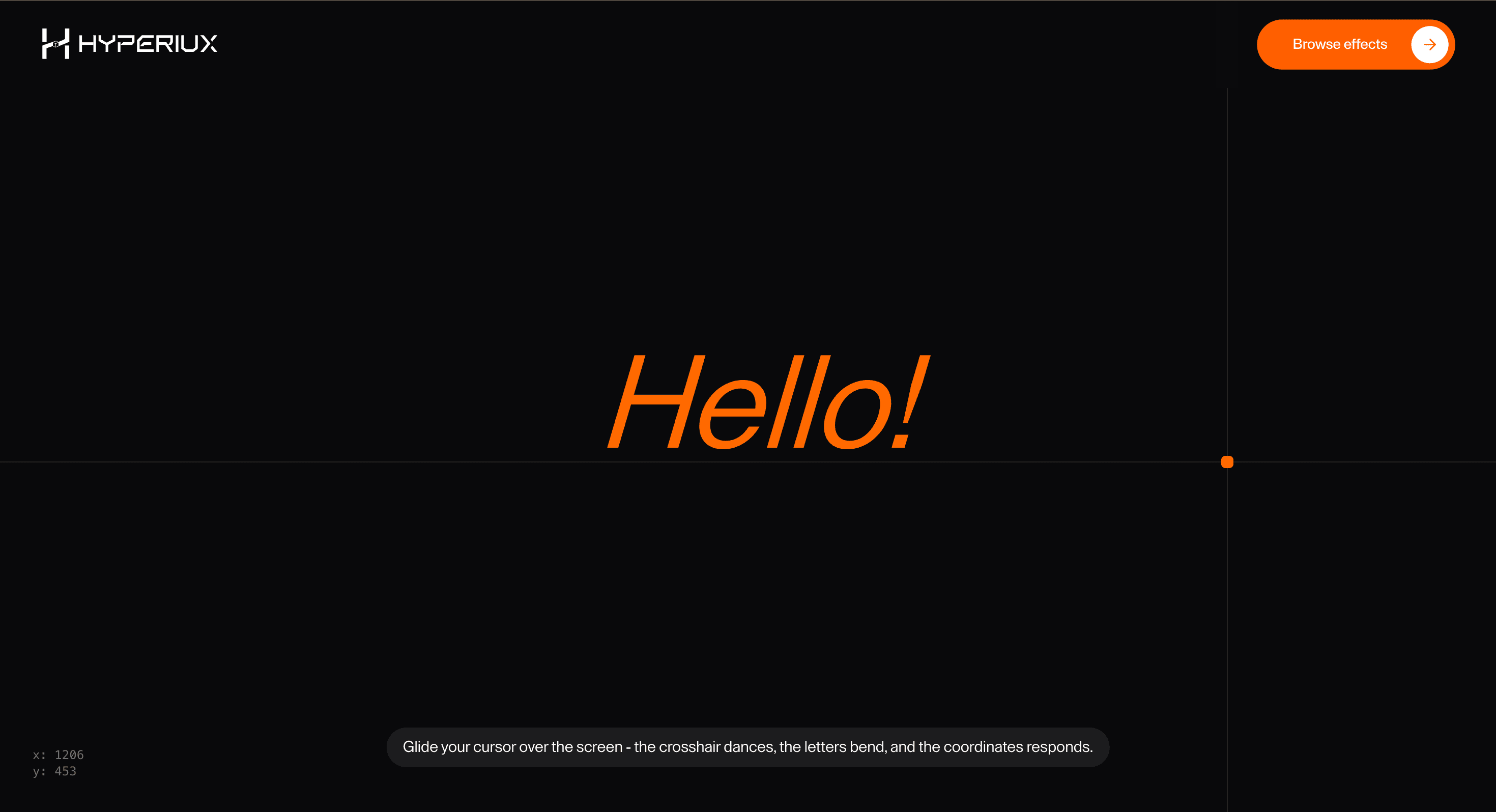
Cursor Move turns pointer position into visible feedback. The page reacts like it knows exactly where the visitor is.
Use Cursor Move when a homepage, demo page, or experimental section wants pointer tracking to be part of the interaction layer. The page job is responsiveness: cursor movement should feel connected to text, coordinates, or visual guides without taking control away from the user.
The production risk is novelty fatigue. Pointer-tracking demos are fun for five seconds and annoying forever if they cover content, slow input, or keep running on touch devices. The effect should be short, optional, and easy to remove.
Install Command
This is a Pro Effect.
You can preview it now. Upgrade to Pro for instant install access.
Usage Code
This is a Pro Effect.
You can preview it now. Upgrade to Pro for instant install access.
Component Code
This is a Pro Effect.
You can preview it now. Upgrade to Pro for instant install access.
Example Production Use Case
A creative developer portfolio can use Cursor Move in a short hero interaction where coordinates and text distortion introduce the site’s personality. The outcome is responsiveness: the visitor feels the page react before they scroll into the work.
Best Used For
- Creative portfolio heroes where pointer tracking supports the brand personality.
- Experimental landing sections that need a small desktop-only interaction.
- Demo pages where coordinates, text bending, or cursor response is the point.
Not For
Not for product flows, forms, dashboards, checkout, mobile-first pages, or any screen where pointer movement would distract from task completion.
Not for long pages where the effect follows the visitor forever.
Performance Budget
Throttle pointer updates with requestAnimationFrame, avoid updating React state on every raw mouse event where unnecessary, and clean up listeners on route change.
Accessibility and Mobile
Disable on coarse pointers and keep native touch behavior. Do not expose rapidly changing coordinates to assistive technology unless they are essential, which they usually are not. Reduced-motion users should get static text.
Common Mistakes
- Updating layout on every pointer move.
- Making coordinates or animated letters the only readable text.
- Forgetting the “desktop only” nature of the interaction.
Changelog
v1.0.1
Jul 23, 2026Added reduced-motion support and optimized cursor tracking.
v1.0.0
Jun 4, 2026Initial release
Props
| Prop | Type | Default | Description |
|---|---|---|---|
text | string | hello! | Text affected by cursor movement. |
showCrosshair | boolean | true | Shows the cursor-following crosshair. |
crosshairVariant | string | solid | Crosshair line style. |
showCursorDot | boolean | true | Shows the small cursor dot. |
lerp | number | 0.2 | Mouse-follow smoothing amount; lower values feel smoother and slower, higher values track faster. |
showCoordinates | boolean | true | Shows the live x/y coordinate readout. |
Frequently Asked Questions
When should I use Cursor Move?
Use it when pointer position itself is part of a short creative or technical interaction.
Should Cursor Move run across the whole site?
Usually no. Keep it scoped to a hero, demo, or controlled section so it does not become background noise.
How should it handle coordinates?
Coordinates can be visual decoration, but they should not be announced continuously or required to understand the page.
What should happen on mobile?
Disable the cursor-specific behavior and show a static section or tap-safe alternative.
What should reduced motion do?
Remove pointer-following motion, letter bending, coordinate movement, and continuous tracking effects.
Can Hyperiux adapt Cursor Move for a real brand system?
Yes. A custom version should define pointer behavior, text response, coordinate treatment, motion boundaries, fallback behavior, source handoff, and implementation notes.
Request a Custom Cursor Animation
Need a custom effect? Tell us what to create.


