Loading
Full Screen Crosshair
Turn pointer movement into a precise viewport-wide tracking layer for technical, cyber, and experimental desktop experiences.
Published On: June 4, 2026
Last Updated: August 17, 2026
mouse-tracking
Overview
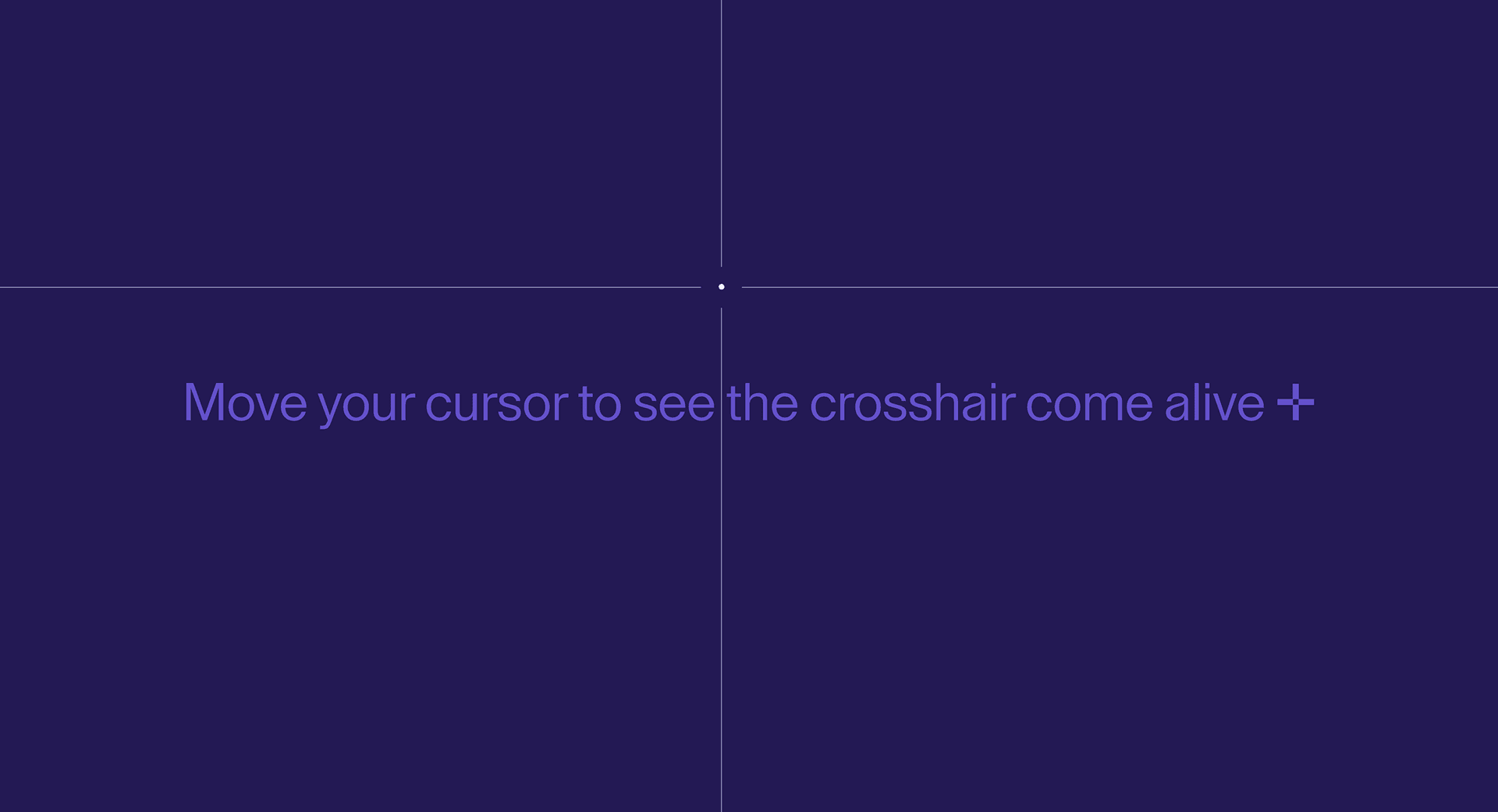
Full Screen Crosshair turns pointer movement into a measurement layer. The page feels inspected, targeted, and slightly dangerous in a good way.
Use Full Screen Crosshair when a technical, cyber, AI, editorial, or experimental brand wants the pointer to become part of the visual language. The page job is precision: movement should make the interface feel deliberate, not decorated.
The production risk is interference. A full-screen cursor layer can cover focus rings, fight selection, obscure controls, or feel absurd on touch devices. Treat it as disposable: disable it on coarse pointers, keep it below interactive UI, and make sure the page works perfectly without it.
Install Command
This is a Pro Effect.
You can preview it now. Upgrade to Pro for instant install access.
Usage Code
This is a Pro Effect.
You can preview it now. Upgrade to Pro for instant install access.
Component Code
This is a Pro Effect.
You can preview it now. Upgrade to Pro for instant install access.
This is a Pro Effect.
You can preview it now. Upgrade to Pro for instant install access.
This is a Pro Effect.
You can preview it now. Upgrade to Pro for instant install access.
Example Production Use Case
A cybersecurity landing page can use Full Screen Crosshair in the hero to make the page feel like an active targeting surface. The outcome is precision: the brand tone sharpens while the headline and CTA remain fully usable.
Best Used For
- Technical, cyber, AI, and experimental homepages where pointer tracking supports the brand mood.
- Desktop hero sections that can carry a full-screen visual cursor layer.
- Interactive pages where the crosshair can vanish without removing content or control.
Not For
Not for dashboards, checkout, forms, editors, documentation, or mobile-first routes where native cursor and text selection matter more.
Not for pages where the crosshair sits above links, inputs, modals, or focus states.
Performance Budget
Use a single overlay layer, update position with requestAnimationFrame, avoid layout reads on every pointer move, and remove listeners on unmount.
Accessibility and Mobile
Disable on coarse pointers. Keep native touch behavior. Preserve visible focus states, text selection, and click targets. Reduced-motion users should get the normal cursor without tracking lines.
Common Mistakes
- Placing the crosshair above clickable UI.
- Forgetting to disable the effect on touch devices.
- Letting coordinate or line motion distract from the CTA.
Changelog
v1.0.1
Jul 23, 2026Added reduced-motion support .
v1.0.0
Jun 4, 2026Initial release
Props
| Prop | Type | Default | Description |
|---|---|---|---|
color | color | #ffffff | Crosshair line and center color. |
centerContent | string | • | Text or symbol shown at the cursor center. |
hideNativeCursor | boolean | true | Hides the system cursor while the crosshair is active. |
gap | number | 20 | Gap around the center symbol. |
thickness | number | 1 | Line thickness in pixels. |
centerSize | number | 24 | Center symbol size in pixels. |
smooth | boolean | true | Enables smoothed cursor tracking. |
lerpFactor | number | 0.14 | Controls cursor smoothing speed. |
Frequently Asked Questions
When should I use Full Screen Crosshair?
Use it when a desktop technical or experimental page needs pointer movement to feel precise, inspected, or targeted.
Should Full Screen Crosshair work on mobile?
No. Disable it on coarse pointers and provide normal touch behavior.
Can it show coordinates?
It can, but coordinate text should be decorative unless the page has a real measurement use case. Avoid making screen readers announce pointer changes.
How should it behave around buttons and links?
Buttons, links, focus rings, menus, and modals must remain above and fully usable. The crosshair should use pointer-events: none where appropriate.
What should reduced motion do?
Disable continuous pointer-following movement and return to the native cursor or a static state.
Can Hyperiux adapt Full Screen Crosshair for a real brand system?
Yes. A custom version should define crosshair style, coordinate behavior, z-index rules, reduced-motion fallback, mobile disablement, source handoff, and implementation notes.
Request a Custom Cursor Effect
Need a custom effect? Tell us what to create.


