Tabs
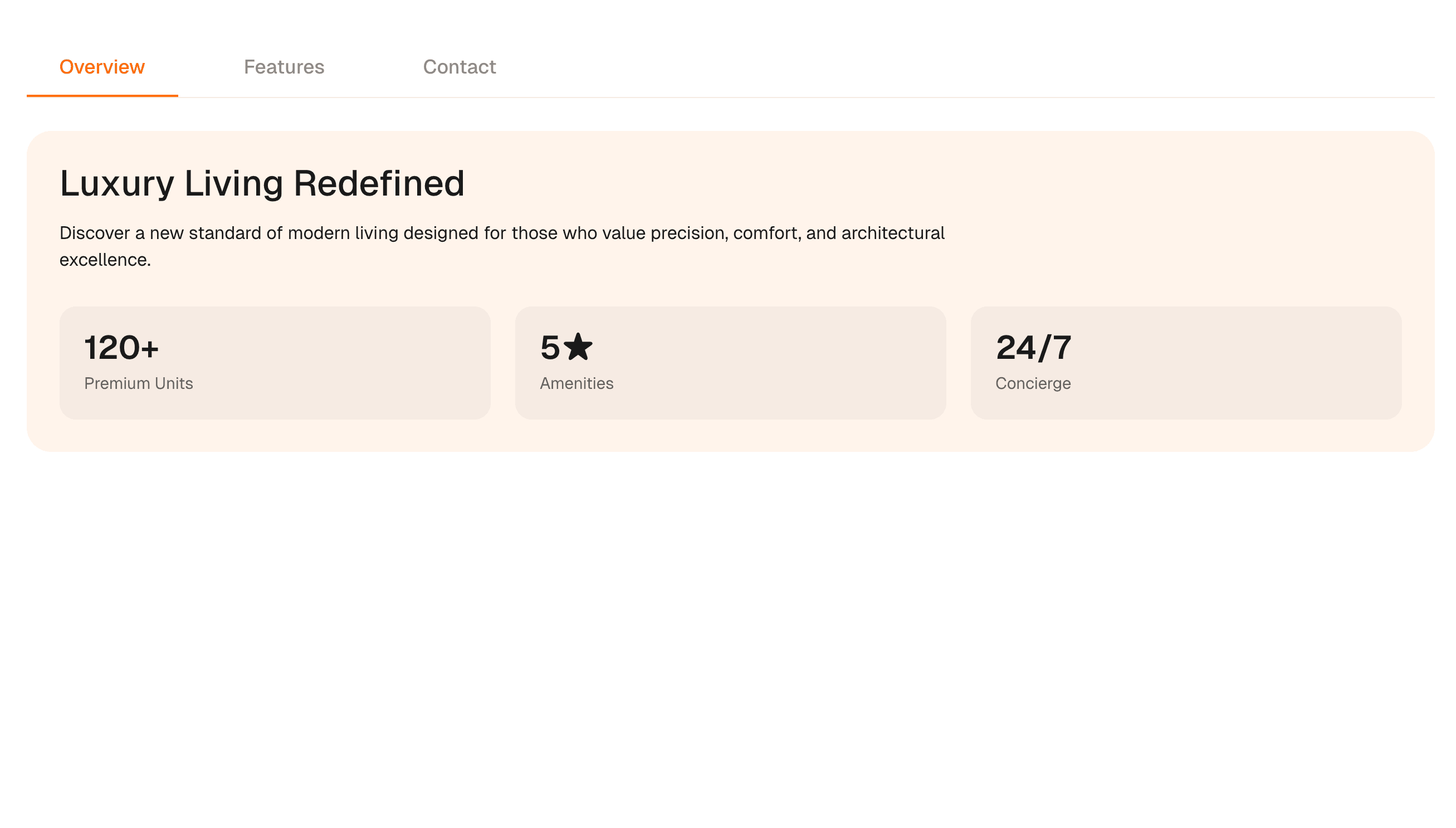
Overview
Tabs organize dense product content into a tablist, tabs, and tabpanels that stay readable before animation enters.
Use Tabs when related content has equal standing and the first screen would become too heavy if every panel appeared at once. The page job is organized depth: users should understand the available panels and move between them with pointer or keyboard.
In production, the risk is hidden content that cannot be reached predictably. Implement tablist, tab, tabpanel, selected state, and arrow-key behavior before adding panel motion.
Install
Pro Source Code is Locked
Subscribe to Hyperiux Pro to access this source code and 100+ others.
Usage
page.js is Locked
Subscribe to Hyperiux Pro to access this source code and 100+ others.
Component Code
TabsComp.jsx is Locked
Subscribe to Hyperiux Pro to access this source code and 100+ others.
Example Production Use Case
A SaaS product page can use Tabs to organize use cases, integrations, feature groups, or implementation options while keeping each panel crawlable or represented in server-rendered copy.
Best Used For
- Product sections where dense information needs clear grouping.
- Integration, pricing-detail, or use-case sections where each panel has equal weight.
- Pages where keyboard navigation and selected state are part of trust.
Not For
Not for content that must be compared side by side, discovered through search snippets, or read in one continuous flow.
Performance Budget
Avoid remounting heavy panels on every tab change unless necessary, pre-size panel space where possible, and keep transitions short.
Accessibility and Mobile
Expose tablist, tab, selected state, and tabpanel relationships where appropriate. On mobile, switch to stacked sections when horizontal tabs become cramped.
Common Mistakes
- Using tabs for unrelated content.
- Hiding important SEO copy in client-only inactive panels.
- Skipping keyboard movement between tabs.
Frequently Asked Questions
Which keyboard behavior do Tabs need?
When should tabs become stacked sections?
Are tabs good for SEO?
Can Hyperiux adapt Tabs for a real brand system?
Request a Custom Creative Component Animation
Need a custom effect? Tell us what to create.