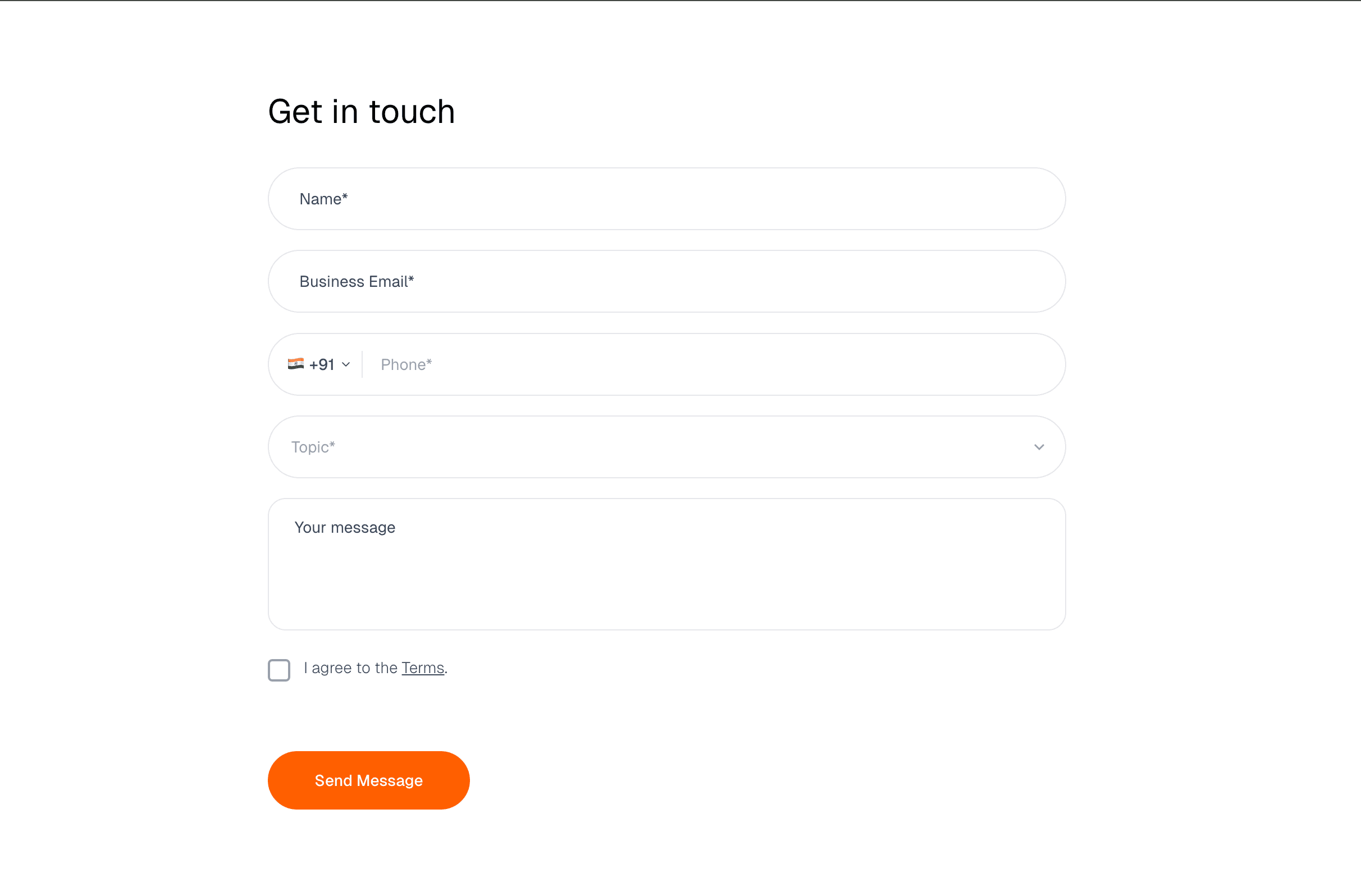
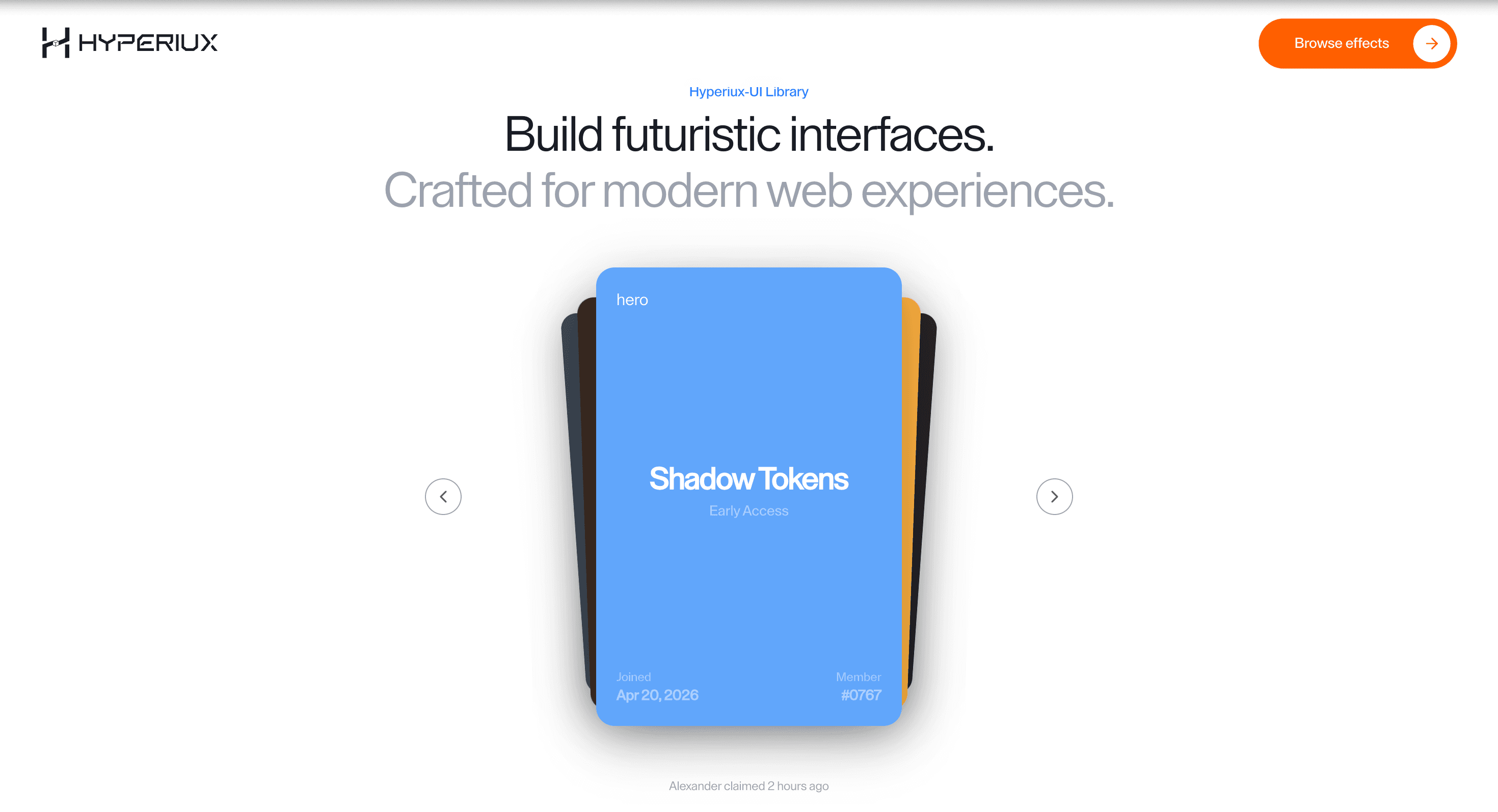
Form uses motion to clarify input, validation, submit, error, and success states without slowing the user down.
Use it for lead capture, demo requests, waitlists, onboarding, and contact flows where state clarity matters. The page job is completion: labels, validation, help text, error messages, submit state, and success confirmation should be obvious.
The risk in production is decoration during typing. Animation must never delay input, validation, error discovery, or submission feedback.
A demo-request page can use Form when the team needs clear labels, inline validation, submit progress, error recovery, and a visible success state without adding friction.
Best Used For
Lead-capture forms that need validation clarity and visible submit state.
Demo request and waitlist flows where errors must be easy to recover from.
Product pages where the form is the conversion point, not a design flourish.
Not For
Not for flows where animation delays typing, validation, error discovery, payment, or submit feedback.
Performance Budget
Keep typing independent from decorative motion, debounce expensive validation, and avoid re-rendering the full form on every keystroke.
Accessibility and Mobile
Every field needs a label or accessible name, errors need field association, and submit state should be perceivable without relying on colour alone. On mobile, keep inputs large and keyboard-friendly.
Common Mistakes
Animating labels until the accessible name becomes unclear.
Showing errors visually without tying them to fields.
Making users wait for decoration before the form accepts input.
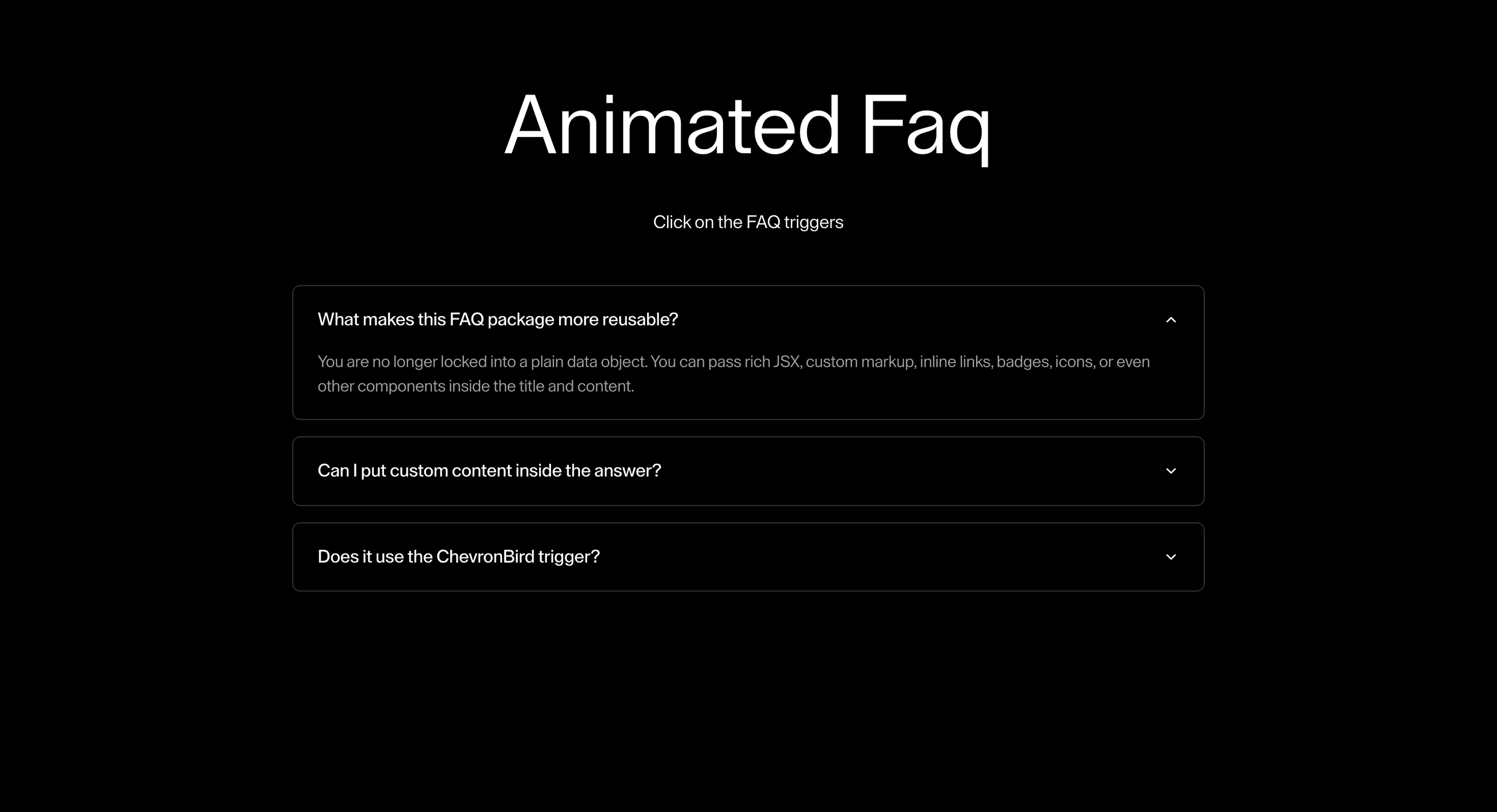
Frequently Asked Questions
Which states must the Form page document?
Label, focus, validation, submit/pending, error, and success states. A form page without state rules is not launch-ready.
How should errors be shown?
Inline, tied to the field, written plainly, and not hidden behind animation. Users should know what failed and how to fix it.
Can animated forms improve conversion?
Only when motion clarifies state. If it delays typing, hides validation, or makes errors feel playful, it hurts completion.
Can Hyperiux adapt Form for a real brand system?
Yes. A custom version should define content structure, accessibility behavior, motion rules, reduced-motion behavior, source handoff, and implementation notes for the specific page job.