Loading
Dither Canvas
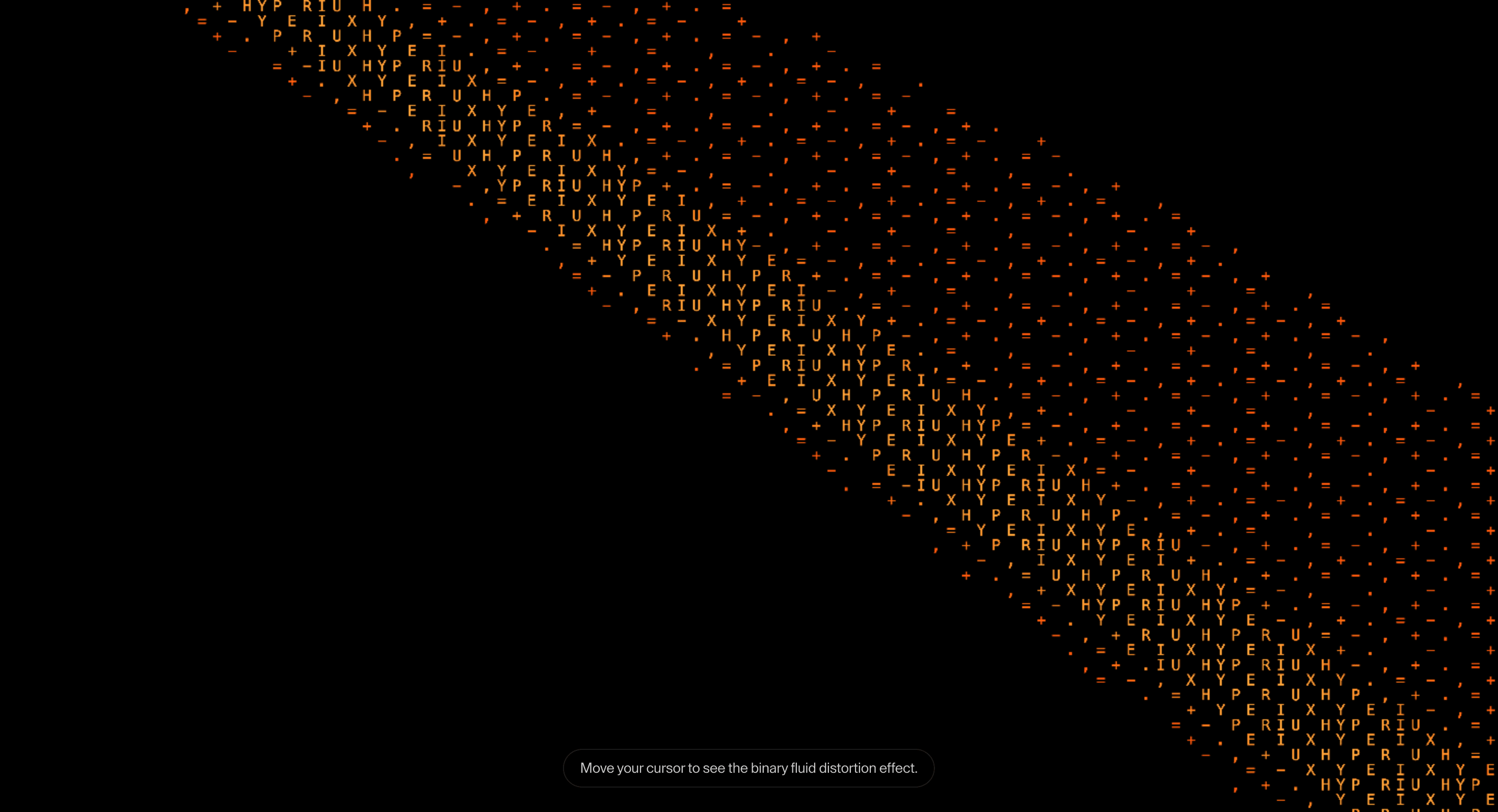
A grainy canvas background that adds computational texture behind hero copy, product sections, and technical brand moments.
Published On: June 4, 2026
Last Updated: August 17, 2026
canvas-shader
Overview
Dither Canvas creates a supporting surface: a grainy digital texture gives the hero signal.
Use it behind hero copy, product sections, and technical brand moments where the background should make the page feel engineered without asking the browser to run a cinematic universe.
The main risk is readability. Headlines, body copy, fields, and CTAs must stay clear above the layer. The effect should be easy to freeze, lower in density, or replace with a static texture on mobile and reduced-motion contexts.
Install Command
This is a Pro Effect.
You can preview it now. Upgrade to Pro for instant install access.
Usage Code
This is a Pro Effect.
You can preview it now. Upgrade to Pro for instant install access.
Component Code
This is a Pro Effect.
You can preview it now. Upgrade to Pro for instant install access.
This is a Pro Effect.
You can preview it now. Upgrade to Pro for instant install access.
Example Production Use Case
Use this as background-layer implementation guidance. Verify whether the shipped effect is CSS, canvas, or another rendering layer before publishing density, speed, color, opacity, dependency, or default-value details. In production, preserve readable HTML above the surface, cap animation cost, pause offscreen work, and provide a static fallback.
Best Used For
• Technical and editorial heroes where grain, signal, or computational texture supports the claim.
• Short, high-contrast sections that can pause animation or swap to a static texture.
• Dither Canvas adds atmosphere behind the message without making the background the product.
Not For
Not for low-contrast text sections, long reading pages, or pages already carrying heavy video/WebGL cost.
Performance Budget
Keep density low enough to protect text, pause animated canvas work offscreen, and provide a static CSS/image fallback.
Accessibility and Mobile
Decorative backgrounds should be hidden from assistive technology. On mobile, reduce density and keep foreground contrast high.
Common Mistakes
- Letting Dither Canvas compete with foreground text.
- Animating canvas work offscreen.
- Choosing canvas/WebGL when CSS would do the job.
Changelog
v1.0.1
Jul 22, 2026Added a reduced-motion notice: this effect is a continuous cursor-driven fluid distortion and can't be reduced without losing it entirely, so it now surfaces that instead of silently ignoring the preference.
v1.0.0
Jul 21, 2026Initial release
Props
| Prop | Type | Default | Description |
|---|---|---|---|
charColumns | number | 145 | Controls the density of generated character columns. |
colorizeFromVideo | boolean | false | Uses video color data instead of fixed monochrome characters. |
videoZoom | number | 1 | Zoom level applied to the video source. |
charZoom | number | 1 | Scale factor for the rendered character grid. |
colorBoost | number | 1.4 | Boosts sampled color intensity. |
Frequently Asked Questions
When should I use Dither Canvas?
Use it when a grainy digital texture gives the hero signal supports the foreground message without harming readability.
Can Dither Canvas ship without WebGL?
Yes if the visual can be handled with CSS or canvas. Do not reach for WebGL unless the hero needs shader-led depth.
How do I protect text contrast with Dither Canvas?
Use masks, fades, lower opacity, and density controls around headings, forms, and CTAs.
Should Dither Canvas pause offscreen?
Animated canvas variants should pause offscreen and when the tab is hidden.
What is the mobile fallback for Dither Canvas?
Reduce density, disable pointer reaction, or switch to a static texture.
Request a Custom Background Animation
Need a custom effect? Tell us what to create.


