Pro
canvas-shader
Dither Canvas
Backgrounds
A lightweight dotted grid background that gives SaaS, AI, developer-tool, and technical landing pages a clean structural layer.
Dotted Grid gives SaaS, AI, and developer-tool heroes a quiet technical structure behind readable foreground copy.
Use it when the page needs an engineered surface without video, WebGL, or heavy animation. The grid should support the message, not compete with it.
The production risk is readability. Headlines, body copy, fields, and CTAs must stay clear above the layer. The effect should be easy to freeze, lower in density, or replace with a static texture on mobile and reduced-motion contexts.
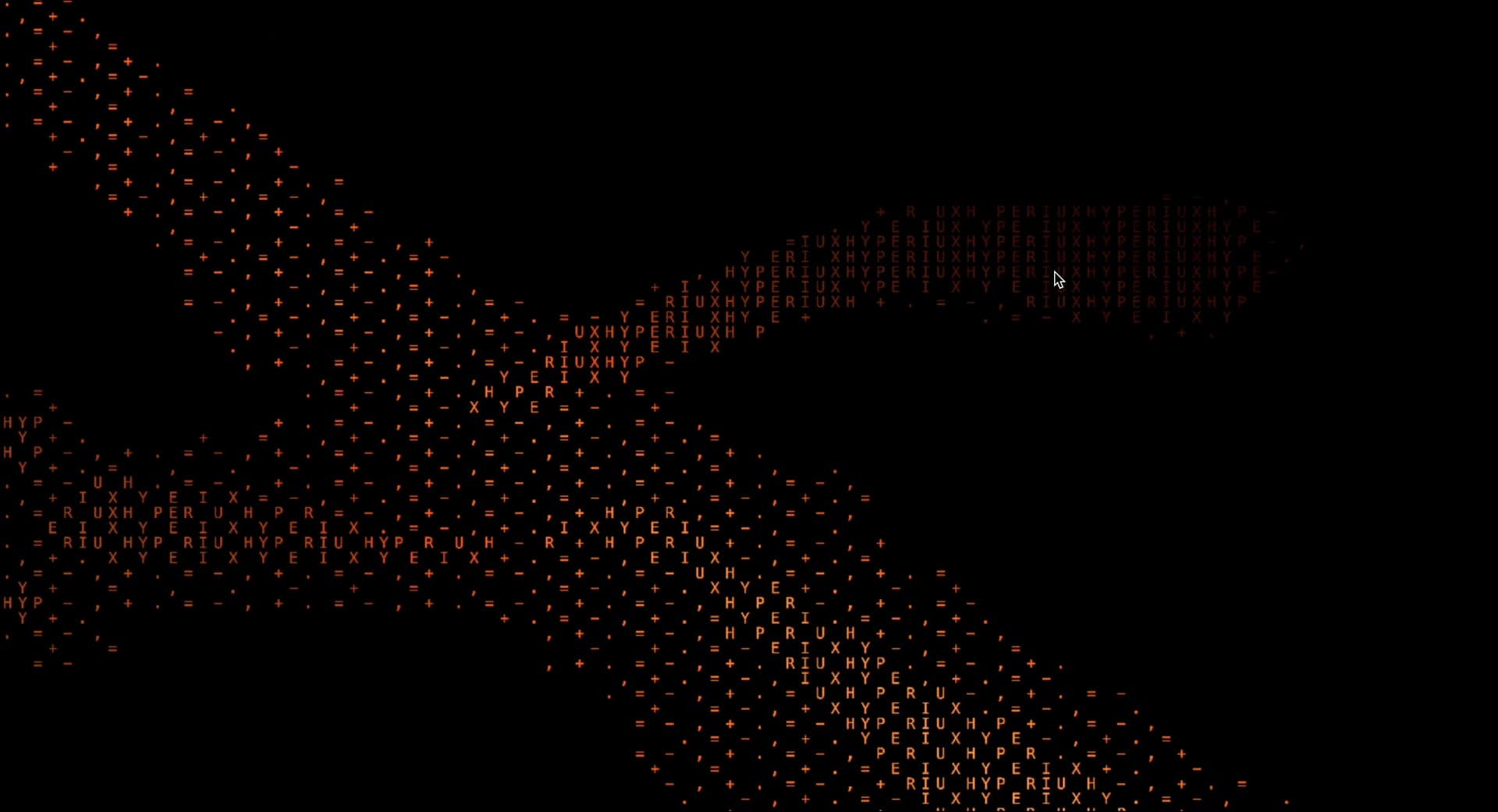
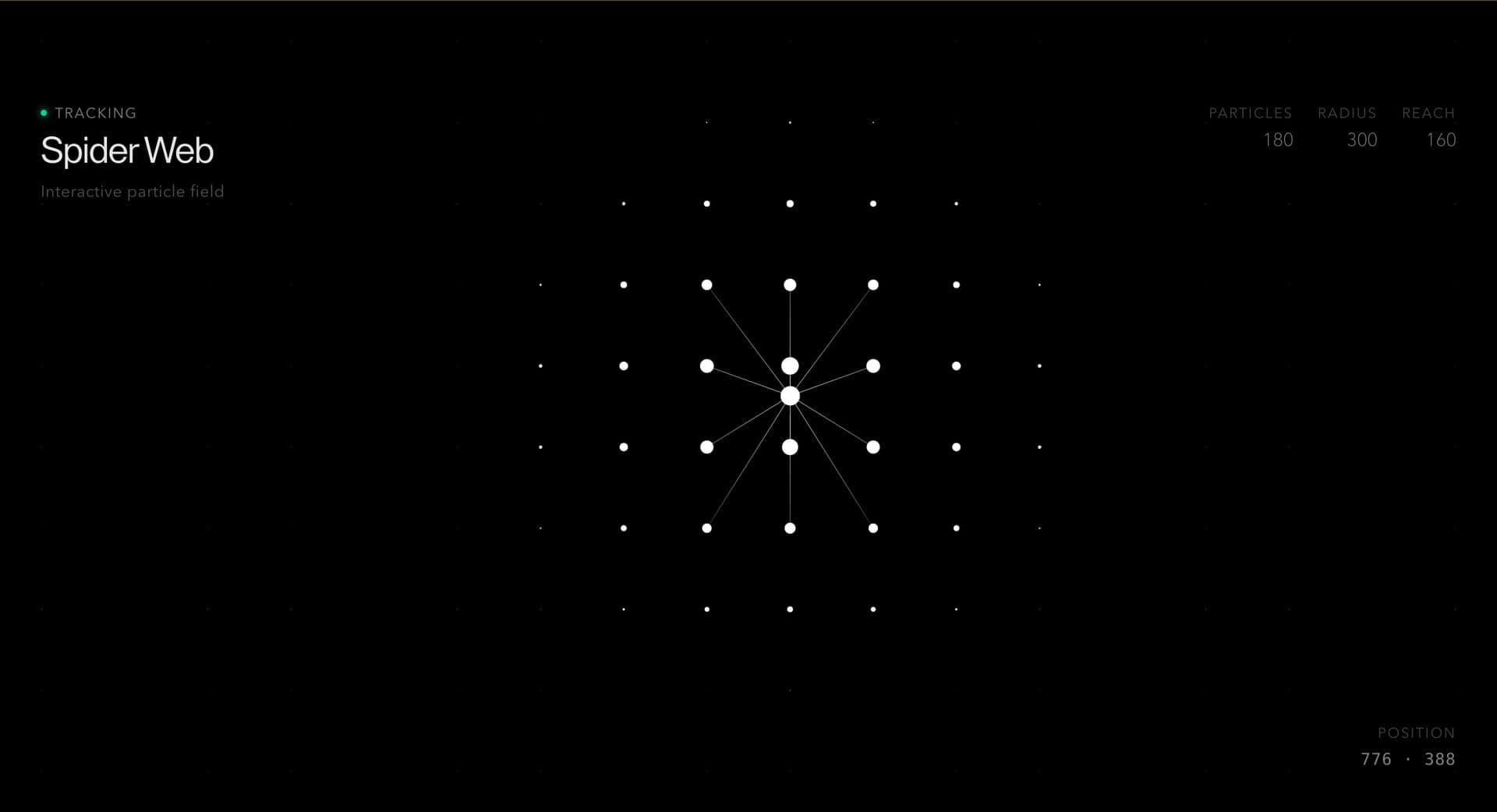
import DottedGrid from '@/components/effects/dotted-grid'; const Page = () => { return ( <> <DottedGrid /> </> )} export default Page;An API platform can use Dotted Grid Background behind its homepage hero. The dots form geometric shapes that change on their own or when the visitor clicks, and the cursor leaves a soft glowing trail that fades behind it.
The outcome is structure. The hero gets a technical surface without video or WebGL, and the headline and signup field stay clearly readable above it. In production, preserve readable HTML above the surface, cap animation cost, pause offscreen work, and provide a static fallback.
Not for low-contrast text sections, long reading pages, or pages already carrying heavy video/WebGL cost.
Keep density low enough to protect text, pause animated canvas work offscreen, and provide a static CSS/image fallback.
Decorative backgrounds should be hidden from assistive technology. On mobile, reduce density and keep foreground contrast high.
| Prop | Type | Default | Description |
|---|---|---|---|
spacing | number | 24 | Controls the distance between dots. |
baseRadius | number | 7.2 | Sets the base dot size. |
mouseRadius | number | 380 | Sets the dark cursor influence radius. |
trailLength | number | 456 | Limits how many cursor trail samples are kept. |
trailRadius | number | 230 | Controls the width of the cursor trail influence. |
trailFadeMs | number | 1200 | Sets how long trail marks remain visible. |
backgroundColor | color | #000000 | Colors the canvas background. |
showDesktopHint | boolean | true | Shows or hides the desktop hint. |
Use it when Dotted Grid supports the foreground message without harming readability.
Yes if the visual can be handled with CSS or canvas. Do not reach for WebGL unless the hero needs shader-led depth.
Use masks, fades, lower opacity, and density controls around headings, forms, and CTAs.
Animated canvas variants should pause offscreen and when the tab is hidden.
Reduce density, disable pointer reaction, or switch to a static texture.
Yes. A custom version should define motion rules, visual treatment, performance budget, fallback behavior, source handoff, and implementation notes for the specific page or launch context.
Need a custom effect? Tell us what to create.
Backgrounds
Backgrounds

Backgrounds
WebGL