Loading
SVG Path Marquee
A scroll-linked SVG text marquee that moves copy along a custom path for campaign signatures, editorial loops, and typographic brand moments.
Published On: February 10, 2026
Last Updated: August 17, 2026
Motion
Overview
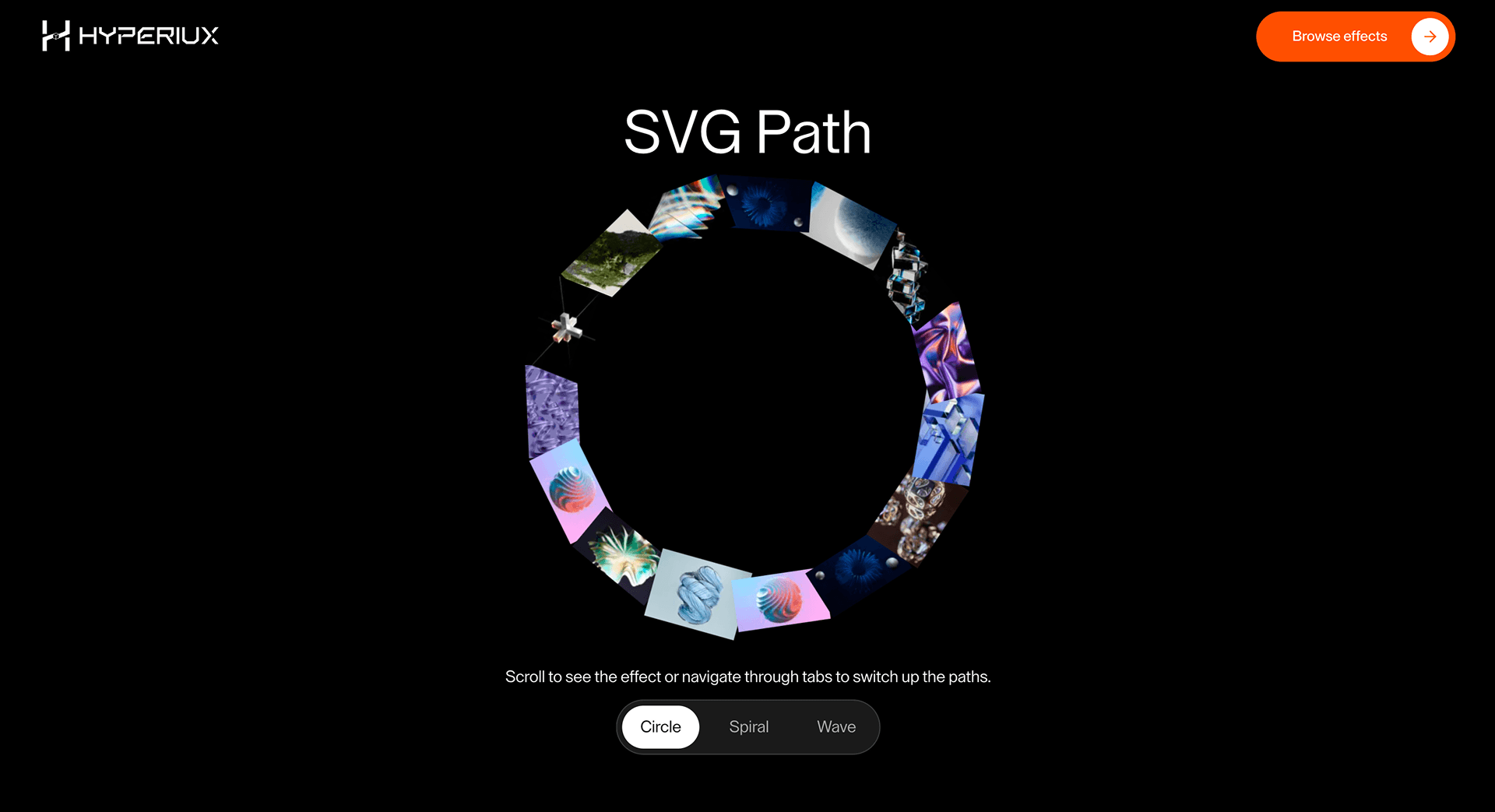
SVG Path Marquee puts text on a line the page draws itself. The motion is not decoration - it is navigation, brand voice, or proof of craft depending on what you write.
Use SVG Path Marquee when motion should follow a drawn path rather than a straight ticker. Event pages, brand campaigns, and typographic brand pages can use it when the path itself is part of the identity. The page job is character: the line of motion should feel designed, not merely animated.
In production, the risk is SVG scaling. The path must remain crisp on retina viewports, responsive widths, and reduced-motion states without blurring or clipping text.
Install Command
This is a Pro Effect.
You can preview it now. Upgrade to Pro for instant install access.
Usage Code
This is a Pro Effect.
You can preview it now. Upgrade to Pro for instant install access.
Component Code
This is a Pro Effect.
You can preview it now. Upgrade to Pro for instant install access.
This is a Pro Effect.
You can preview it now. Upgrade to Pro for instant install access.
This is a Pro Effect.
You can preview it now. Upgrade to Pro for instant install access.
Example Production Use Case
A brand campaign page using a custom typographic line: SVG Path Marquee lets copy travel along the drawn route instead of looping in a straight bar. The outcome is character: the motion carries the brand shape as much as the words.
Best Used For
- Editorial or brand strips where text motion should follow a drawn path without hiding the message.
- Brand statements that trace a product outline, logo, or custom path.
- Makes brand language travel along a designed path, turning a line of copy into a motion signature.
Not For
Not for long text, accessibility-critical messages, or sections where motion makes reading harder.
Not for keyword-critical headings or important sentences that need stable layout.
Performance Budget
Animate transform and opacity, avoid layout reads in scroll handlers, pre-size media, and clean up timelines/listeners when the route changes.
Accessibility and Mobile
The animated sequence must match DOM order. On mobile, replace pinned or horizontal mechanics with stacked sections, native swipe, or static cards.
Common Mistakes
- Using tight SVG curves that make text unreadable.
- Making a moving path carry keyword-critical copy.
- Forgetting a static readable path state for reduced motion.
Changelog
v1.0.1
Jul 24, 2026Added reduced-motion support and made the marquee suspend its per-frame work while offscreen or in a hidden tab.
v1.0.0
Feb 10, 2026Initial release
Props
| Prop | Type | Default | Description |
|---|---|---|---|
bgColor | color | #000000 | Background color of the section. |
baseVelocity | number | 8 | Marquee scroll speed along the path. |
dragSensitivity | number | 0.1 | How much drag movement translates to velocity. |
slowDownFactor | number | 0.3 | How much the marquee slows down while hovered. |
draggable | boolean | true | Enables drag interaction on the marquee. |
Frequently Asked Questions
How do I synchronize SVG Path Marquee speed with scroll?
Drive the text's position along the path from scroll progress so it advances as the user scrolls and idles when they stop, rather than running on a fixed clock. Keep the mapping linear enough to feel connected to the gesture. Confirm fast scroll doesn't cause the text to jump along the path.
Does the path need to be authored manually?
The text follows an SVG path you define, so yes — you author or import the path data, and the readability depends on its curvature. Gentle paths keep text legible; tight corners distort letters. Design the path with the text content in mind.
What typography settings keep path text readable at speed?
Favor a sturdy weight, generous letter-spacing, and adequate size so characters stay legible while moving along curves. Avoid thin or condensed faces that smear at speed. Keep the message short so it can be read in a glance as it travels.
How should SVG Path Marquee pause for reduced motion?
For users who prefer reduced motion, hold the text static along the path instead of animating it, keeping the words fully readable. The path and content remain; only the travel stops. Never make the moving state the only way to read the text.
Can SVG Path Marquee follow product outlines or logos?
Yes — any SVG path works, so text can trace a product silhouette, logo outline, or custom shape for brand effect. Keep the outline smooth enough that the text stays readable, and provide the message as plain text for accessibility. Treat the shape as expression, not as the only carrier of meaning.
Request a Custom Scroll Effect Animation
Need a custom effect? Tell us what to create.


