Loading
Scroll Shuffled Cards
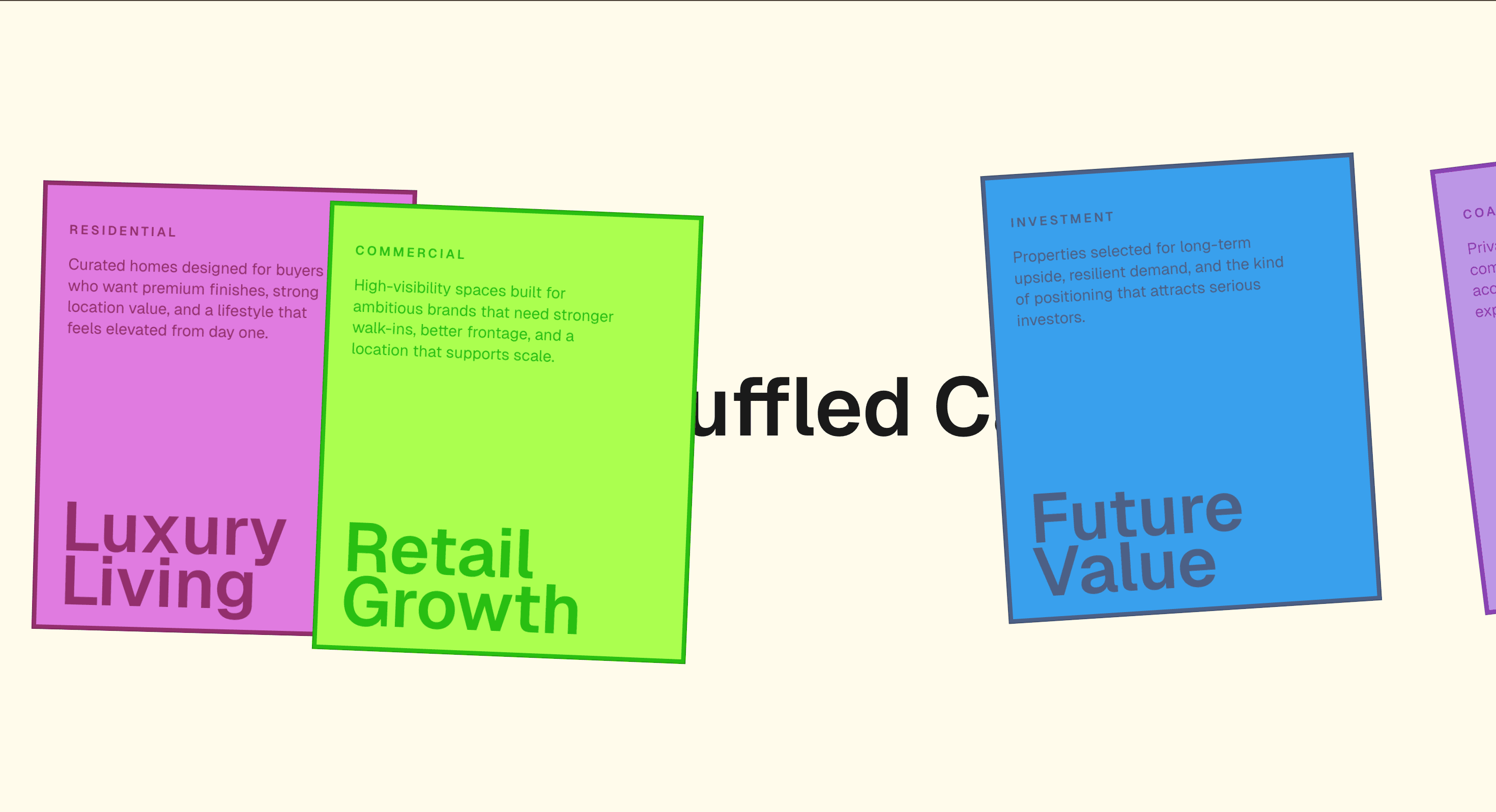
A scroll-triggered card shuffle effect that adds motion to equal-weight cards while keeping the source order stable.
Published On: June 4, 2026
Last Updated: August 17, 2026
GSAP
Overview
Scroll Shuffled Cards makes a static card group feel edited. The shuffle adds energy while the document order stays honest.
Use Scroll Shuffled Cards when a set should feel rearranged by the visitor’s movement. Testimonial pages, team pages, and product galleries can use it to keep equal-weight cards lively without making a ranking claim. The page job is freshness: the section should feel responsive while source order remains intact.
The main risk is document order. The visual shuffle must not become a real content reorder for screen readers, keyboard users, or reduced-motion visitors.
Install Command
This is a Pro Effect.
You can preview it now. Upgrade to Pro for instant install access.
Usage Code
This is a Pro Effect.
You can preview it now. Upgrade to Pro for instant install access.
Component Code
This is a Pro Effect.
You can preview it now. Upgrade to Pro for instant install access.
This is a Pro Effect.
You can preview it now. Upgrade to Pro for instant install access.
This is a Pro Effect.
You can preview it now. Upgrade to Pro for instant install access.
Example Production Use Case
A testimonial page with several equal-weight customer quotes: Scroll Shuffled Cards reshuffles the visual order while the source order remains s
Best Used For
- Equal-weight quote, tag, or gallery groups where motion can add freshness without changing priority.
- Equal-weight tag, post, or gallery groups that benefit from kinetic energy.
- Scroll Shuffled Cards creates a concrete scroll outcome that a static section would not deliver.
Not For
Not for ordered steps, ranked proof, or content where sequence communicates priority.
Not for cards with dependent order, legal meaning, or cumulative explanation.
Performance Budget
Animate transform and opacity, avoid layout reads in scroll handlers, pre-size media, and clean up timelines/listeners when the route changes.
Accessibility and Mobile
The animated sequence must match DOM order. On mobile, replace pinned or horizontal mechanics with stacked sections, native swipe, or static cards.
Common Mistakes
- Changing perceived priority when the cards are meant to stay equal.
- Letting visual shuffle change keyboard or screen-reader order.
- Leaving cards mid-shuffle after fast scroll.
Changelog
v1.0.1
Jul 21, 2026Added prefers-reduced-motion support: cards stay at their resting position with 0 rotation instead of shuffling; the container's overall scroll slide is unaffected
v1.0.0
Jul 20, 2026Initial release
Props
| Prop | Type | Default | Description |
|---|---|---|---|
background | color | #FFFBEB | Background color of the section. |
cardsGap | number | 6 | Spacing between cards, in vw. |
sectionHeight | number | 400 | Total scroll-track height (vh) — controls how much scrolling the shuffle takes. |
shuffleIntensity | number | 1 | Multiplier on how far and how much each card drifts/rotates during the shuffle. |
Frequently Asked Questions
What makes Scroll Shuffled Cards different from a standard scroll reveal?
The cards appear to reshuffle as you scroll, adding energy, while the underlying document order stays fixed and honest. The shuffle is visual; the reading order doesn't actually change. Use it to make a static card group feel edited and alive.
How should Scroll Shuffled Cards simplify on mobile devices?
Reduce or remove the shuffle so cards present in a calm vertical order, since reordering motion is hard to track on a phone. Keep DOM order authoritative. Reduced-motion users see the cards in their natural order with no shuffle.
What should developers test before shipping Scroll Shuffled Cards?
Confirm the visual shuffle never changes focus or DOM order, that screen readers read a stable sequence, and that the animation settles to a readable layout. Test that fast scroll doesn't leave cards mid-shuffle. Verify the static fallback is orderly.
Which content structure works best with Scroll Shuffled Cards?
A set of equal-weight cards where a little kinetic energy adds personality — tags, posts, or gallery tiles. It's wrong for ranked or sequential content where order carries meaning. Keep cards independent.
When should I avoid Scroll Shuffled Cards even if the preview looks good?
Avoid it whenever card order communicates priority or sequence, or where the motion would distract from reading. If the shuffle makes the group feel chaotic rather than edited, drop it. Skip it on content users need to parse precisely.
Request a Custom Scroll Effect
Need a custom effect? Tell us what to create.


