Loading
Magnetic Image Trail
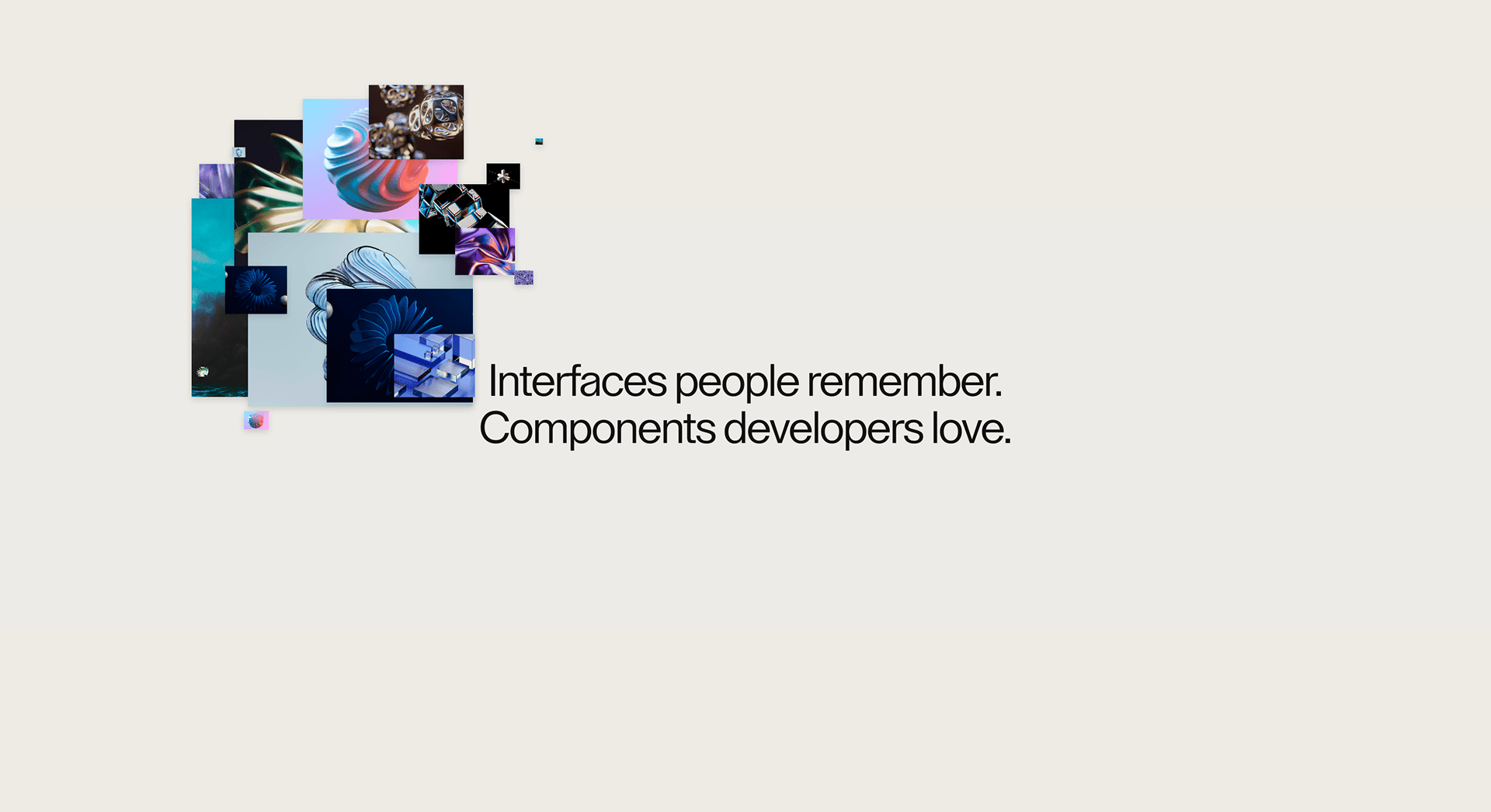
An image trail cursor effect that pulls project visuals toward pointer movement for portfolios, studio pages, and work indexes.
Published On: June 4, 2026
Last Updated: August 17, 2026
canvas
Overview
Magnetic Image Trail turns pointer movement into atmosphere: work previews follow the pointer.
Use it on creative homepages, portfolios, campaign pages, and brand experiments where the cursor can carry the visual language. Keep it off dashboards, checkout, forms, and utility-heavy product screens.
The main risk is restraint. Treat the cursor layer as throwaway: switch it off on touch, keep focus states visible, and let nothing about clicking depend on it. If the page falls apart once you remove the effect, the cursor was doing work it should not own.
Install Command
This is a Pro Effect.
You can preview it now. Upgrade to Pro for instant install access.
Usage Code
This is a Pro Effect.
You can preview it now. Upgrade to Pro for instant install access.
Component Code
This is a Pro Effect.
You can preview it now. Upgrade to Pro for instant install access.
This is a Pro Effect.
You can preview it now. Upgrade to Pro for instant install access.
This is a Pro Effect.
You can preview it now. Upgrade to Pro for instant install access.
Example Production Use Case
Use this as cursor-system implementation guidance. Verify the shipped component export, pointer-tracking model, coarse-pointer disablement, z-index behavior, focus safety, cleanup, and reduced-motion handling before relying on exact props, defaults, imports, or installation steps
Best Used For
- Portfolio and studio pages where movement should preview work before the click.
- Project indexes where trailing imagery adds memory without replacing the actual list.
- Magnetic Image Trail gives pointer movement a brand role without hiding core controls or content.
Not For
Not for dashboards, checkout, forms, dense product UIs, or any flow where precision beats atmosphere.
Performance Budget
Use one cursor layer, throttle movement with requestAnimationFrame, avoid full-screen filter effects, and disable Magnetic Image Trail on coarse pointers.
Accessibility and Mobile
Switch it off for coarse pointers and leave touch native; anything revealed by the cursor needs a visible or tap-accessible alternative.
Common Mistakes
- Letting Magnetic Image Trail cover focus rings or clickable controls.
- Forgetting to disable the effect on coarse pointers.
- Hiding useful content behind mouse-only movement.
Changelog
v1.1.0
Jul 22, 2026reduce-motion applied
v1.0.0
Jun 4, 2026Initial release
Props
| Prop | Type | Default | Description |
|---|---|---|---|
trailLength | number | 18 | Maximum visible images in the trail. |
magnetStrength | number | 1 | Strength of magnetic pull, speed boost, and directional push. |
scaleIn | number | 0.06 | Minimum scale for images entering and leaving the center path. |
scaleOut | number | 1.48 | Maximum directional scale for images pushed away by movement. |
lerp | number | 0.18 | Pointer smoothing amount; higher values follow faster. |
size | number | 1 | Overall image size multiplier. |
Frequently Asked Questions
When should I use Magnetic Image Trail?
Use it when a portfolio or agency page needs work previews following the pointer — not on utility flows.
Does Magnetic Image Trail work on mobile?
Disable it on coarse pointers with CSS and JS pointer queries, then provide native touch behavior.
Can Magnetic Image Trail reveal important content?
Only when the same content is visible or accessible without pointer movement. Cursor-only reveals are not suitable for critical information.
How should Magnetic Image Trail behave around links and buttons?
Native click targets, visible focus, hover states, and modal stacking all have to keep working underneath it.
What should reduced motion do for Magnetic Image Trail?
Disable trails, lag, ripples, and pointer-following motion, then return to the native cursor.
Request a Custom Cursor Animation
Need a custom effect? Tell us what to create.


