Pro
Motion
Blur Text
Text
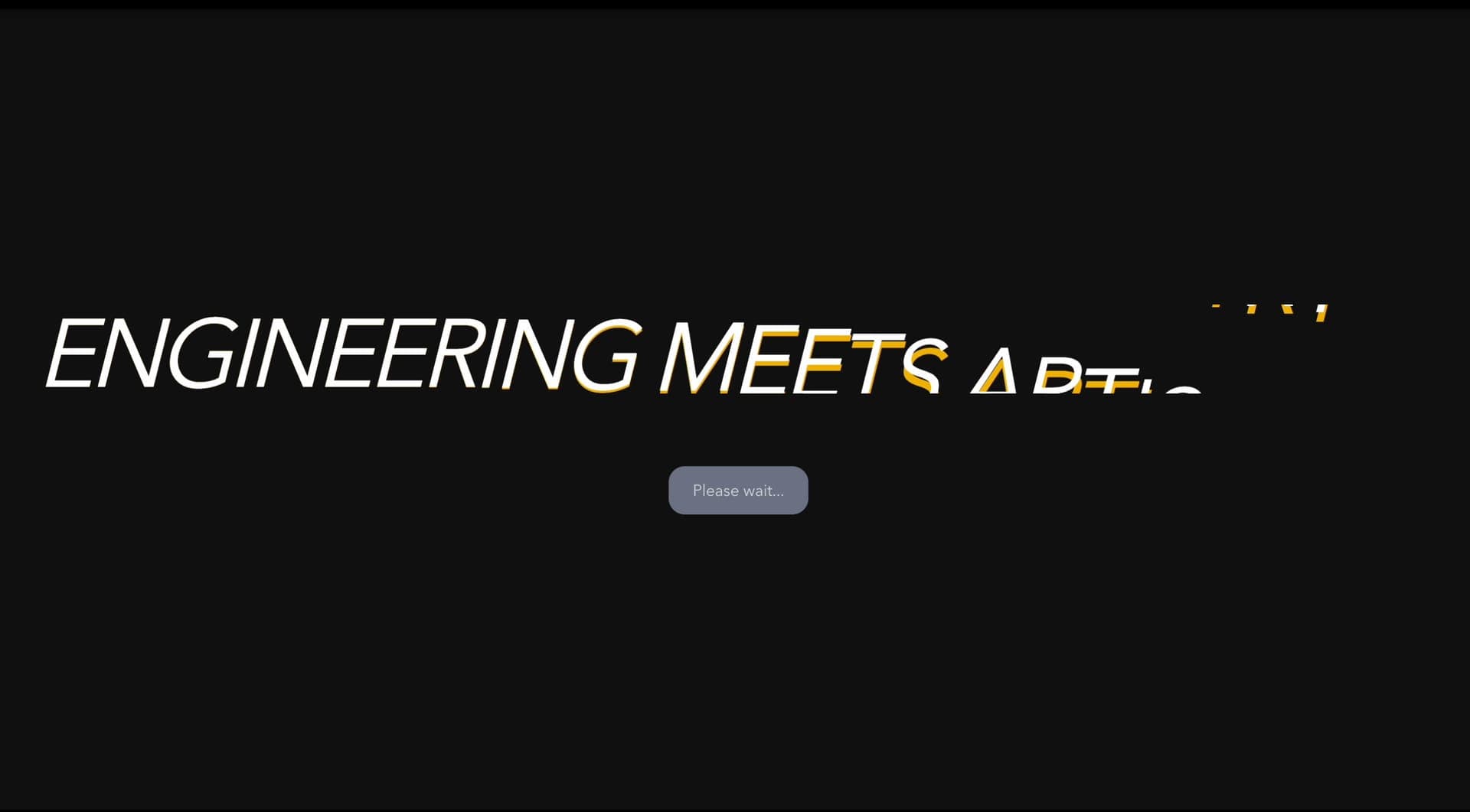
A layered canvas text animation that stacks outline copies of a short word behind it and shifts them with the pointer to create depth, motion, and experimental headline energy.
Text Cloning gives important words pointer-driven depth: duplicated outline text shifts as the cursor or finger moves.
Use it for wordmarks, brand names, and one or two word display moments in a full-screen hero. Do not use it on long body copy, error messages, legal text, or instructions where legibility is non-negotiable.
The main risk is losing the text to the animation. The phrase is drawn on a canvas, not as DOM text, so add it once as real HTML or an aria-label, and know that reduced-motion users still see up to three layers that follow the pointer without easing.
import TextCloning from "@/components/effects/text-cloning"; const page = () => { return ( <> <TextCloning /> </> );}; export default page;A record label can use Text Cloning for an artist's name on a release page. Layered copies of the name stack back into depth behind the main word and shift as the visitor moves the pointer or touches the screen, turning a simple wordmark into a moving piece of artwork.
The outcome is energy. The canvas is decorative, so pair it with a real HTML heading carrying the same name, and keep track listings, tour dates, and ticket links in normal text.
Not for body copy, labels, error messages, legal copy, or any text users need to read immediately.
Animate only the phrase that matters, reserve layout space, and avoid expensive filters over large text blocks.
Expose the complete phrase once for assistive technology. The canvas has no label and no DOM text, so add an aria-label or a visually hidden heading; on touch screens the layers follow the finger.
| Prop | Type | Default | Description |
|---|---|---|---|
cloneCount | number | 9 | Number of text clone layers rendered. |
offset | number | 220 | Maximum pointer parallax distance between clone layers. |
textColor | string | #f5f5f5 | Clone and center text color. |
textSize | number | 1 | Text size multiplier. |
Use it when a display heading needs duplicated text creating motion depth.
The phrase is drawn on a canvas, so add it once as real HTML text or as an aria-label on the canvas. The clones are pixels and are never announced.
Yes, the text is drawn inside a canvas, so search engines do not see it. Render the same phrase as real HTML, such as a visually hidden h1.
The canvas is fixed to the full viewport, so it does not shift layout. The text sits on one line and scales to fit the screen width.
Under prefers-reduced-motion it drops to three layers and follows the pointer without easing, so nothing drifts. The layers still shift when the pointer moves.
Need a custom effect? Tell us what to create.
Text
Text
Text
Text