Pro
Motion
Blur Text
Text
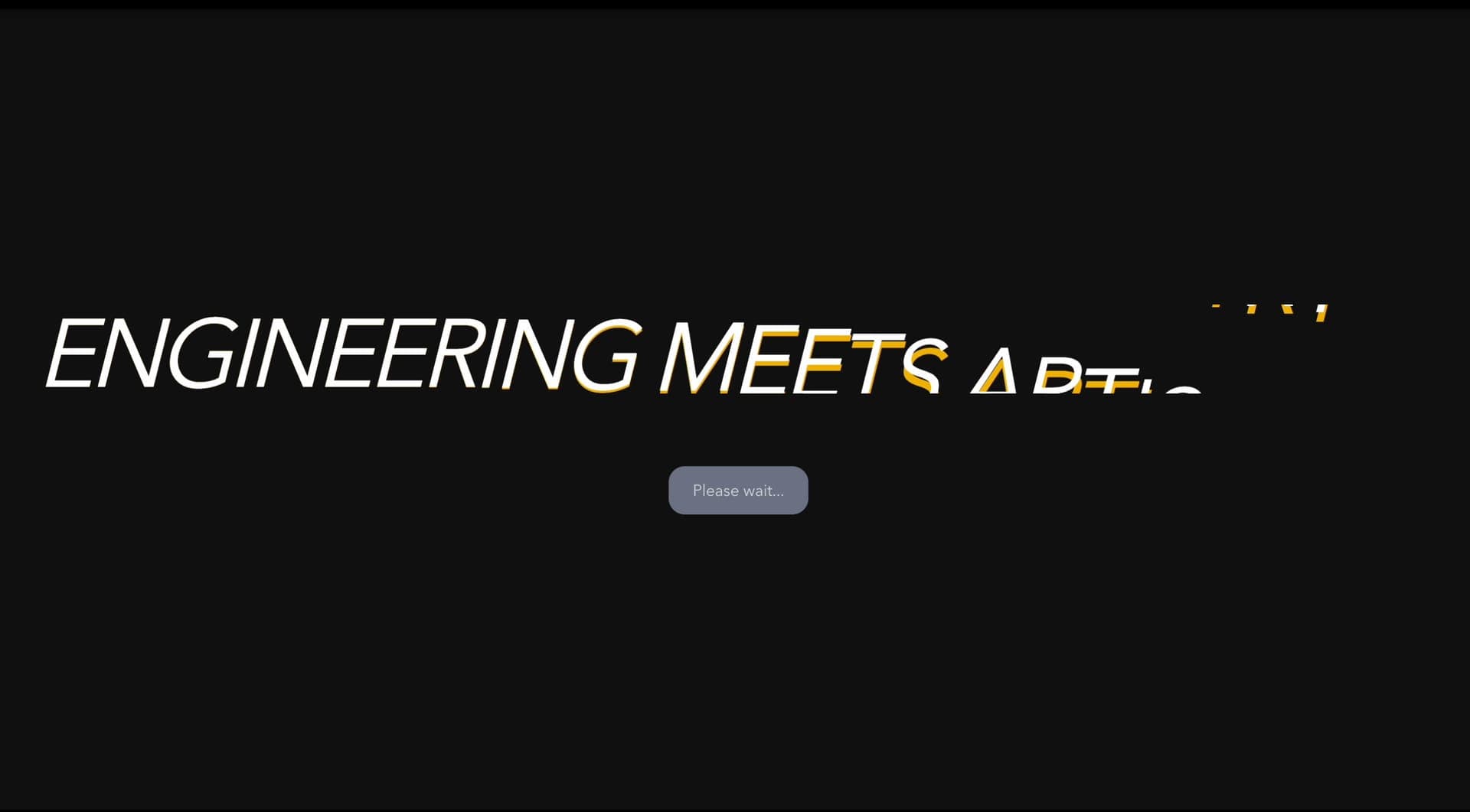
A decode-style text animation where characters scramble briefly before resolving into readable, crawlable HTML text.
Scramble Text helps important words arrive with intent: letters resolve from noise into meaning.
Use it for headlines, launch claims, short section openers, and one-line proof points. Do not use it on long body copy, error messages, legal text, or instructions where legibility is non-negotiable.
The risk in production is losing the text to the animation. The final phrase must remain real DOM text, screen readers should not hear every animated character, and with reduced motion the component skips the scramble and fades the phrase up 24px into place over 0.8s instead.
import ScrambleText from "@/components/effects/scramble-text"; const page = () => { return ( <> <ScrambleText textSize={6} textColor="#121212" align="left" className="font-black uppercase mb-8 leading-[0.88] max-md:leading-[1.2] max-sm:leading-[0.92]" /> </> )} export default pageAn AI startup can use Scramble Text on its launch headline. When the line scrolls into view, each character cycles through random characters before settling, so the claim resolves from noise into a clear statement about what the model does.
The outcome is signal. The effect plays once and then leaves crawlable HTML text in place, so the headline still works for search and for visitors who arrive after the animation has finished.
Not for body copy, labels, error messages, legal copy, or any text users need to read immediately.
Animate only the phrase that matters, reserve layout space, and avoid expensive filters over large text blocks.
Expose the complete phrase once for assistive technology. If characters are split visually, hide duplicated spans with aria-hidden when appropriate.
| Prop | Type | Default | Description |
|---|---|---|---|
speed | number | 0.6 | Scramble character cycling speed. |
charType | string | uppercase | Character set used while scrambling. |
textColor | string | #111111 | Text color. |
align | string | left | Text alignment. |
duration | number | 0.7 | Scramble reveal duration in seconds. |
stagger | number | 0.04 | Delay between scrambled characters. |
textSize | number | 6 | Headline size in vw (clamped between 2rem and 9rem). |
initialOpacity | number | 0 | Opacity of the characters before they decode (0 = hidden, 1 = fully visible). |
Use it when a technical header needs letters resolving from noise into meaning.
Keep the final phrase in the DOM and expose it once. Hide duplicated animated fragments from assistive technology when needed.
Not if the final text is real HTML and not hidden inside canvas or client-only animation.
Reserve final text space and keep line breaks stable across breakpoints.
With reduced motion, Scramble Text skips the character scramble and stagger. The whole phrase fades in and rises 24px over 0.8s when it scrolls into view.
Yes. A custom version should define motion rules, visual treatment, performance budget, fallback behavior, source handoff, and implementation notes for the specific page or launch context.
Need a custom effect? Tell us what to create.
Text
Text
Text
Text