Loading
Strip Slider
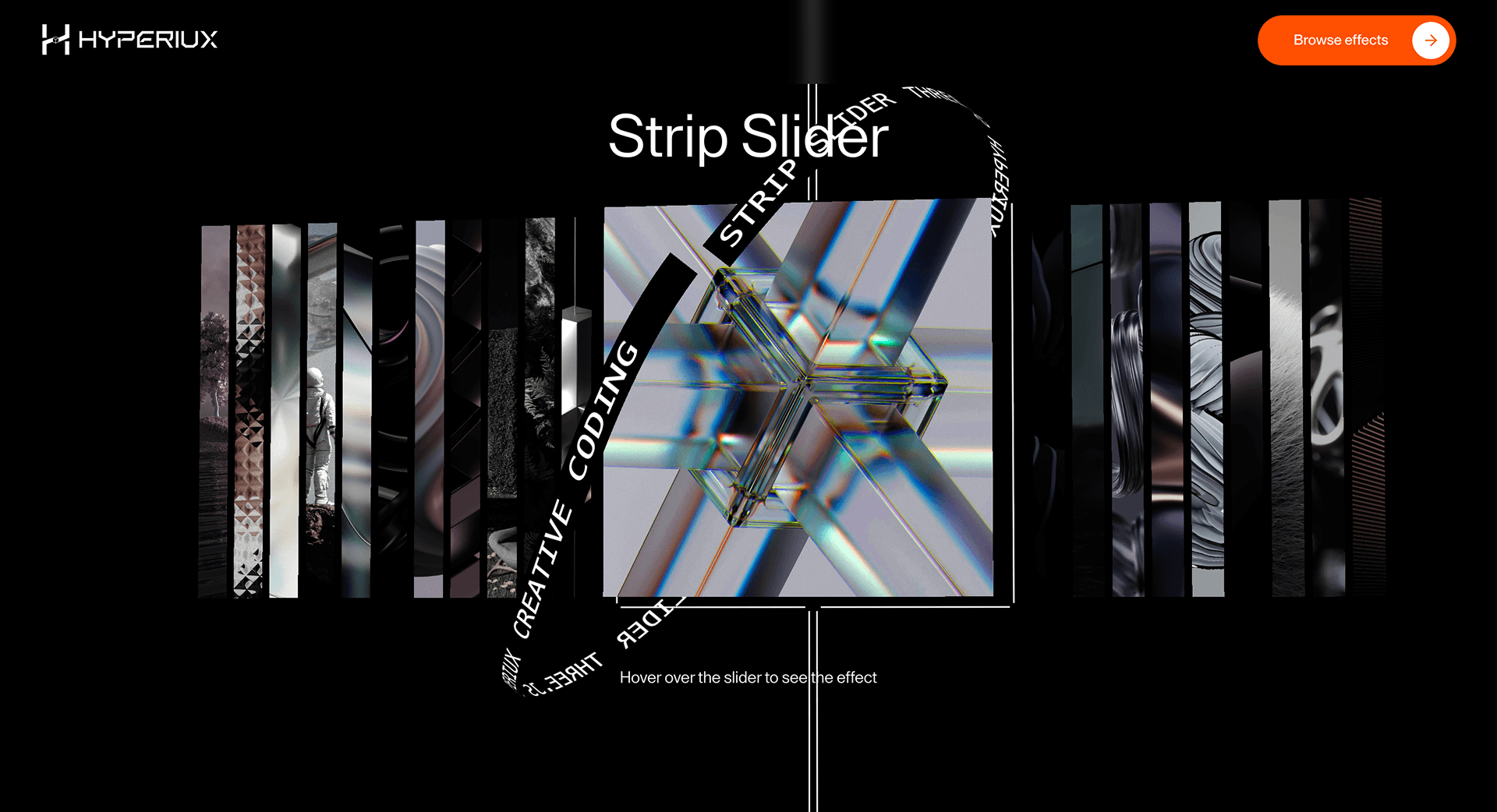
A strip-based scroll slider that reveals campaign visuals, project assets, or story sections one layer at a time.
Published On: June 4, 2026
Last Updated: August 17, 2026
Three.jsGSAP
Overview
Strip Slider reveals content one layer at a time. Each strip is a controlled pause before the next claim.
Use Strip Slider when thin visual slices should reveal a sequence without giving each item a full panel. Portfolio projects and agency case-study sequences are the strongest fit because the effect can tease multiple visuals while maintaining pace. The page job is anticipation: visitors see enough to keep moving without seeing everything at once.
The thing to watch is slice readability. If strips become too thin, images lose meaning, captions detach from visuals, and mobile fallback needs a simpler stacked or swipeable form.
Install Command
This is a Pro Effect.
You can preview it now. Upgrade to Pro for instant install access.
Usage Code
This is a Pro Effect.
You can preview it now. Upgrade to Pro for instant install access.
Component Code
This is a Pro Effect.
You can preview it now. Upgrade to Pro for instant install access.
This is a Pro Effect.
You can preview it now. Upgrade to Pro for instant install access.
This is a Pro Effect.
You can preview it now. Upgrade to Pro for instant install access.
Example Production Use Case
An agency case-study page revealing campaign assets in sequence: Strip Slider lets thin visual bands preview the work before expanding the story. The outcome is anticipation: visitors get motion and context before opening the full case.
Best Used For
- Campaign or portfolio strips where a deliberate mid-page beat helps the narrative breathe.
- Case studies and campaign stories revealed one layer at a time.
- Teases campaign content sequentially, keeping visitors in the reveal moment longer than a static hero.
Not For
Not for first-screen messaging, product comparison, or mobile flows that need immediate vertical scanning.
Not for above-the-fold sections where it delays the first message.
Performance Budget
Animate transform and opacity, avoid layout reads in scroll handlers, pre-size media, and clean up timelines/listeners when the route changes.
Accessibility and Mobile
The animated sequence must match DOM order. On mobile, replace pinned or horizontal mechanics with stacked sections, native swipe, or static cards.
Common Mistakes
- Using so many strips that the reveal becomes visual static instead of anticipation.
- Placing the strip sequence above the fold where it delays the first message.
- Forgetting that touch users need swipe/buttons, not a desktop-only strip mechanic.
Changelog
v1.0.0
Jun 4, 2026Initial release
Props
| Prop | Type | Default | Description |
|---|---|---|---|
dispScale | number | 1 | Multiplier on the ripple/displacement wave strength across all gallery images (collapsed and expanded). |
cameraSway | number | 0.03 | How much the camera drifts toward the pointer position. |
hideCentralStrip | boolean | false | Hides the central white strip overlay around the active image. |
imageSize | number | 1 | Scales the strip gallery image group without recreating the WebGL scene. |
Frequently Asked Questions
How many strips work before the reveal feels noisy?
A few strips create a clean, editorial pause between claims; too many turn the reveal into visual static. Keep it to a small number where each strip earns its moment. If you need more content, use multiple calmer sections rather than one dense reveal.
What duration makes Strip Slider feel editorial?
Each strip should resolve quickly enough to feel intentional but slowly enough to register as a deliberate beat — short and controlled, not languid. Tie the pacing to scroll so the reader sets the rhythm. Avoid long auto-timed holds that make the page feel slow.
How should Strip Slider balance touch swipe and buttons?
On touch, make horizontal swipe the primary control and keep visible buttons for discoverability and accessibility. Ensure both reach every strip and that swipe doesn't fight page scroll. Keyboard users need button access too.
Is Strip Slider better above the fold or mid-page?
Mid-page usually suits it, where it acts as a controlled pause between sections rather than gating the hero. Above the fold it can delay the first message, which costs you on entry. Place it where a deliberate beat helps the narrative.
Which content types benefit from strip-based reveal?
Case studies, campaign visuals, and product stories where revealing one layer at a time builds anticipation. It's wrong for dense information or anything users must read instantly. Keep each strip carrying a single image or claim.
Request a Custom WebGL Animation
Need a custom effect? Tell us what to create.


