Loading
Typing Text
A typewriter-style text animation for developer tools, AI products, security pages, and technical brand moments where the copy should feel like it is being executed, not merely displayed.
Published On: August 17, 2026
Last Updated: August 18, 2026
CSS
Overview
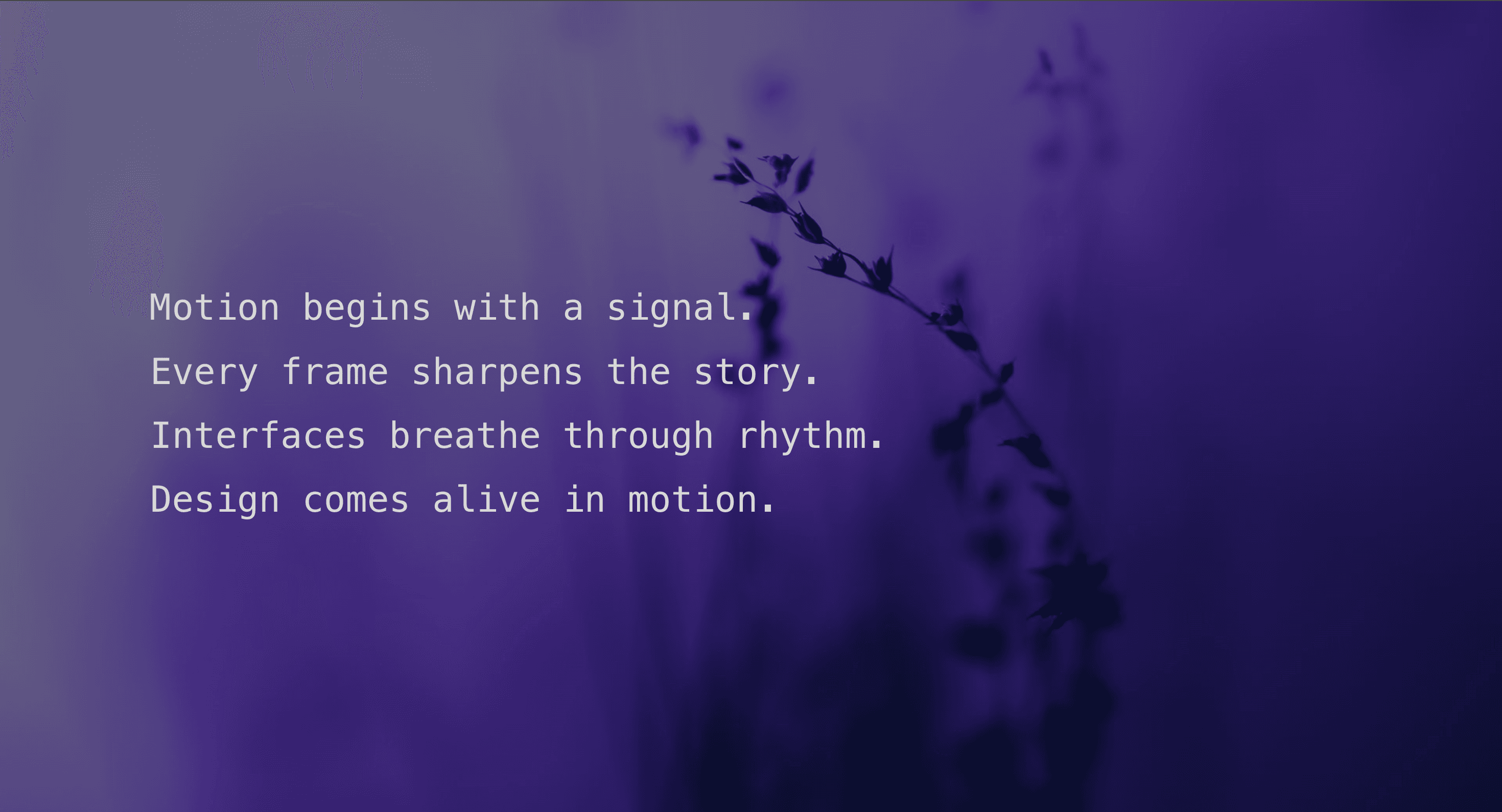
Typing Text reveals short lines of copy one character at a time.
The effect gives a message a technical cadence. It can make a product intro feel like a terminal output, a system check, a command sequence, or a status readout. It works best when the language already belongs to that world.
Use Typing Text when a product message benefits from procedural rhythm. It works well for developer tools, cybersecurity products, AI interfaces, onboarding moments, product intros, command-line references, and brand sections where the language already fits a system-like tone.
The page job is controlled anticipation. The visitor should feel the message arriving step by step without being forced to wait for basic comprehension. The typing effect can create tension, but the final copy still has to land quickly and remain readable.
Install Command
npx hyperiux add typing-textUsage Code
page.jsx
import TypingText from "@/components/effects/typing-text";

const page = () => {
  return (
    <>
    <TypingText/>
</>
  )
}
Component Code
index.jsx
// Built using Hyperiux Vault: https://vault.hyperiux.com
"use client";
import { useEffect, useMemo, useState } from "react";
const DEFAULT_LINES = [
    "Opening the vault handshake...",
    "Verifying encrypted component keys.",
    "Loading protected motion presets.",
    "Vault access granted. Hyperiux assets are ready.",
];
function getAlignmentClass(textAlign) {
    if (textAlign === "center")
        return "items-center text-center";
    if (textAlign === "right")
        return "items-end text-right";
    return "items-start text-left";
}
export default function TypingText({ lines = DEFAULT_LINES, variant = "sequential", textColor = "#d8d8d8", cursorColor = "#f59e0b", backgroundColor = "#121212", fontSize = 2.4, fontWeight = 500, lineHeight = 1.55, letterSpacing = 0, charactersPerSecond = 18, animationDuration = 1, lineDelay = 0.5, holdDuration = 1.4, blur = 0, rotate = 0, scale = 1, perspective = 800, typingDirection = "left-to-right", cursorWidth = 3, cursorStyle = "bar", textAlign = "left", maxWidth = 80, showCursor = true, className = "", }) {
    const [prefersReducedMotion, setPrefersReducedMotion] = useState(false);
    const preparedLines = useMemo(() => lines.map((line) => ({ text: line, chars: Math.max(Array.from(line).length, 1) })), [lines]);
    const animationKey = [
        variant,
        charactersPerSecond,
        animationDuration,
        lineDelay,
        holdDuration,
        blur,
        rotate,
        scale,
        perspective,
        typingDirection,
    ].join("-");
    useEffect(() => {
        const mediaQuery = window.matchMedia?.("(prefers-reduced-motion: reduce)");
        if (!mediaQuery)
            return;
        setPrefersReducedMotion(mediaQuery.matches);
        const onReduceMotionChange = (event) => {
            setPrefersReducedMotion(event.matches);
        };
        mediaQuery.addEventListener?.("change", onReduceMotionChange);
        return () => {
            mediaQuery.removeEventListener?.("change", onReduceMotionChange);
        };
    }, []);
    let elapsed = 0;
    return (<section className={`typing-text-root relative flex min-h-screen w-full items-center justify-center overflow-hidden px-6 py-24 ${className}`} style={{ backgroundColor, color: textColor }}>
      <div className={`relative z-10 flex w-full flex-col ${getAlignmentClass(textAlign)}`} style={{ maxWidth: `${maxWidth}vw`, perspective: `${perspective}px` }} aria-label={preparedLines.map((line) => line.text).join(" ")}>
        {preparedLines.map((line, index) => {
            const typingDuration = Math.max(0.35, (line.chars / Math.max(charactersPerSecond, 1)) * Math.max(animationDuration, 0.1));
            const delay = variant === "sequential"
                ? elapsed
                : index * Math.max(lineDelay, 0);
            const loopDuration = Math.max(typingDuration * 2 + holdDuration, 2.4);
            if (variant === "sequential") {
                elapsed += typingDuration + Math.max(lineDelay, 0);
            }
            const lineStyle = {
                "--typing-target-width": `${line.chars}ch`,
                "--typing-steps": line.chars,
                "--typing-duration": `${typingDuration}s`,
                "--typing-delay": `${delay}s`,
                "--typing-loop-duration": `${loopDuration}s`,
                "--typing-step": `${typingDuration / line.chars}s`,
                "--typing-char-animation": prefersReducedMotion
                    ? "none"
                    : variant === "loop"
                        ? "typing-text-char-loop var(--typing-loop-duration) linear infinite forwards"
                        : "typing-text-char-in 1ms linear forwards",
                "--typing-cursor-animation": prefersReducedMotion
                    ? "none"
                    : variant === "loop"
                        ? "typing-text-cursor 820ms steps(1, end) var(--typing-delay) infinite both"
                        : "typing-text-cursor-finish var(--typing-duration) linear var(--typing-delay) both",
                "--typing-cursor-color": cursorColor,
                "--typing-cursor-width": `${cursorWidth}px`,
                "--typing-blur": `${blur}px`,
                "--typing-rotate": `${rotate}deg`,
                "--typing-scale": scale,
                color: textColor,
                fontSize: `clamp(1.2rem, ${fontSize}vw, 5rem)`,
                fontWeight,
                lineHeight,
                letterSpacing: `${letterSpacing}em`,
                direction: typingDirection === "right-to-left" ? "rtl" : "ltr",
                textAlign: typingDirection === "right-to-left" ? "right" : "left",
                transformOrigin: typingDirection === "right-to-left" ? "right center" : "left center",
                width: prefersReducedMotion ? "auto" : undefined,
                maxWidth: prefersReducedMotion ? "100%" : undefined,
                animation: prefersReducedMotion
                    ? "none"
                    : variant === "loop"
                        ? "typing-text-loop var(--typing-loop-duration) steps(var(--typing-steps), end) var(--typing-delay) infinite both"
                        : "typing-text-write var(--typing-duration) steps(var(--typing-steps), end) var(--typing-delay) both",
            };
            return (<span key={`${animationKey}-${line.text}-${index}`} aria-hidden="true" data-cursor-style={showCursor ? cursorStyle : undefined} data-typing-direction={typingDirection} data-typing-variant={variant} className="typing-text-line mb-2 block max-w-full whitespace-nowrap font-mono will-change-[width,opacity]" style={lineStyle}>
              <span className="typing-text-content block max-w-full overflow-hidden">
                {Array.from(line.text).map((character, characterIndex) => (<span key={`${characterIndex}-${character}`} className="typing-text-char" style={{ "--char-index": characterIndex }}>
                    {character}
                  </span>))}
              </span>
            </span>);
        })}
      </div>

      <style>{`
        .typing-text-root {
          isolation: isolate;
        }

        .typing-text-line {
          position: relative;
          width: 0;
          opacity: 0;
          transition:
            color 240ms ease,
            background-color 240ms ease;
        }

        .typing-text-line[data-cursor-style]::after,
        .typing-text-line[data-cursor-style] .typing-text-char::before {
          position: absolute;
          inset-block-start: 50%;
          width: var(--typing-cursor-width);
          height: 1em;
          background: var(--typing-cursor-color);
          opacity: 0;
          translate: 0 -50%;
          transform-origin: center;
          transition:
            background-color 240ms ease,
            border-color 240ms ease,
            border-radius 240ms ease,
            clip-path 240ms ease,
            height 240ms ease,
            opacity 180ms ease,
            transform 240ms ease,
            width 240ms ease;
        }

        .typing-text-line[data-cursor-style]::after {
          content: "";
          inset-inline-start: calc(100% + 0.16em);
          animation: var(--typing-cursor-animation);
        }

        .typing-text-line[data-typing-direction="right-to-left"]::after {
          inset-inline: auto calc(100% + 0.16em);
        }

        .typing-text-line[data-cursor-style="square"]::after,
        .typing-text-line[data-cursor-style="square"] .typing-text-char::before {
          width: 0.58em;
          height: 0.58em;
        }

        .typing-text-line[data-cursor-style="triangle"]::after,
        .typing-text-line[data-cursor-style="triangle"] .typing-text-char::before {
          width: 0.64em;
          height: 0.64em;
          clip-path: polygon(0 0, 100% 50%, 0 100%);
        }

        .typing-text-line[data-typing-direction="right-to-left"][data-cursor-style="triangle"]::after,
        .typing-text-line[data-typing-direction="right-to-left"][data-cursor-style="triangle"] .typing-text-char::before {
          transform: scaleX(-1);
        }

        .typing-text-line[data-cursor-style="dot"]::after,
        .typing-text-line[data-cursor-style="dot"] .typing-text-char::before {
          width: 0.38em;
          height: 0.38em;
          border-radius: 999px;
        }

        .typing-text-line[data-cursor-style="underscore"]::after,
        .typing-text-line[data-cursor-style="underscore"] .typing-text-char::before {
          inset-block-start: auto;
          inset-block-end: 0.16em;
          width: 0.72em;
          height: var(--typing-cursor-width);
          translate: 0 0;
        }

        @keyframes typing-text-write {
          0% {
            width: 0;
            opacity: 0;
            filter: blur(var(--typing-blur));
            transform: rotateX(var(--typing-rotate)) scale(var(--typing-scale));
          }

          1% {
            opacity: 1;
          }

          99.9% {
            opacity: 1;
          }

          100% {
            width: min(var(--typing-target-width), 100%);
            opacity: 1;
            filter: blur(0);
            transform: rotateX(0deg) scale(1);
          }
        }

        @keyframes typing-text-loop {
          0% {
            width: 0;
            opacity: 0;
            filter: blur(var(--typing-blur));
            transform: rotateX(var(--typing-rotate)) scale(var(--typing-scale));
          }

          6% {
            opacity: 1;
          }

          46%,
          72% {
            width: min(var(--typing-target-width), 100%);
            opacity: 1;
            filter: blur(0);
            transform: rotateX(0deg) scale(1);
          }

          100% {
            width: 0;
            opacity: 0;
            filter: blur(var(--typing-blur));
            transform: rotateX(var(--typing-rotate)) scale(var(--typing-scale));
          }
        }

        @keyframes typing-text-cursor {
          0%,
          45% {
            opacity: 1;
          }

          46%,
          100% {
            opacity: 0;
          }
        }

        @keyframes typing-text-cursor-finish {
          0%,
          99.8% {
            opacity: 1;
          }

          99.9%,
          100% {
            opacity: 0;
          }
        }

        @keyframes typing-text-fade-in {
          from {
            opacity: 0;
          }

          to {
            opacity: 1;
          }
        }

        @media (prefers-reduced-motion: reduce) {
          .typing-text-line {
            width: auto !important;
            max-width: 100%;
            opacity: 0;
            animation: typing-text-fade-in 0.4s ease-out forwards !important;
          }

          .typing-text-line::after {
            opacity: 0 !important;
          }
        }

        @keyframes typing-text-char-in {
          from {
            opacity: 0;
          }

          to {
            opacity: 1;
          }
        }

        @keyframes typing-text-caret {
          0%,
          99.9% {
            opacity: 1;
          }

          100% {
            opacity: 0;
          }
        }

        @keyframes typing-text-char-loop {
          0%,
          62% {
            opacity: 1;
          }

          62.01%,
          100% {
            opacity: 0;
          }
        }

        @keyframes typing-text-settle {
          0% {
            opacity: 1;
            filter: blur(var(--typing-blur));
            transform: rotateX(var(--typing-rotate)) scale(var(--typing-scale));
          }

          100% {
            opacity: 1;
            filter: blur(0);
            transform: rotateX(0deg) scale(1);
          }
        }

        @media (max-width: 640px) {
          .typing-text-line {
            width: auto !important;
            max-width: 100%;
            white-space: normal !important;
            overflow-wrap: break-word;
            opacity: 1;
            animation: typing-text-settle var(--typing-duration) linear var(--typing-delay) both !important;
          }

          .typing-text-content {
            display: inline !important;
            overflow: visible !important;
          }

          .typing-text-char {
            position: relative;
            opacity: 0;
            animation: var(--typing-char-animation);
            animation-delay: calc(var(--typing-delay) + var(--char-index) * var(--typing-step));
          }

          .typing-text-line[data-cursor-style] .typing-text-char::before {
            content: "";
            inset-inline-start: auto;
            inset-inline-end: calc(100% + 0.16em);
            animation: typing-text-caret var(--typing-step) linear forwards;
            animation-delay: calc(var(--typing-delay) + (var(--char-index) - 1) * var(--typing-step));
          }

          .typing-text-line[data-cursor-style] .typing-text-char:first-child::before {
            animation-duration: var(--typing-delay);
            animation-delay: 0s;
          }

          .typing-text-line:not([data-typing-variant="loop"])[data-cursor-style]::after {
            content: none;
          }

          .typing-text-line[data-typing-variant="loop"][data-cursor-style]::after {
            position: static;
            display: inline-block;
            translate: none;
            margin-inline-start: 0.16em;
            vertical-align: -0.1em;
            animation-delay: calc(var(--typing-delay) + var(--typing-duration));
            animation-fill-mode: forwards;
          }
        }

        @media (max-width: 640px) and (prefers-reduced-motion: reduce) {
          .typing-text-line {
            opacity: 1 !important;
            animation: none !important;
          }

          .typing-text-char {
            opacity: 1;
            animation: none;
          }

          .typing-text-char::before {
            content: none;
          }
        }
      `}</style>
    </section>);
}
Example Production Use Case
A developer-tool landing page can use Typing Text in a hero section to introduce an install sequence, product capability, or system-status metaphor. The typed lines create a small sense of technical progress before the CTA appears.
The outcome is signal. The page feels more native to a developer audience because the copy behaves like a system interaction rather than a marketing headline dressed as one.
Best Used For
- Developer-tool and CLI pages where command-like or system-like copy fits naturally.
- Cybersecurity and infrastructure pages where status messages support the product language.
- AI product sections where typed output can frame automation, reasoning, or setup.
- Short onboarding or hero moments where staged text helps build attention.
Not For
Not for body copy, legal text, error messages, instructions, long explanations, pricing details, or anything users need to read immediately.
Not for fake security, fake loading, fake progress, or fake system claims. A typing cursor does not make a vague claim more technical. It only makes it arrive slower.
Performance Budget
Keep the number of animated lines small, avoid updating layout-heavy state on every character when unnecessary, reserve the final text area, and clean up timers when the component unmounts. Do not loop long typed sequences near important reading or conversion areas.
Accessibility and Mobile
Expose the final text once. Do not make screen readers announce every character as it types. On mobile, reduce line count, keep line breaks stable, and avoid tiny terminal-style copy that becomes hard to read. For reduced motion, show the final text immediately or use a short fade.
Common Mistakes
- Typing long paragraphs character by character.
- Making the animation loop endlessly beside a CTA.
- Using terminal language for a product that has nothing to do with technical workflows.
- Announcing every typed character to assistive technology.
- Letting line wrapping change while the text types.
- Using fake progress language that implies a real system check.
Changelog
v1.0.0
Aug 14, 2026Initial release
Props
| Prop | Type | Default | Description |
|---|---|---|---|
variant | string | sequential | Typing sequence variant. |
textColor | string | #d8d8d8 | Typed text color. |
cursorColor | string | #f59e0b | Cursor color. |
backgroundColor | string | #121212 | Background color. |
fontSize | number | 2.4 | Text size in vw units. |
fontWeight | number | 500 | Font weight. |
lineHeight | number | 1.55 | Line height. |
letterSpacing | number | 0 | Letter spacing in em units. |
textAlign | string | left | Text alignment. |
maxWidth | number | 80 | Maximum text block width in vw units. |
charactersPerSecond | number | 18 | Typing speed. |
animationDuration | number | 1 | Multiplier applied to each line typing duration. |
lineDelay | number | 0.5 | Delay between line starts. |
holdDuration | number | 1.4 | Hold time before loop reset. |
typingDirection | string | left-to-right | Direction the text types from. |
blur | number | 0 | Starting blur in pixels. |
rotate | number | 0 | Starting X rotation in degrees. |
scale | number | 1 | Starting scale before the line settles. |
perspective | number | 800 | Perspective depth for rotated typing. |
cursorStyle | string | bar | Cursor visual style. |
cursorWidth | number | 3 | Cursor thickness in pixels. |
showCursor | boolean | true | Shows the animated cursor. |
Frequently Asked Questions
What is Typing Text?
Typing Text is a React text animation that reveals short lines of copy character by character with a cursor-led typewriter or terminal rhythm.
When should I use Typing Text?
Use it when the copy benefits from a system-like cadence: developer tools, AI products, cybersecurity pages, command references, onboarding sequences, or technical brand moments.
Should Typing Text loop?
Usually no. Let the message type once, resolve, and stay readable. Looping can work in a demo, but on a production page it often becomes distracting.
How do I keep Typing Text accessible?
Expose the final phrase or line group once to assistive technology. Avoid making screen readers announce every character, cursor blink, or intermediate typing state.
Does Typing Text affect SEO?
Not if the final text renders as real HTML. Avoid trapping the only meaningful copy inside client-only animation state.
What should reduced motion do for Typing Text?
Show the final text immediately or use a short fade. Remove character-by-character typing, cursor blinking, long delays, and repeated loops.
Can Hyperiux adapt Typing Text for a real brand system?
Yes. A custom version should define line structure, typing rhythm, cursor style, timing rules, technical language boundaries, accessibility handling, reduced-motion fallback, source handoff, and implementation notes.
Request a Custom Text Animation
Need a custom effect? Tell us what to create.


