Loading
Text Stream
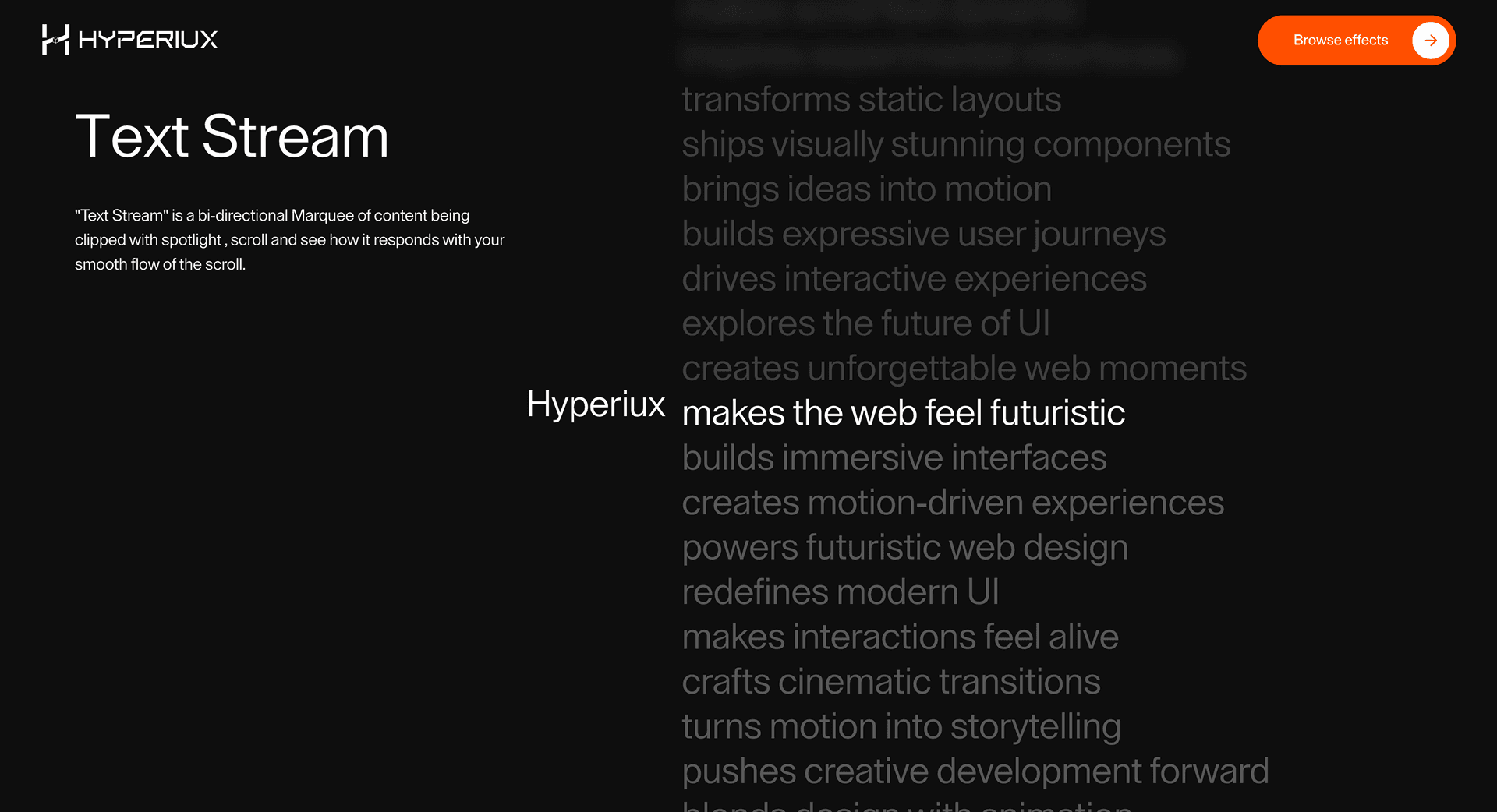
A signal-like text animation that makes short technical headlines feel like data, motion, or language flowing through a line.
Published On: February 10, 2026
Last Updated: August 17, 2026
GSAP
Overview
Text Stream helps important words arrive with intent: text flows like signal through a line.
Use it for headlines, launch claims, short section openers, and one-line proof points. Do not use it on long body copy, error messages, legal text, or instructions where legibility is non-negotiable.
In production, the risk is losing the text to the animation. The final phrase must remain real DOM text, screen readers should not hear every animated character, and reduced-motion users should see the readable final state immediately.
Install Command
This is a Pro Effect.
You can preview it now. Upgrade to Pro for instant install access.
Usage Code
This is a Pro Effect.
You can preview it now. Upgrade to Pro for instant install access.
Component Code
This is a Pro Effect.
You can preview it now. Upgrade to Pro for instant install access.
This is a Pro Effect.
You can preview it now. Upgrade to Pro for instant install access.
This is a Pro Effect.
You can preview it now. Upgrade to Pro for instant install access.
Example Production Use Case
Use this as text-animation implementation guidance. Verify the shipped component API, splitting strategy, accessible text exposure, duplicated span handling, layout reservation, and reduced-motion behavior before relying on exact props, defaults, imports, or installation steps.
Best Used For
- Technical launch lines where streaming motion reinforces signal, data, or computation.
- Short hero phrases that can move once and settle cleanly.
- Text Stream makes a short phrase arrive with timing while keeping the final text readable and indexable.
Not For
Not for body copy, labels, error messages, legal copy, or any text users need to read immediately.
Performance Budget
Animate only the phrase that matters, reserve layout space, and avoid expensive filters over large text blocks.
Accessibility and Mobile
Expose the complete phrase once for assistive technology. If characters are split visually, hide duplicated spans with aria-hidden when appropriate.
Common Mistakes
- Using Text Stream on long body copy.
- Removing the readable text from the DOM.
- Letting split text cause layout shift.
Changelog
v1.0.1
Jul 30, 2026Reworked the props API (speed, stagger, runOnScroll, independent autoplay toggle), added reduced-motion support, and restored default color scheme.
v1.0.0
Feb 10, 2026Initial release
Props
| Prop | Type | Default | Description |
|---|---|---|---|
speed | number | 1 | Streaming speed multiplier. |
stagger | number | 0.08 | Vertical spacing between streamed lines. |
textColor | string | #ffffff | Text color. |
backgroundColor | string | #000000 | Background color behind the stream. |
autoplay | boolean | true | Keeps the stream drifting on its own when idle. |
runOnScroll | boolean | true | Boosts and reverses the stream in response to scroll or wheel input. |
Frequently Asked Questions
When should I use Text Stream?
Use it when a technical heading needs text flowing like signal through a line.
How do I keep Text Stream accessible?
Keep the final phrase in the DOM and expose it once. Hide duplicated animated fragments from assistive technology when needed.
Does Text Stream affect SEO?
Not if the final text is real HTML and not hidden inside canvas or client-only animation.
How do I avoid layout shift with Text Stream?
Reserve final text space and keep line breaks stable across breakpoints.
What should reduced motion do for Text Stream?
Show the final readable state immediately, with no scramble, stagger, or looping motion.
Request a Custom Text Animation
Need a custom effect? Tell us what to create.


