Loading
Loading
Loading
mobile footer

Build the Interaction Layer Your Website is Missing.

Browse All EffectsBrowse All EffectsBrowse All EffectsUpgrade to ProUpgrade to ProUpgrade to Pro

70+ effects free, forever. No credit card.

© 2026 Hyperiux. All Rights Reserved.

AI Component CatalogueHey AI, Learn About Us
Platform

Vault

  • Documentation
  • Pricing
  • Blog
  • Community
  • NPM
  • MCP

Categories

  • All Effects
  • WebGL
  • Text
  • Backgrounds
  • Buttons
  • Carousels
  • Scroll
  • Components
  • Navigation
  • Cursor
  • Transitions
  • Loaders

Documents

  • Introduction
  • Installation
  • CLI
  • Dependencies
  • License

Legal

  • License Agreement
  • Terms of Service
  • Privacy Policy
  • Refund Policy
Socials
  • Twitter / X
  • LinkedIn
  • GitHub
  • Instagram
Contact Us
  • hello@hyperiux.com
New effects, in your inbox

Every new drop, plus the occasional behind-the-scenes build. No spam. Unsubscribe anytime.

All Effects
Featured ComponentsText AnimationsAnimated BackgroundsAnimated ButtonsCarousel EffectsScroll EffectsCreative ComponentsNavigationsCursor EffectsTransitionsLoadersWebGL & 3D Effects
Templates
IntroductionInstallationCLIDependenciesLicense
PricingBlogGithubNPMMCP Doc
Loading
Home/effects/Text Hover Expand

Text Hover Expand

An interactive text effect that expands short words or labels on hover for editorial links, playful navigation, and desktop brand moments.

GSAP
DemoDemoDemo

Tune the Real Props

Bg Color

Section background color.

Text Color

Inactive text and description color.

Hover Color

Active text and corner-frame color.

Overview

Text Hover Expand helps important words arrive with intent: hover expands the word without replacing it.

Best on short, high-emphasis text: headlines, launch lines, section openers, proof points. Avoid it on body copy, errors, legal text, or instructions, where legibility cannot be negotiable.

The risk in production is the text disappearing into the effect. Ship the final phrase as genuine HTML and keep the duplicate hover label out of the accessibility tree, as the component does.


Usage Code

page
1import TextHover from '@/components/effects/text-hover'2 3const page = () => {4  return (5   <>6   <TextHover/>7   </>8  )9}

Example Production Use Case

A creative studio can use Text Hover Expand for a services index on its homepage. Each discipline is listed as a short uppercase label, and hovering one swaps it for a larger version, opens a one-line description beneath it, and moves a corner-bracket frame onto the active item.

The outcome is exploration. The list stays compact until a visitor shows interest, and on touch screens each label opens with a tap, so nothing is locked behind hover.


Best Used For

  • Optional hover labels, nav accents, or editorial links where expansion adds exploration.
  • Desktop moments that still keep the word readable without hover.
  • Text Hover Expand makes a short phrase arrive with timing while keeping the final text readable and indexable.

Not For

Avoid it on body copy, labels, error and legal text, or any wording that has to be read on sight.


Performance Budget

Move only the words that carry weight, pre-reserve their space to avoid shift, and skip costly filters on large text blocks.


Accessibility and Mobile

Assistive technology should hear the phrase once, not character by character; visually split fragments are hidden from the accessibility tree with aria-hidden.


Common Mistakes

  • Using Text Hover Expand on long body copy.
  • Removing the readable text from the DOM.
  • Letting split text cause layout shift.

Changelog

Added reduced-motion support and reworked the props API (textColor, hoverColor, duration), fixing the default hover color and centering the hover frame.
Initial release

API Reference

PropTypeDefaultDescription
bgColorstring#0a0a0aSection background color.
textColorstring#ffffffInactive text and description color.
hoverColorstring#ffffffActive text and corner-frame color.
durationnumber0.35Hover frame animation duration in seconds.

Questions, Answered.

When should I use Text Hover Expand?

Use it when an interactive heading needs hover to expand a word without replacing it.

How do I keep Text Hover Expand accessible?

Keep the resolved phrase in the DOM, exposed once; mark any duplicated animated fragments hidden from assistive technology.

Does Text Hover Expand affect SEO?

Not as long as the resolved text is genuine HTML and never trapped in canvas or client-only animation.

How do I avoid layout shift with Text Hover Expand?

Hold the finished text's footprint so wrapping does not jump between breakpoints.

What should reduced motion do for Text Hover Expand?

Under reduced motion the label swap becomes a simple opacity crossfade and the frame moves almost instantly, though the section still plays its short fade-up entrance.

Request a Custom Animation

Need a custom effect? Tell us what to create.

Related Effects

Explore All EffectsExplore All EffectsExplore All Effects
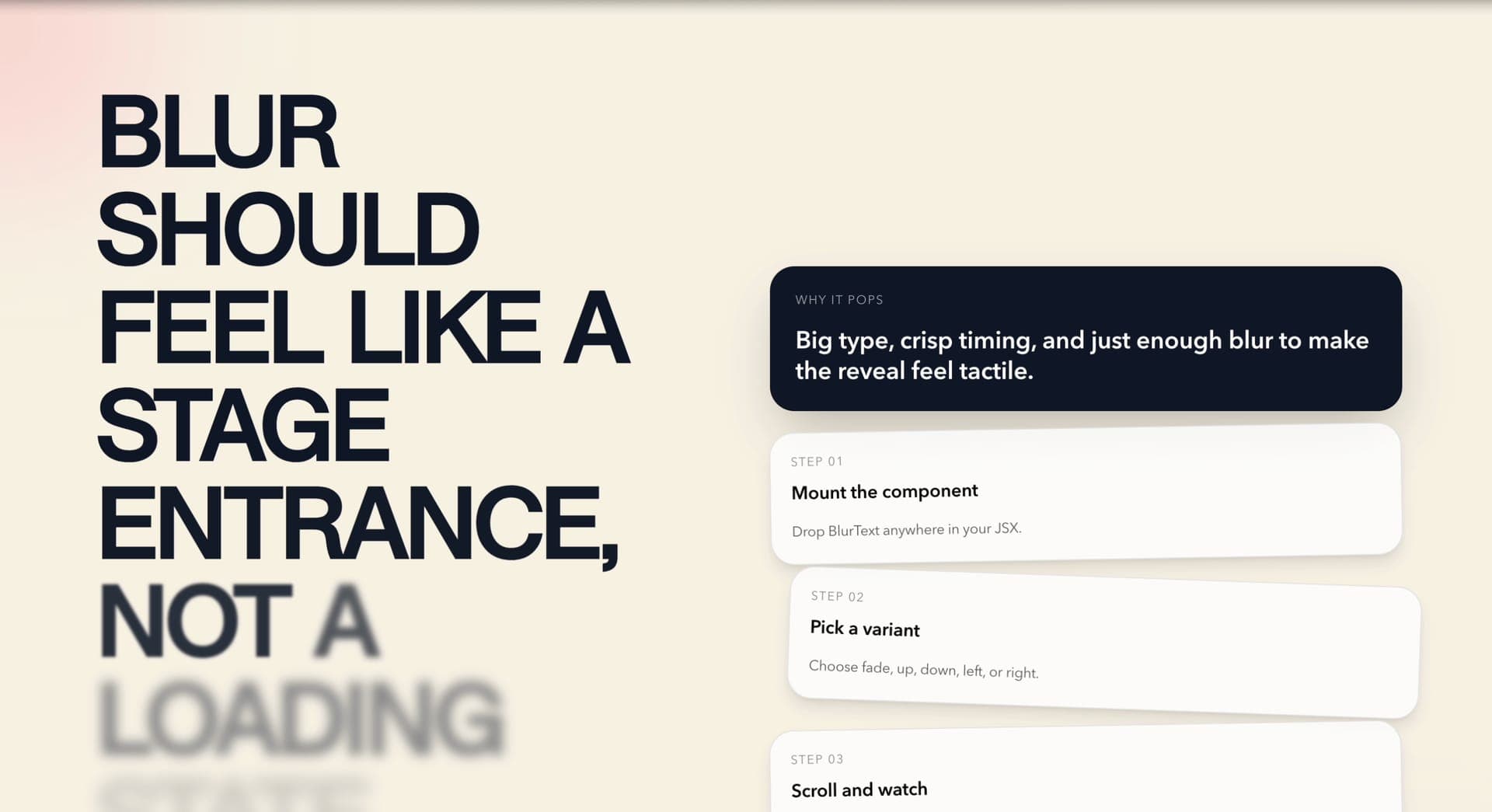
Blur Text
Pro
Motion

Blur Text

Text

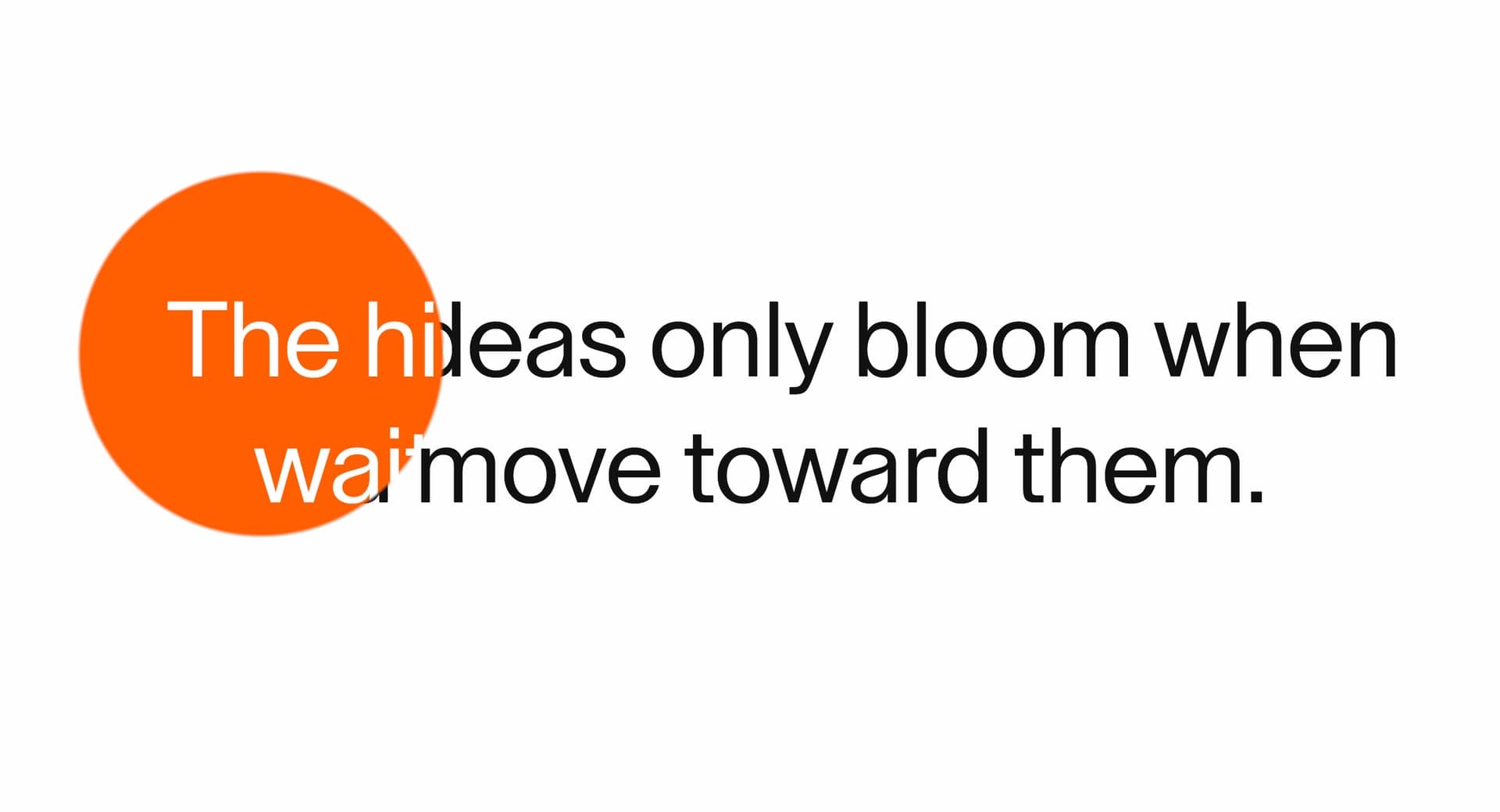
Circle Text Reveal
Pro
Motion

Circle Text Reveal

Text

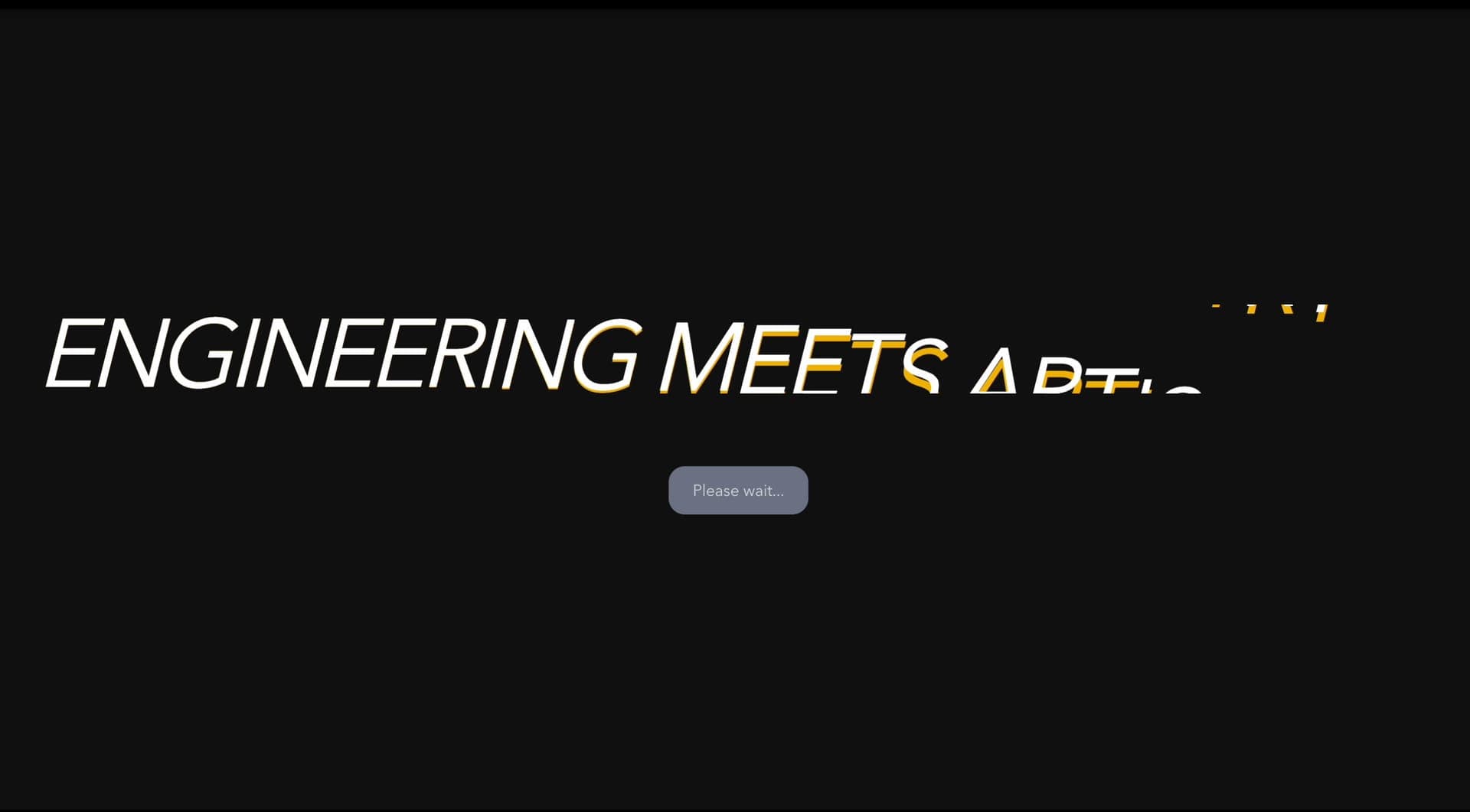
Glitchy Text
Pro
GSAP

Glitchy Text

Text

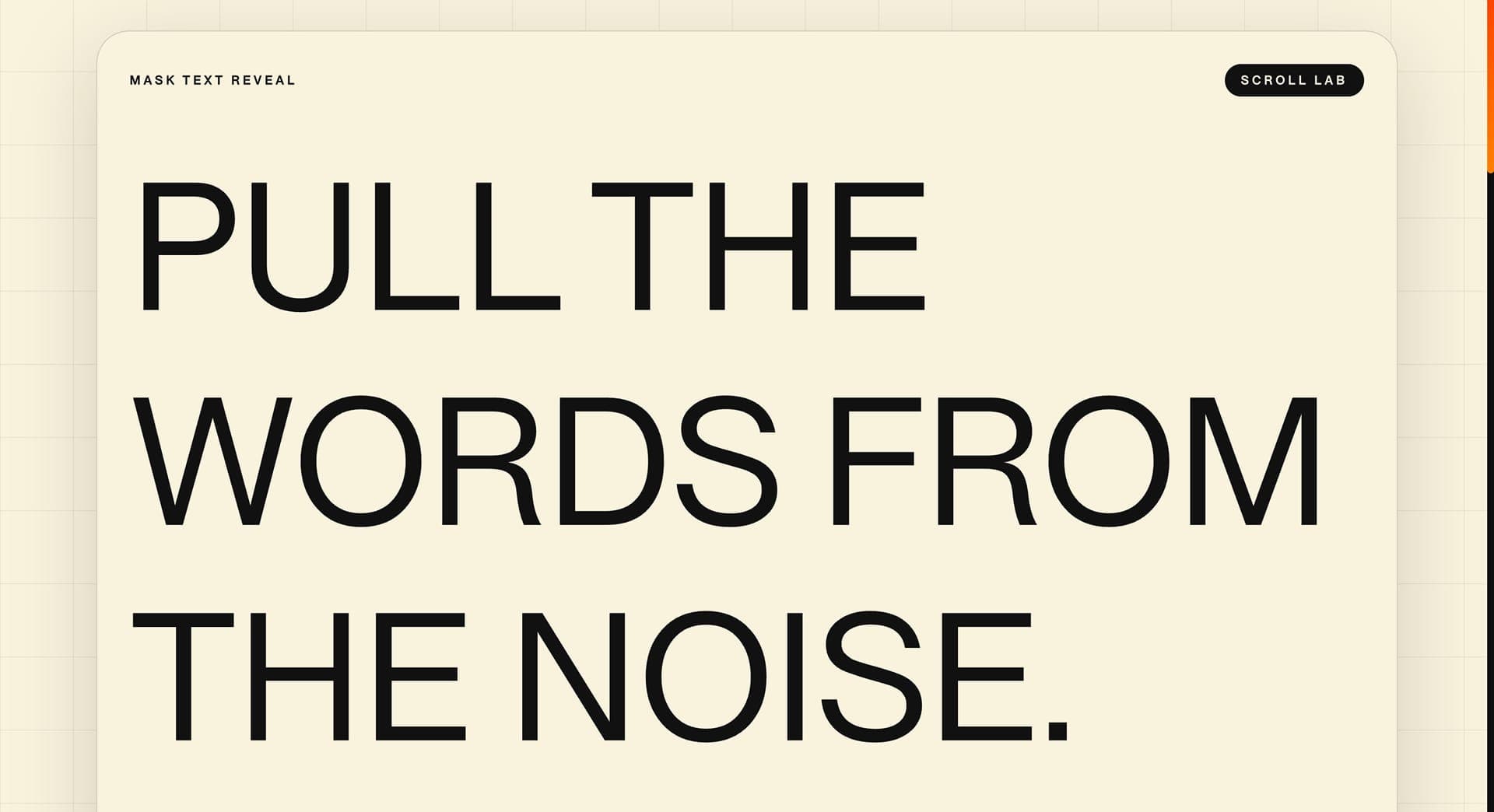
Mask Text Reveal
Pro
GSAP

Mask Text Reveal

Text