Pro
GSAP
Square Translate
Scroll
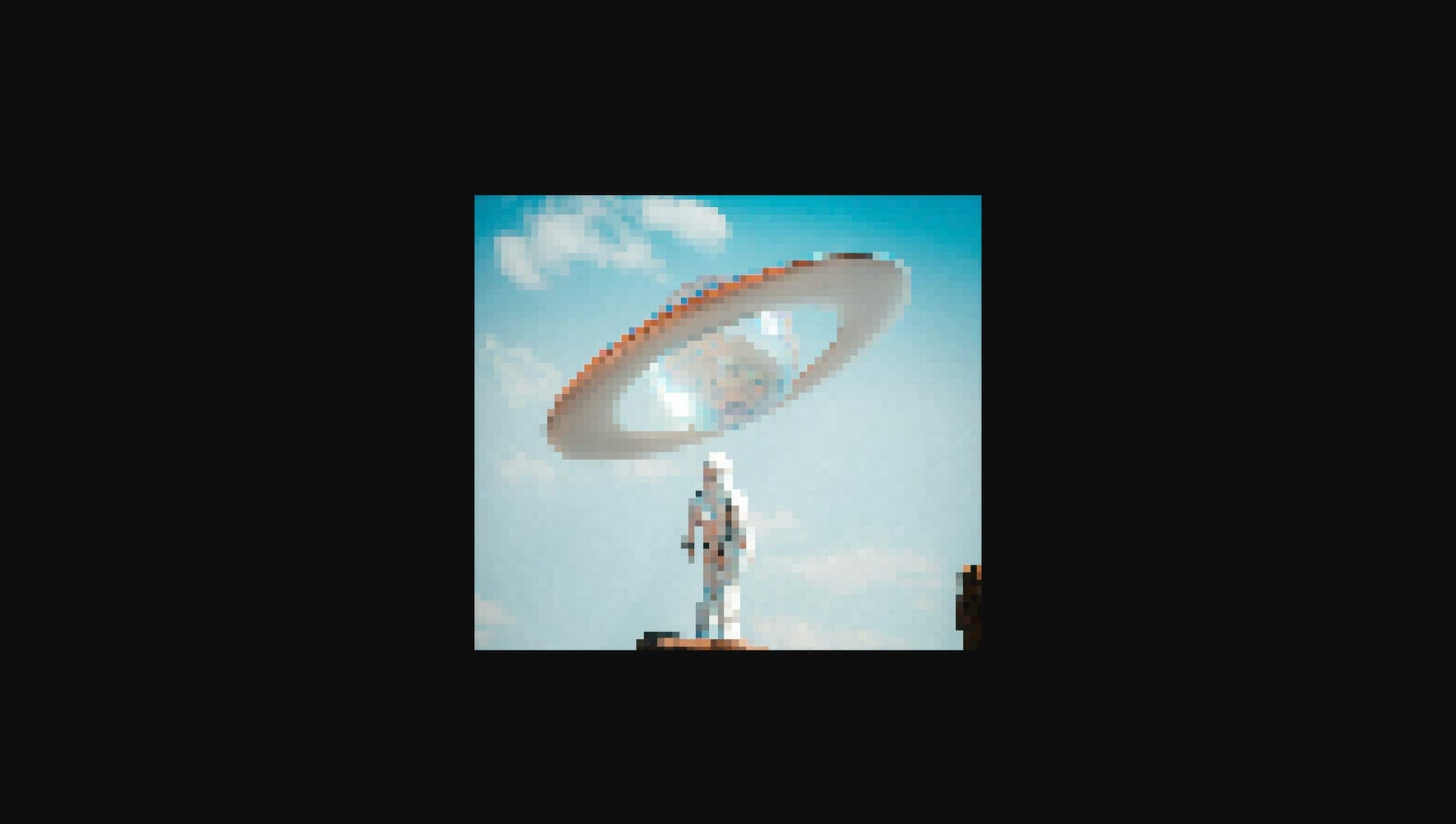
A scroll-triggered image reveal where square pixel blocks clip in along a chosen direction until the image is fully sharp, played once on entry or scrubbed with scroll.
Image Pixel Reveal transforms image entrances into a sequence of animated pixel fragments. When the image reaches the trigger point, square blocks of the image switch on along the chosen direction (down by default) with a ragged, noisy edge, revealing the full visual over 1.4s instead of through a conventional fade or slide. Set scrub to tie the reveal to scroll position instead.
The effect is a pixel-style clip-path mask; it has no parallax of its own, though you can add parallax around it, as the demo does. In a multi-image gallery, each visual reveals as it reaches its trigger point, creating a natural rhythm across the collection.
Designed for creative portfolios, photography websites, editorial galleries, and campaign pages, Image Pixel Reveal makes scrolling part of the visual storytelling without compromising the sharpness of the final images.
import ImagePixelReveal from '@/components/effects/image-pixel-reveal' const page = () => { return ( <> <ImagePixelReveal imageSrc="https://pub-8abee449136941f5b0a1cd2c014534e9.r2.dev/vault-listing-images/assets-images/portal-carousel/crimson-drift.jpg" className="h-screen w-full" /> </> )} export default pageConsider a creative studio showcasing a collection of photography and digital artwork. Instead of displaying a static gallery, the website introduces each image through an animated pixel reveal as visitors scroll.
The images emerge from fragmented square blocks as each one scrolls into view. A staggered gallery layout allows different visuals to reveal at different points, and alternating the direction prop between columns adds variety, maintaining interest as visitors explore the collection.
The result is a more distinctive portfolio experience that gives individual images their own entrance without interrupting the natural scrolling flow.
Image Pixel Reveal is less suitable for content-heavy pages, dashboards, or interfaces where images need to be visible immediately. The fragmented entrance adds a visual step that may slow down information discovery.
Avoid applying it to every image on a long page. The effect works best when used selectively, allowing important visuals to stand out without making scrolling repetitive.
Keep the pixel reveal lightweight, particularly when several images enter the viewport together. Each frame of the reveal rebuilds one clip-path from the grid of cells, so a very small gridSize on a large image means more work per frame. Use optimised image assets.
By default the reveal plays once and then removes the clip entirely, so finished images cost nothing. With scrub on, it redraws on every scroll update between start and end. On lower-powered devices, raise gridSize for fewer, larger blocks.
Provide meaningful alt text and keep essential information independent of the animation. Images should remain understandable if the reveal does not run or is interrupted.
There is no mobile-specific behaviour, so raise gridSize on small screens if you want chunkier blocks. With reduced motion, the component skips the animation and shows the complete image immediately.
| Prop | Type | Default | Description |
|---|---|---|---|
gridSize | number | 24 | Size of each pixel cell, in px. |
edgeHeight | number | 0.3 | How wide the scattered pixel edge is, from 0 (clean line) to 1. |
direction | string | down | Which way the reveal travels across the image. |
parallax | number | 0.5 | Demo only: strength of the scroll parallax on each image. 0 turns it off. |
scrub | boolean | false | Tie the reveal to scroll position. Off plays it once on enter. |
duration | number | 1.4 | Length of the reveal in seconds when not scrubbing. |
Image Pixel Reveal is a React scroll-triggered effect that reveals images through animated square pixel fragments when they enter the viewport, or in step with scroll when scrub is on.
When the top of the image reaches 90% of the viewport height, a 1.4s tween switches on square cells of a clip-path along the chosen direction, with a noisy edge, until the complete visual is visible. With scrub on, progress follows the scroll between the start and end positions instead.
No. The pixel fragments form the transition. Once the reveal completes, the image appears sharp and fully visible.
Not in the component itself. The demo adds column and image parallax with its own GSAP code around the reveal; if you want that depth, add a similar scroll animation in your page.
The component skips the pixel reveal and shows every image fully revealed straight away, with nothing tied to scroll.
Image Pixel Reveal focuses on photographic and raster-image galleries, revealing them with a square-cell clip-path that plays on entry or scrubs with scroll. SVG Pixel Reveal is designed around revealing vector graphics through a pixel-style mask.
Need a custom effect? Tell us what to create.
Scroll
WebGL
WebGL
Cursor