Loading
Radial Slice Transition
Cut between routes with circular slices, giving brand and campaign navigation a sharp graphic handoff without manufacturing delay.
Published On: February 10, 2026
Last Updated: August 17, 2026
GSAPnext-transition-router
Overview
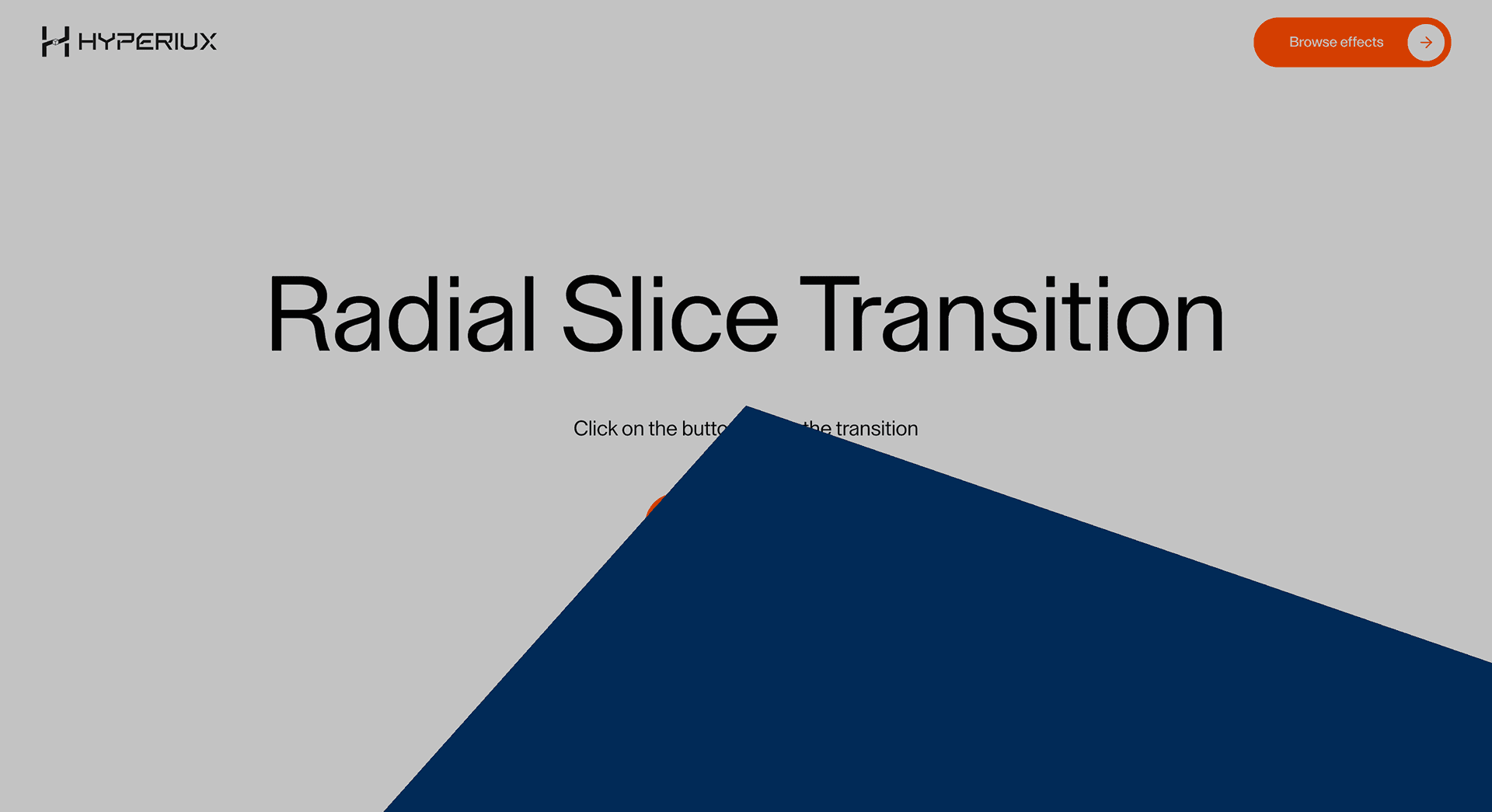
Radial Slice Transition turns a route change into a graphic cut. The page does not fade away; it slices open.
Use Radial Slice Transition when circular geometry belongs to the brand system and route changes need a brief, memorable handoff. It fits campaign pages, portfolios, launch sites, and editorial journeys where navigation can carry a little visual identity. The page job is continuity: the user should feel the route change without waiting for it.
The production risk is delay. Page transitions become irritating when they pretend to be loading states or run every time a visitor tries to move quickly. The slice should be short, tied to real route change, and respectful of reduced motion.
Install Command
(Next.js App Router only. Requires next-transition-router for route-transition lifecycle hooks and must be wrapped in its provider. This effect will not function in plain React or in the Next.js Pages Router.)
This is a Pro Effect.
You can preview it now. Upgrade to Pro for instant install access.
Usage Code
This is a Pro Effect.
You can preview it now. Upgrade to Pro for instant install access.
Component Code
This is a Pro Effect.
You can preview it now. Upgrade to Pro for instant install access.
Example Production Use Case
A campaign microsite can use Radial Slice Transition between short editorial routes where the brand already uses circular or sliced geometry. The outcome is continuity: navigation feels designed into the system without making the destination wait.
Best Used For
- Campaign and portfolio sites where radial motion matches the visual language.
- Short route trees where navigation frequency is low enough for a designed cut.
- Brand pages that need a transition with more edge than a fade but less weight than WebGL.
Not For
Not for apps, docs, checkout, search, dashboards, or flows where fast navigation is the main feature.
Not for routes where users bounce between pages repeatedly and would see the same slice too often.
Performance Budget
Keep duration short, avoid fake loading delays, animate transforms and masks with restraint, and do not block interactivity after the destination is ready.
Accessibility and Mobile
Restore focus to the destination main region or heading after navigation. On mobile and reduced motion, use instant navigation or a brief fade instead of full-screen radial movement.
Common Mistakes
- Using Radial Slice Transition as a fake preloader.
- Letting the slice run after the next route is already usable.
- Forgetting focus restoration after navigation.
- Making the segments so complex that the transition feels heavier than the page.
Changelog
v1.1.0
Jul 21, 2026Added reduced-motion route fallback with short opacity fades.
v1.0.0
Feb 10, 2026Initial release
Props
| Prop | Type | Default | Description |
|---|---|---|---|
duration | number | 4 | Total duration of the radial slice transition. |
color | string | #0F2854 | Radial slice overlay color. |
Frequently Asked Questions
When should I use Radial Slice Transition?
Use it when a campaign, portfolio, or brand site needs a circular sliced route change that feels graphic and brief.
Where should Radial Slice Transition mount in the App Router?
Mount it where route state can be detected and coordinated, usually in a transition wrapper, template, or provider rather than a static layout that never remounts.
How long should Radial Slice Transition last?
Keep it short, usually 300 to 600ms. Anything longer needs a real loading reason.
How should focus work after the transition?
Move focus to the destination main region or heading after navigation completes. Keyboard users should not remain focused on the old page.
What is the reduced-motion fallback?
Use instant navigation or a brief fade. Avoid full-screen radial masks, sweeping slices, or rotational motion.
Can Hyperiux adapt Radial Slice Transition for a real brand system?
Yes. A custom version should define slice geometry, timing, route integration, focus restoration, reduced-motion fallback, mobile behavior, source handoff, and implementation notes.
Request a Custom Page Transition
Need a custom effect? Tell us what to create.


