Loading
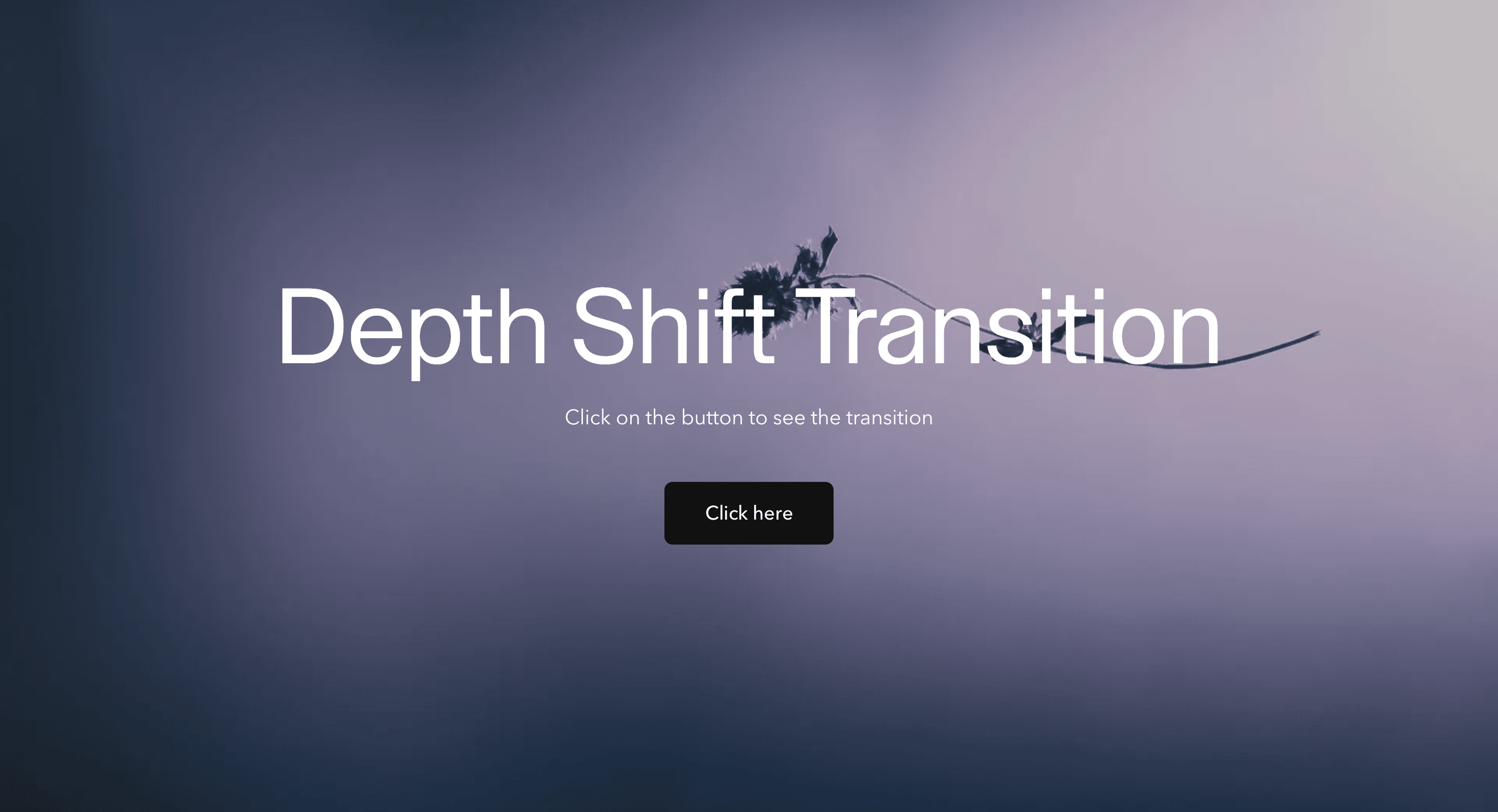
Depth Shift Transition
A layered route transition that moves pages through perspective, giving portfolios and brand sites a spatial handoff without a full 3D scene.
Published On: August 12, 2026
Last Updated: August 17, 2026
GSAPnext-transition-router
Overview
Depth Shift Transition moves the route change through layered perspective instead of a flat cut.
It gives navigation a sense of space: the current page pulls back, moves aside and makes room while the next view arrives with depth. Use it when a site wants route changes to feel dimensional but does not need a full WebGL scene.
Use Depth Shift Transition on portfolios, agency sites, editorial journeys, brand microsites, and launch pages where navigation can carry a controlled visual moment. The page job is continuity: the visitor should feel the change of route, understand the destination, and keep moving without waiting for the animation to finish performing.
The production risk is disorientation. Perspective motion can feel premium when it is short and clear, but it becomes frustrating when it hides the destination, breaks scroll restoration, or leaves keyboard focus behind on the previous route.
Install Command
(Next.js App Router only. Requires next-transition-router for route-transition lifecycle hooks and must be wrapped in its provider. This effect will not function in plain React or in the Next.js Pages Router.)
This is a Pro Effect.
You can preview it now. Upgrade to Pro for instant install access.
Usage Code
This is a Pro Effect.
You can preview it now. Upgrade to Pro for instant install access.
Component Code
This is a Pro Effect.
You can preview it now. Upgrade to Pro for instant install access.
Example Production Use Case
A creative portfolio can use Depth Shift Transition between project pages so each case study feels connected to the next. The old page recedes, the new page arrives, and the visitor lands in the destination content without losing orientation. The outcome is spatial continuity: navigation feels designed without becoming a loading screen.
Best Used For
- Portfolio and agency websites where route changes should feel spatial and crafted.
- Campaign pages where the transition can reinforce a premium visual system.
- Editorial journeys where depth helps one page hand off to the next.
Not For
Not for dashboards, docs, checkout, search, pricing comparison flows, or routes where navigation speed is the feature.
Not for pages where perspective movement would make users lose their place.
Performance Budget
Keep the transition short, animate transform and opacity, avoid layout reads during route change, and clean up listeners or timelines after navigation completes. Depth should come from composited layers, not from expensive layout work.
Accessibility and Mobile
Move focus to the destination main region or heading after navigation. On mobile, reduce perspective distance and avoid heavy motion that makes the route feel unstable. Reduced-motion users should get instant navigation or a brief fade.
Common Mistakes
- Using depth motion as fake loading delay.
- Letting the previous page remain visually dominant after the destination is ready.
- Forgetting focus restoration after the route changes.
- Making the perspective shift so strong that the destination feels hard to track.
Changelog
v1.0.0
Aug 4, 2026Initial release
Props
| Prop | Type | Default | Description |
|---|---|---|---|
bgColor | string | #0b0b0c | Background color behind the transitioning pages. |
duration | number | 0.65 | Duration of the exit phase. Enter timing scales with this value. |
exitOffsetX | number | 20 | Horizontal offset applied to the outgoing page during desktop transitions. |
exitOffsetY | number | 30 | Vertical offset applied to the outgoing page during desktop transitions. |
exitRotate | number | 3 | Rotation applied to the outgoing page as it recedes. |
Frequently Asked Questions
When should I use Depth Shift Transition?
Use it when a brand, portfolio, or campaign site needs route changes to feel dimensional without using a heavy 3D scene.
Where should Depth Shift Transition mount in the App Router?
Mount it where route state can be detected and coordinated, usually through a route-transition wrapper, template, or provider rather than a persistent static layout that never remounts.
How long should Depth Shift Transition last?
Keep it short, usually around 300 to 600ms. Longer transitions need a real loading reason.
How should focus work after Depth Shift Transition?
Focus should move to the destination main region or heading once navigation completes. Keyboard users should not remain anchored to the old route.
What should reduced motion do for Depth Shift Transition?
Remove perspective movement and use instant navigation or a short opacity fade.
Can Hyperiux adapt Depth Shift Transition for a real brand system?
Yes. A custom version should define depth distance, timing, layer behavior, App Router integration, focus restoration, mobile fallback, reduced-motion handling, source handoff, and implementation notes.
Request a Custom Page Transition Animation
Request a Custom Page Transition


