Loading
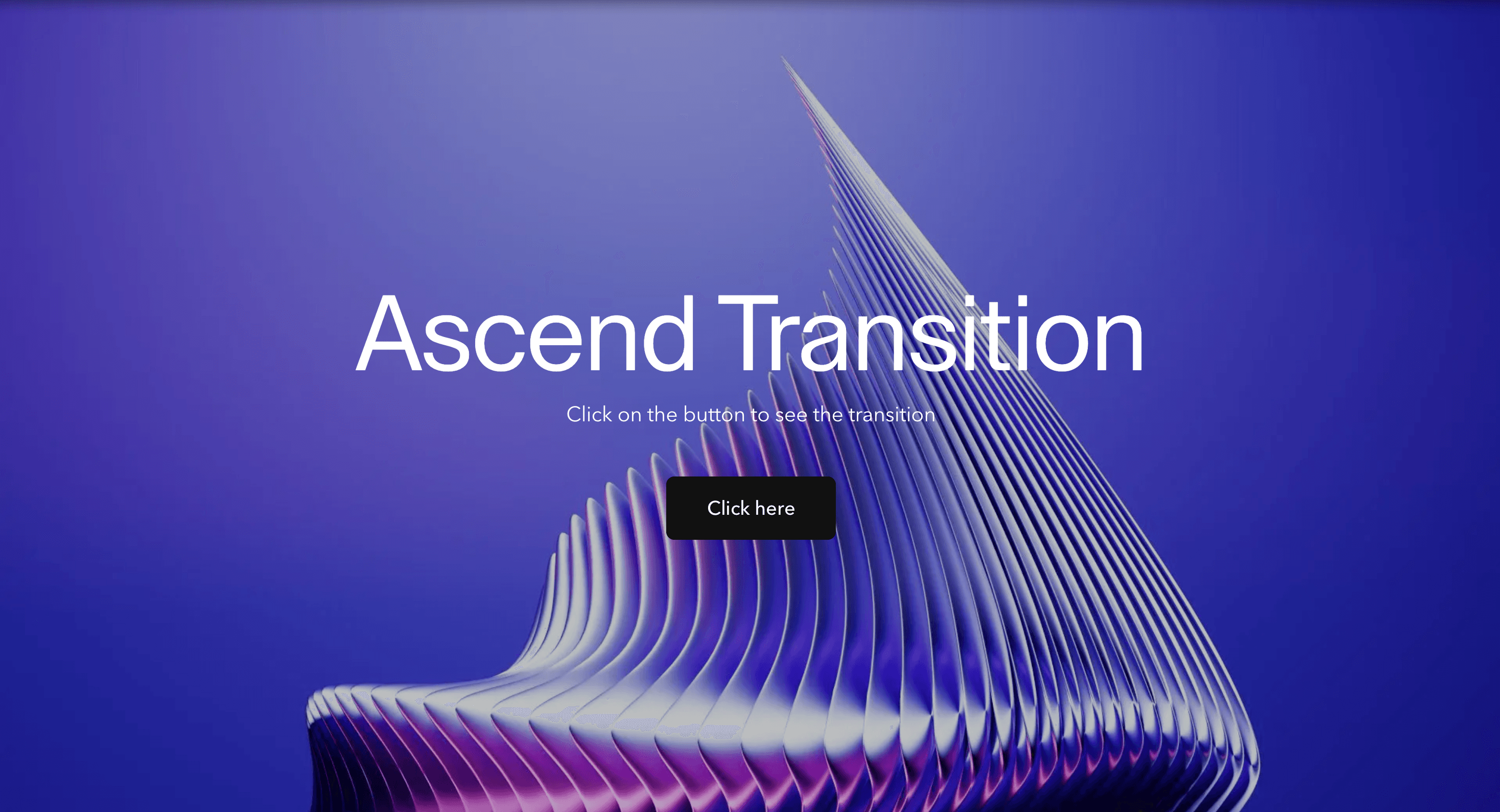
Ascend Transition
A vertical page transition that lifts one route into the next for brand sites, campaign pages, and editorial journeys that need a clean upward motion.
Published On: August 12, 2026
Last Updated: August 17, 2026
GSAPnext-transition-router
Overview
Ascend Transition makes the route change feel like an upward handoff.
Instead of cutting from one page to the next, the interface lifts. The old view moves out of the way, the new view rises into place, and the navigation moment feels cleaner than a hard fade.
Use Ascend Transition when a brand, portfolio, editorial site, or launch page wants route changes to feel light, elevated, and directional. The page job is upward continuity: the visitor should understand that the current page is leaving and the next one is arriving, without feeling blocked by the transition.
The production risk is timing. A vertical route transition can quickly feel like scroll-jacking if it is too slow, too tall, or too similar to normal page scroll. The transition should be brief, unmistakably tied to navigation, and respectful of reduced motion.
Install Command
(Next.js App Router only. Requires next-transition-router for route-transition lifecycle hooks and must be wrapped in its provider. This effect will not function in plain React or in the Next.js Pages Router.)
This is a Pro Effect.
You can preview it now. Upgrade to Pro for instant install access.
Usage Code
This is a Pro Effect.
You can preview it now. Upgrade to Pro for instant install access.
Component Code
This is a Pro Effect.
You can preview it now. Upgrade to Pro for instant install access.
Example Production Use Case
A product launch microsite can use Ascend Transition between short campaign pages. Each route lifts away and the next section rises into place, giving the site a light, progressive rhythm. The outcome is elevation: navigation feels intentional without becoming heavy.
Best Used For
- Brand and portfolio sites where route changes should feel clean and upward.
- Editorial or campaign routes with a vertical visual system.
- Launch pages where transition motion should feel light rather than aggressive.
Not For
Not for long documentation, dashboards, checkout flows, product apps, or any route where users navigate frequently and expect instant response.
Not for pages where upward motion would be confused with normal scrolling.
Performance Budget
Use transform and opacity, keep duration short, avoid forcing layout during route change, and clean up route listeners or animation timelines after completion.
Accessibility and Mobile
Move focus to the destination main region or heading after navigation. On mobile, reduce travel distance so the transition does not feel like forced scroll. Reduced-motion users should get instant navigation or a short fade.
Common Mistakes
- Making the route lift feel like scroll-jacking.
- Running the transition after the destination page is already usable.
- Forgetting to restore focus after navigation.
- Using large vertical travel on small mobile screens.
Changelog
v1.0.0
Aug 5, 2026Initial release
Props
| Prop | Type | Default | Description |
|---|---|---|---|
bgColor | string | #ffffff | Background color of the covering panel that rises and reveals the new page. |
duration | number | 0.9 | Base duration of the rise/reveal phase; related scale-up and fade timings scale with it. |
Frequently Asked Questions
When should I use Ascend Transition?
Use it when a route change should feel like a clean upward handoff between brand, campaign, or portfolio pages.
How is Ascend Transition different from normal scroll motion?
Ascend Transition is tied to route change, not page scrolling. It should happen briefly during navigation and then stop.
How long should Ascend Transition last?
Keep it short, usually 300 to 600ms. If it lasts longer, users will feel like navigation is being delayed.
Where should Ascend Transition mount in Next.js?
Mount it where route changes can be detected and coordinated, usually in a transition wrapper, template, or route-level provider.
What should reduced motion do for Ascend Transition?
Remove vertical movement and use instant navigation or a brief fade.
Can Hyperiux adapt Ascend Transition for a real brand system?
Yes. A custom version should define vertical distance, easing, route integration, focus restoration, scroll behavior, mobile fallback, reduced-motion handling, source handoff, and implementation notes.
Request a Custom Page Transition
Need a custom effect? Tell us what to create.


