Loading
Aperture Transition
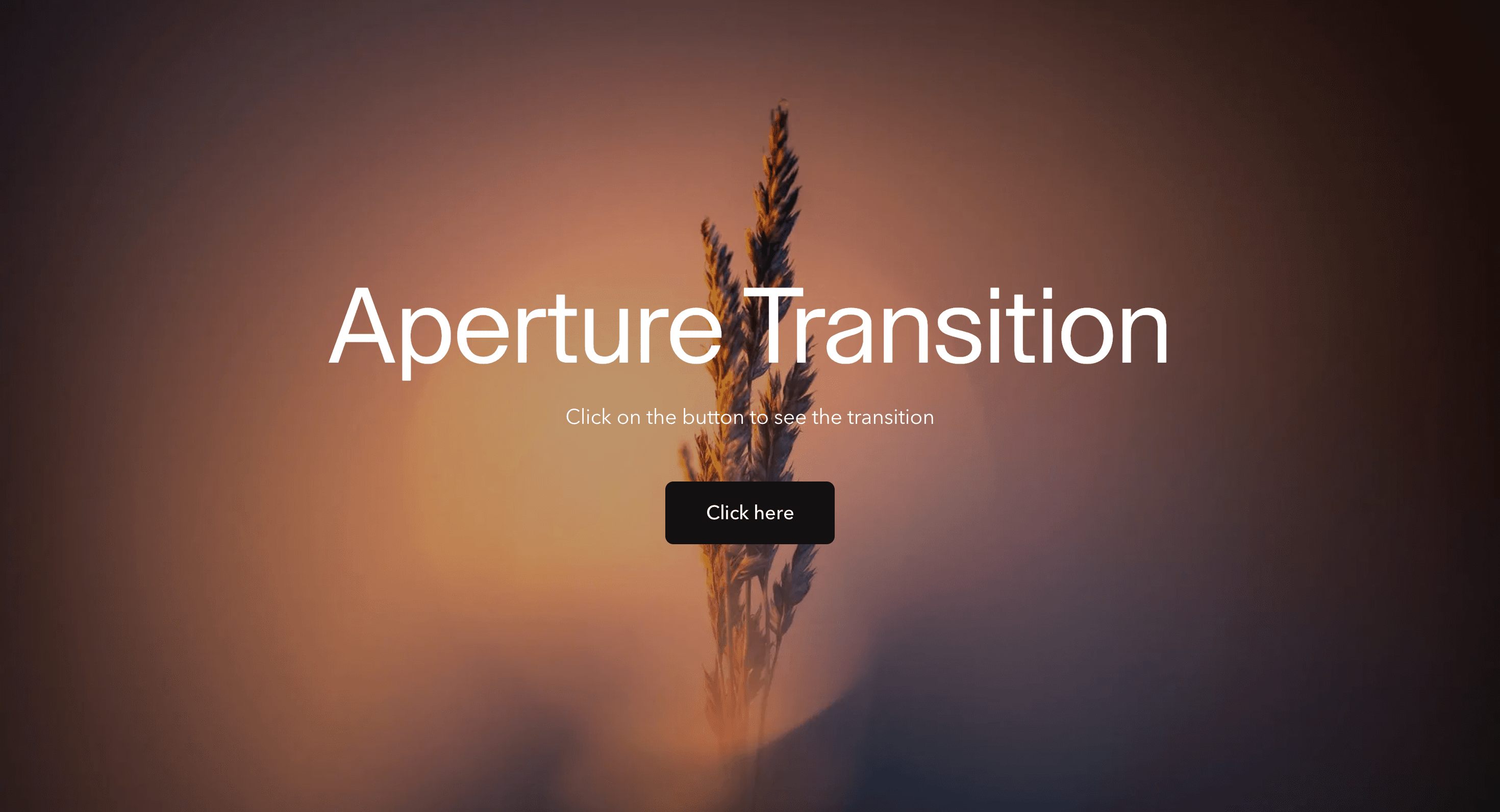
An iris-style page transition that opens and closes routes through a focused aperture for photography, portfolio, film, and visual brand sites.
Published On: August 12, 2026
Last Updated: August 17, 2026
GSAPnext-transition-router
Overview
Aperture Transition turns a route change into an iris-style opening.
The page does not simply fade. It closes, focuses, and reveals the next view through a controlled aperture. The metaphor is direct: the visitor is being guided from one scene to another.
Use Aperture Transition when circular framing, camera language, lens movement, or reveal-based art direction belongs to the brand. It fits portfolios, photography-led sites, campaign pages, studio websites, film pages, product launches, and visual editorial routes. The page job is focus: the transition should frame the destination without delaying it.
The production risk is overstatement. Aperture motion can feel cinematic, but too much of it makes navigation feel slow. The mask should be brief, centered on orientation, and removed entirely for reduced-motion users.
Install Command
(Next.js App Router only. Requires next-transition-router for route-transition lifecycle hooks and must be wrapped in its provider. This effect will not function in plain React or in the Next.js Pages Router.)
This is a Pro Effect.
You can preview it now. Upgrade to Pro for instant install access.
Usage Code
This is a Pro Effect.
You can preview it now. Upgrade to Pro for instant install access.
Component Code
This is a Pro Effect.
You can preview it now. Upgrade to Pro for instant install access.
Example Production Use Case
A photography portfolio can use Aperture Transition between project routes. The current page closes like a lens, the next image-led page opens, and focus lands in the new content. The outcome is focus: navigation feels connected to the visual language of the site.
Best Used For
- Photography, film, portfolio, and campaign sites where aperture or lens language fits the brand.
- Visual route changes where a circular reveal feels more appropriate than a block, slice, or pixel transition.
- Small route trees where the transition appears often enough to create identity but not so often that it becomes friction.
Not For
Not for apps, docs, checkout, search, dashboards, dense product flows, or pages where users need instant repeated navigation.
Not for brands where the aperture metaphor feels decorative rather than connected to the content.
Performance Budget
Keep duration short, animate masks or transforms with restraint, avoid artificial route delays, and do not block interactivity once the destination is ready.
Accessibility and Mobile
Move focus to the destination main region or heading after navigation. On mobile, simplify the aperture movement and avoid large full-screen motion that slows orientation. Reduced-motion users should get instant navigation or a brief fade.
Common Mistakes
- Treating the aperture like a fake loading screen.
- Making the mask too slow or too theatrical for routine navigation.
- Forgetting focus restoration after the route changes.
- Using aperture motion on every tiny interaction instead of true route changes.
Changelog
v1.0.0
Aug 6, 2026Initial release
Props
| Prop | Type | Default | Description |
|---|---|---|---|
scale | number | 0.82 | Amount the whole screen shrinks toward its center during the leave phase. |
duration | number | 0.6 | Duration of the leave shrink and reveal/expand phases. |
revealDirection | string | bottom | Edge the incoming page's aperture reveal expands from. |
Frequently Asked Questions
When should I use Aperture Transition?
Use it when a portfolio, campaign, film, photography, or brand site benefits from an iris-style route reveal.
Is Aperture Transition the same as a radial wipe?
They are related, but Aperture Transition should feel more like a lens opening and closing, while a radial wipe is usually a flatter graphic transition.
How long should Aperture Transition last?
Keep it short, usually around 300 to 600ms. Longer movement should be reserved for a real loading condition.
Where should Aperture Transition mount in the App Router?
Mount it where route changes can be coordinated, usually in a route-transition wrapper, template, or transition provider.
What should reduced motion do for Aperture Transition?
Remove the iris movement and use instant navigation or a short fade. Do not run full-screen mask motion for reduced-motion users.
Can Hyperiux adapt Aperture Transition for a real brand system?
Yes. A custom version should define aperture shape, origin, timing, route integration, focus restoration, mobile fallback, reduced-motion behavior, source handoff, and implementation notes.
Request a Custom Page Transition
Need a custom effect? Tell us what to create.


