GSAPLucide-react
Directional Menu
Navigation
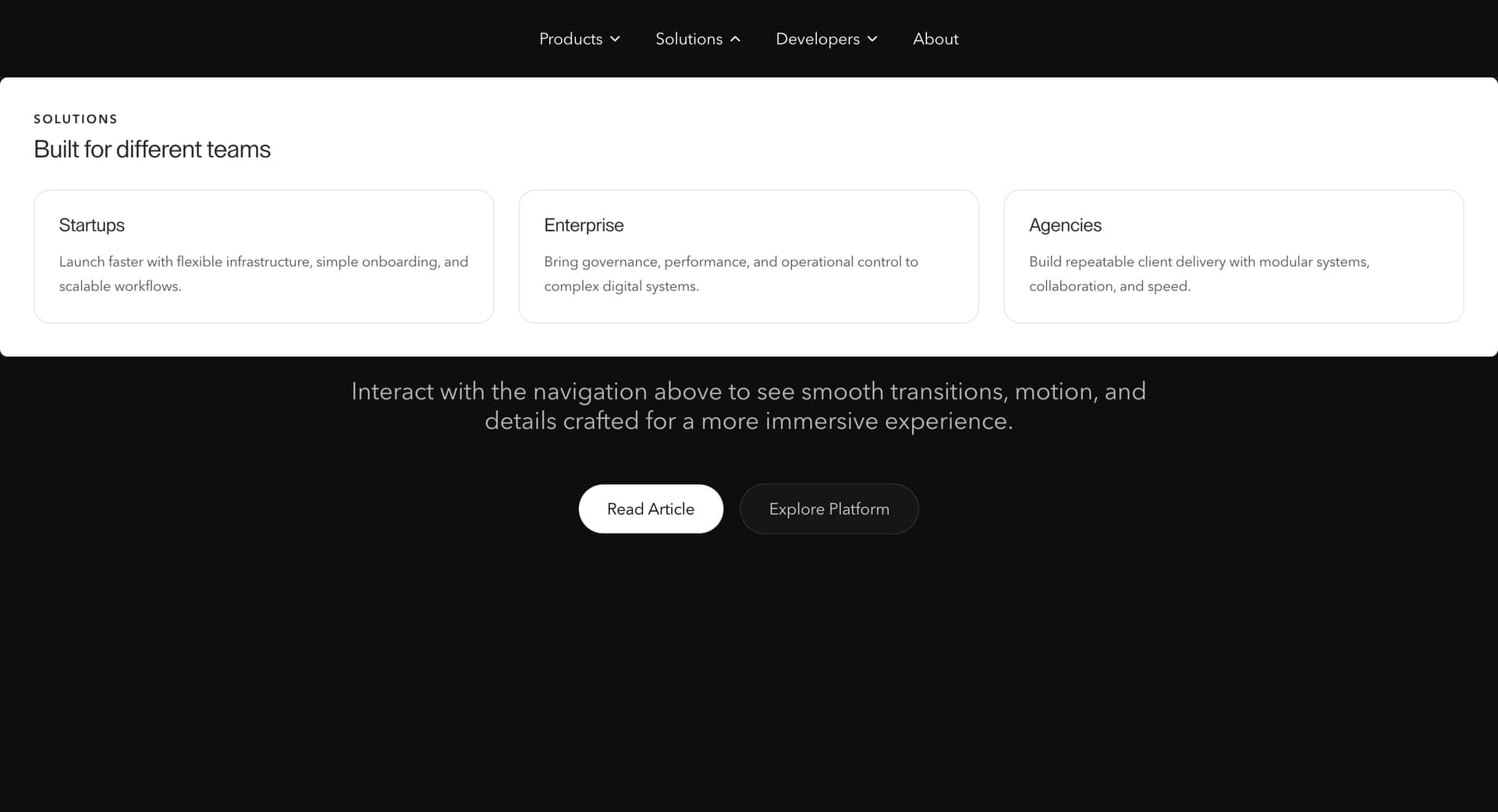
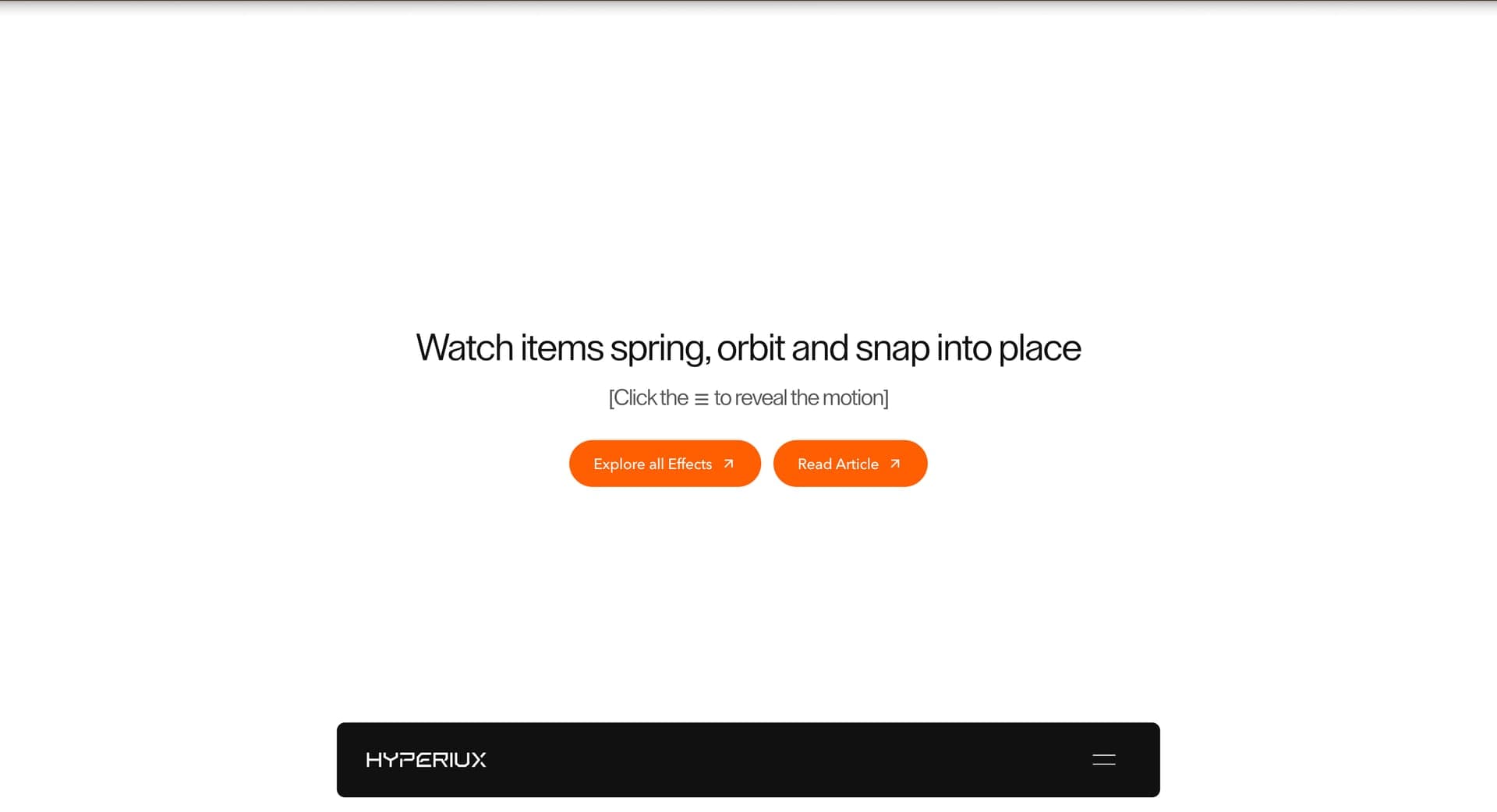
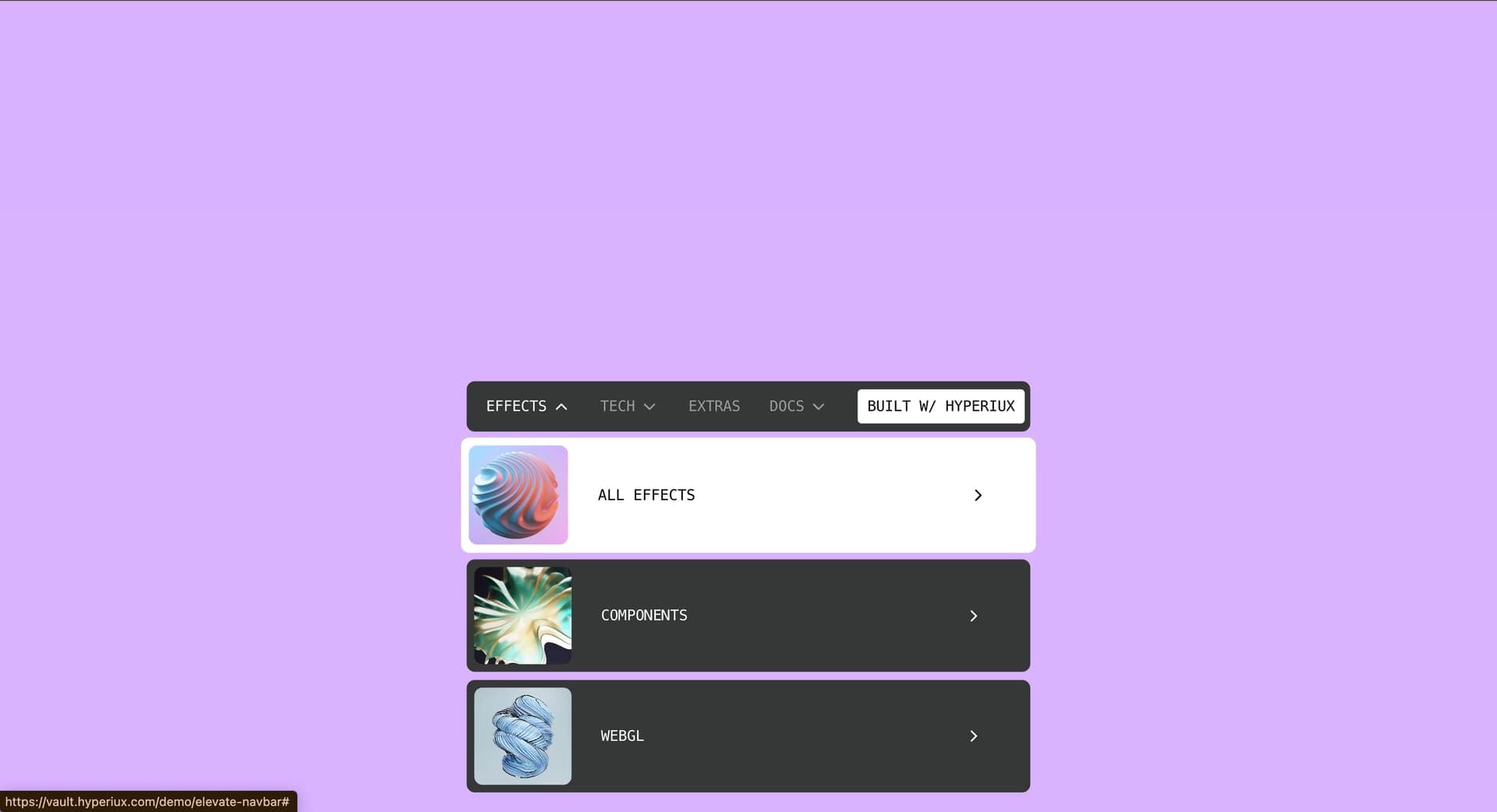
A full-screen navigation overlay for portfolio, agency, and brand websites where opening the menu becomes a designed brand moment.
Immersive Full Screen Navigation gives navigation spatial presence: navigation becomes a full-screen brand moment.
Use it when the site has enough structure to justify a designed menu moment: services, products, resources, docs, use cases, or portfolios. For three links, keep it boring and fast.
The production risk is cleverness in the one place every visitor needs reliability. Build keyboard, click, tap, Escape, focus restore, and mobile behavior before adding directional or overlay motion.
import ImmersiveFullscreenNav from '@/components/effects/immersive-full-screen-nav' const page = () => { return ( <> <ImmersiveFullscreenNav/> </> )} A film production company can use Immersive Full-Screen Navigation to make opening the menu part of its showreel experience. The overlay expands to fill the screen, then the links, preview stills, and social channels stagger into view.
The outcome is a brand moment that still works as navigation. Focus stays inside the menu while it is open, Escape closes it, and focus returns to the trigger, so visitors still reach the work, directors, and contact page without friction.
Not for tiny sites, hover-only menus, checkout, forms, or navigation where speed and reliability are the whole job.
Keep panel animations short, avoid layout shift, and do not block route transitions or scroll restoration.
Use real links, aria-expanded triggers, Escape close, and focus restore. Mobile should use a drawer, accordion, or full-screen menu that does not depend on hover.
| Prop | Type | Default | Description |
|---|---|---|---|
overlayBg | string | #ff5f00 | Fullscreen overlay background color. |
headerOpenColor | string | #ffffff | Hamburger bar color while open. |
linkColor | string | #ffffff | Navigation link color. |
linkHoverColor | string | #a3a3a3 | Navigation link hover color. |
clipOrigin | string | bottom | Edge where the overlay reveals from. |
openDuration | number | 1.2 | Overlay open duration. |
closeDuration | number | 1.2 | Overlay close duration. |
ease | string | power4.inOut | Overlay reveal easing. |
linkStagger | number | 0.07 | Delay between nav links. |
imageStagger | number | 0.02 | Delay between overlay images. |
socialStagger | number | 0.06 | Delay between social links. |
Use it when a portfolio or agency site needs navigation to become a full-screen brand moment.
Yes. It needs click, tap, keyboard, and mobile paths that do not rely on hover.
Escape should close the menu and restore focus to the trigger. Trap focus only while overlay menus are open.
Use a drawer, accordion, or simple full-screen menu that respects touch expectations.
Remove direction travel and large shifts; keep simple visible open/closed states.
Need a custom effect? Tell us what to create.
Navigation
Navigation
Navigation