Loading
Testimonial Swiper
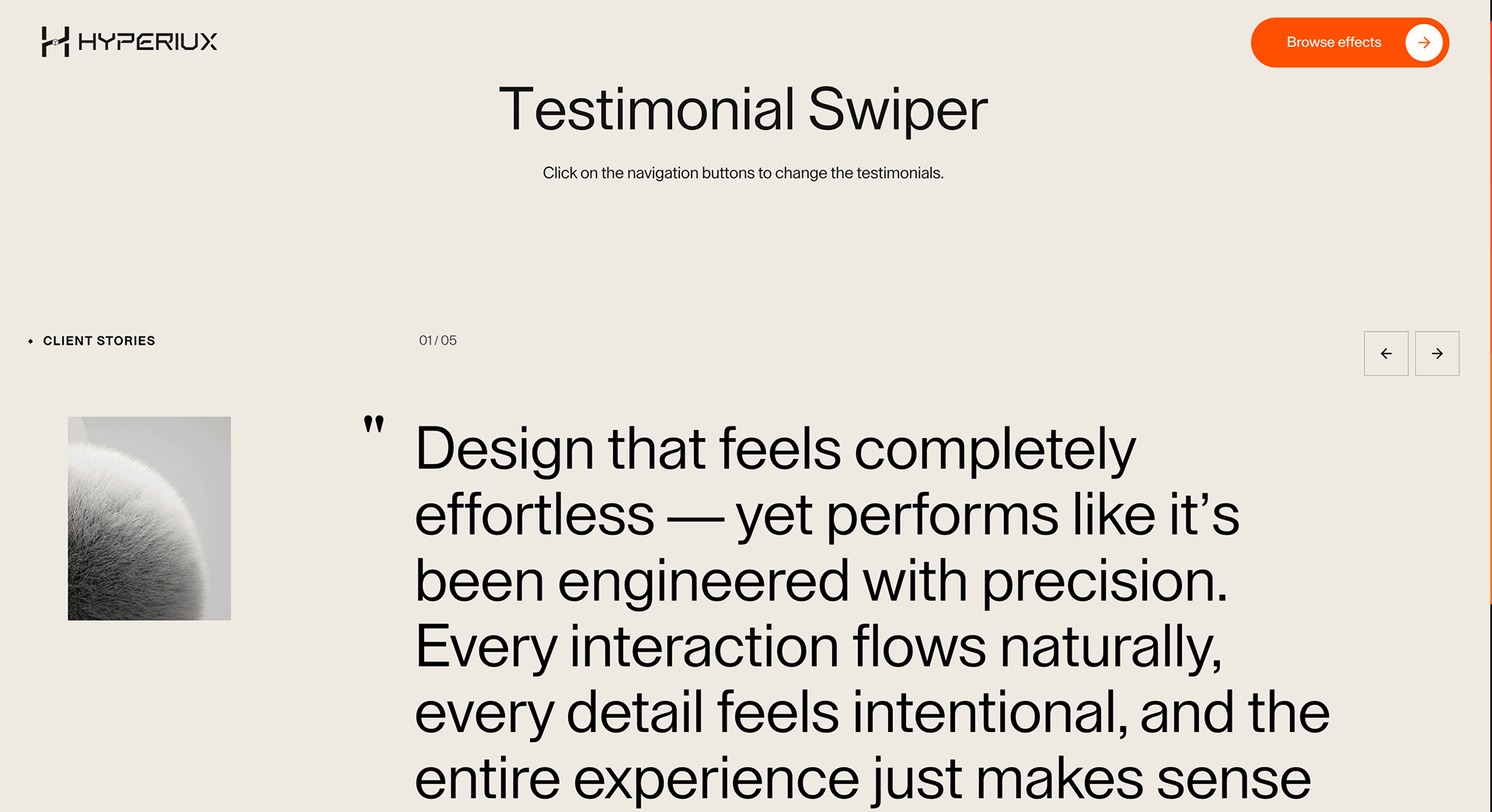
A swipeable testimonial component for moving through customer proof with visible controls, keyboard access, and crawlable quote copy.
Published On: June 4, 2026
Last Updated: August 17, 2026
GSAPLucide-react
Overview
Testimonial Swiper moves proof through a controlled sequence without making trust dependent on autoplay.
Use it when testimonials are equal-weight proof items and the section has visible controls, swipe support, keyboard access, and crawlable testimonial copy. The page job is social proof, not a hiding place for the quote that closes the sale.
The thing to watch is optional proof. If a testimonial is critical to conversion, show it statically or in a grid instead of hiding it behind rotation.
Install Command
This is a Pro Effect.
You can preview it now. Upgrade to Pro for instant install access.
Usage Code
This is a Pro Effect.
You can preview it now. Upgrade to Pro for instant install access.
Component Code
This is a Pro Effect.
You can preview it now. Upgrade to Pro for instant install access.
This is a Pro Effect.
You can preview it now. Upgrade to Pro for instant install access.
This is a Pro Effect.
You can preview it now. Upgrade to Pro for instant install access.
Example Production Use Case
A SaaS landing page can use Testimonial Swiper for several short customer quotes when controls are visible, autoplay pauses, and the strongest proof is also visible without interaction.
Best Used For
- Landing-page proof sections where several short testimonials have equal weight.
- Case-study previews where swipe and controls help browsing.
- Pages where testimonial copy remains crawlable and not trapped in autoplay state.
Not For
Not for the one testimonial that closes the sale, long proof stories, or evidence users must compare before converting.
Performance Budget
Optimize testimonial media, avoid loading every offscreen asset eagerly, and pause autoplay when inactive, focused, hovered, or offscreen.
Accessibility and Mobile
Provide visible controls, keyboard operation, touch support, current-slide context, and pause behavior. On mobile, consider a stacked proof section when quotes become long.
Common Mistakes
- Hiding the strongest proof behind autoplay.
- Removing controls because swipe exists.
- Announcing every autoplay tick to assistive technology.
Changelog
v1.0.1
Jul 31, 2026Reworked the props API (testimonials, bgColor, accentColor, autoplay, navigation, imageSize), added reduced-motion support, and fixed default color and demo layout issues.
v1.0.0
Jul 21, 2026Initial release
Props
| Prop | Type | Default | Description |
|---|---|---|---|
bgColor | color | #edeae2 | Background color behind the testimonial content. |
autoplay | boolean | true | Automatically advances testimonials. |
autoplayDelay | number | 4500 | Delay between testimonial changes in milliseconds. |
showNavigation | boolean | true | Shows previous/next controls. |
imageSize | number | 1 | Scale multiplier for the testimonial images. |
Frequently Asked Questions
Should Testimonial Swiper autoplay?
Only if it pauses on hover, focus, touch interaction, and reduced motion. User control is more important than constant motion.
When is a grid better?
Use a grid when every testimonial matters, users need to compare proof, or the quotes are long.
How should testimonial copy be rendered?
As real, crawlable text with visible attribution. Do not render important proof only inside a canvas or client-only state.
Can Hyperiux adapt Testimonial Swiper for a real brand system?
Yes. A custom version should define content structure, accessibility behavior, motion rules, reduced-motion behavior, source handoff, and implementation notes for the specific page job.
Request a Custom Creative Component Animation
Need a custom effect? Tell us what to create.

