Pro
Three.js@react-three/fiber
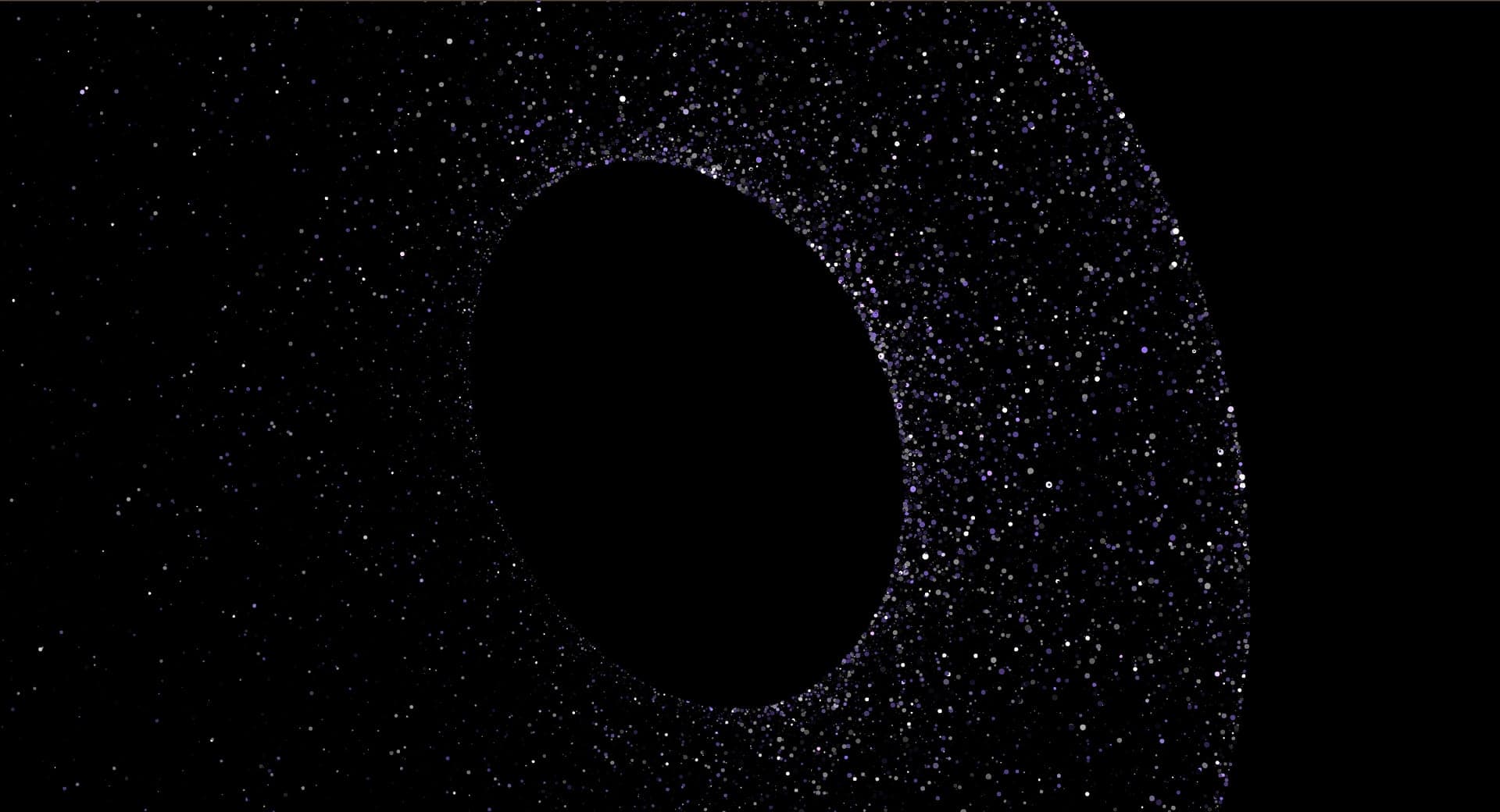
Donut Particles
WebGL
An interactive WebGL effect that combines fluid light trails, curved geometry, and particle fragmentation into a responsive visual experience.
Liquid Shatter transforms an abstract visual composition into a responsive field of movement and particles.
Fluid-like light trails move through a dark environment while curved bands establish depth and structure. As the user interacts with the scene by holding the cursor, the composition shifts, stretches, and eventually breaks apart into scattered particles. The transition from continuous liquid motion to fragmented detail gives the effect its defining character.
Unlike conventional animations that play through a predetermined visual sequence, Liquid Shatter gives the visitor a role in how the experience unfolds. The interaction creates a sense of anticipation before releasing the composition into a more chaotic particle state.
Use Liquid Shatter when visual experimentation is part of the brand experience. It suits creative studios, digital art portfolios, entertainment campaigns, technology launches, and experimental landing pages where the interaction itself deserves attention.
The effect is particularly suited to moments where the user is invited to explore rather than immediately complete a task. Its value comes from the contrast between flowing movement and sudden fragmentation, creating a visual response that feels more physical than a standard hover animation.
The design challenge is restraint. Liquid Shatter can command an entire viewport, but that does not mean it should command the entire website.
import LiquidShatter from '@/components/effects/liquid-shatter' const page = () => { return ( <> <LiquidShatter/> </> )} export default pageA creative technology studio could use Liquid Shatter as the central interactive moment on a campaign landing page.
Visitors arrive at a dark composition of flowing illuminated forms. A short interaction prompt invites them to engage with the scene. Holding the interaction changes the composition, allowing the fluid structures to deform and fragment into an atmospheric particle field.
Once the interaction completes, the visitor can move towards the next section of the experience, where the studio introduces its work, capabilities, or featured project.
The purpose is to establish creative identity through interaction. Instead of telling visitors that the studio experiments with technology and motion, the page gives them something concrete to experience.
That makes Liquid Shatter a strong candidate for high-craft brand moments. It is less suitable around ordinary product copy, where the rendering cost and visual attention may be difficult to justify.
Liquid Shatter is not a suitable replacement for ordinary navigation, content transitions, product cards, or functional loading indicators.
Avoid using it in checkout flows, dense dashboards, documentation, pricing pages, and interfaces where visitors need to complete tasks quickly. The sustained interaction and visually complex rendering would introduce unnecessary friction.
It is also a poor fit for pages already carrying several demanding WebGL scenes, full-screen video backgrounds, or continuous particle systems without a defined performance budget.
The central question is whether users gain anything from controlling the visual transformation. If the answer is simply that it looks impressive, a lighter animation may be the better production decision.
Liquid Shatter deserves particular attention during production because luminous effects, animated geometry, and particle fragmentation can create substantial rendering work.
Set practical limits around particle count, drawing resolution, animation updates, and any expensive post-processing. Verify the actual rendering implementation before optimising specific shader stages or geometry operations.
The scene should respond consistently throughout the interaction, especially when fluid motion changes into particle dispersion. A visually dramatic shatter followed by dropped frames undermines the effect's strongest moment.
Avoid running expensive animation indefinitely when the component is outside the viewport. Test the interaction on integrated graphics, lower-power laptops, and mobile hardware rather than judging performance only on a development workstation.
Where appropriate, reduce rendering resolution or visual complexity on constrained devices. Measure actual frame pacing and memory behaviour before choosing those limits.
Liquid Shatter is predominantly visual, so its interaction must not become the only way to access meaningful information or navigation.
If a press-and-hold action triggers the effect, provide an equivalent keyboard-accessible control. Users should not need precise pointer movement or a sustained mouse press to complete an essential page action.
For touch devices, review whether the hold gesture conflicts with scrolling, long-press behaviour, or other native interactions. A simplified tap-based activation or reduced visual scene may provide a more predictable experience.
Respect prefers-reduced-motion by avoiding continuous fluid movement and particle explosions when reduced motion is requested. Provide a stable visual state or a simpler transition that preserves the surrounding page content.
Decorative WebGL output should not be announced as meaningful text by assistive technology. Interaction prompts and controls should remain accessible through ordinary HTML elements.
| Prop | Type | Default | Description |
|---|---|---|---|
ribbonCount | number | 7 | Number of nested ribbon rings, from 3 to 9. |
scale | number | 1 | Multiplier on the size of the ribbons. |
ribbonColor | string | #24120a | Base colour of the lacquered ribbons. |
glowColor | string | #ff6b00 | Colour of the hover glow, light streaks, shards and rim light. |
backgroundColor | string | #111111 | Background behind the canvas. |
metalness | number | 0.4 | How metallic the ribbon surface is, from 0 to 1. |
roughness | number | 0.26 | How rough the ribbon surface is, from 0 to 1. |
idleMotion | number | 1 | Strength of the slow idle undulation. |
streakFrequency | number | 1 | How often a light runs along a ribbon. 0 turns idle and scroll streaks off. |
hoverStrength | number | 1 | Strength of the liquid swell that trails the pointer. |
tiltStrength | number | 1 | How far the ribbons tilt toward the pointer. |
introAnimation | boolean | true | Rings ripple out from the centre on mount. Use Replay to see it again. |
sound | boolean | true | Plays sounds on tap, hold, shatter and reform. Audio starts on the first press, as browsers require. |
holdToShatter | boolean | true | Press and hold to shatter the ribbons into stirrable shards (mouse and trackpad only). |
holdDuration | number | 1.9 | Seconds of holding needed to charge a shatter. |
reformDelay | number | 3 | Seconds the shards float, stirrable, before they reform into ribbons. |
particleCount | number | 11000 | Number of shards the ribbons break into (about half on phones and low-power devices). |
Liquid Shatter is an interactive WebGL effect for React and Next.js that combines liquid-like motion, curved visual forms, and particle fragmentation. It creates a responsive composition that can transition from flowing structures into a dispersed particle field.
The effect presents flowing visual forms that respond to user interaction. A sustained interaction can intensify the deformation and trigger a fragmentation sequence, breaking the composition into smaller particles.
No. Liquid Shatter is primarily an interactive visual component. It can be incorporated into a larger transition experience, but its defining behaviour is the transformation of a fluid composition into scattered particles.
The effect uses WebGL-style rendering for its visual composition. The exact rendering packages, shader architecture, and integration requirements should be checked against the shipped source code.
Liquid Shatter is intended for React and Next.js projects. Its interactive rendering should run client-side, with appropriate handling for initialisation, browser support, and resource cleanup.
Need a custom effect? Tell us what to create.
WebGL
WebGL
WebGL
Backgrounds