@base-ui/reactlucide-reactmotion
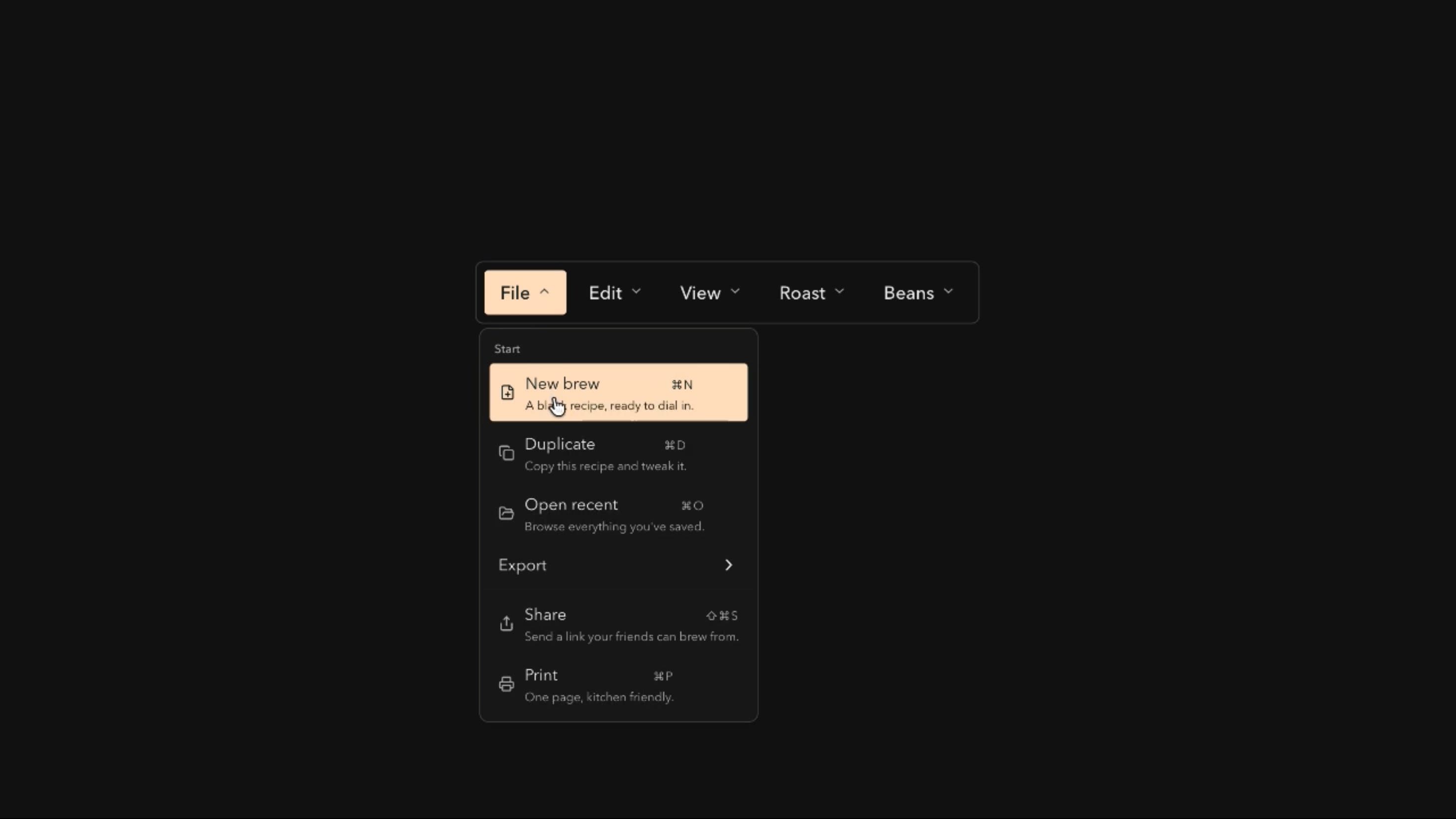
Menubar Component
Components
An animated theme switch with circular reveals, page-wide swipe and fade transitions, and interactive sun and moon icons for light and dark mode switching.
Theme Switch spreads the new theme from the button in a circular reveal, sweeps it across the viewport, or fades it in, so users keep their place. The sun and moon icons spin or orbit as the theme changes, and an optional tooltip labels the icon-only button.
Use it when a product offers both light and dark modes and lets users choose, such as dashboards, docs, portfolios, and developer tools. The theme itself matters more than the transition.
Adjust the button’s background, border, and text treatment, use an outline style, and add an optional tooltip. Transitions can be a circular reveal, swipe, or fade with adjustable duration, and the icons can spin or orbit.
A SaaS analytics dashboard can put Theme Switch in its header. Switching to dark mode reveals from the button across charts and tables while filters and the current view stay exactly as they were.
A documentation site can use the fade transition so readers switch to dark mode for long sessions without a jarring flash.
A creative portfolio can lean into the orbiting icon and swipe reveal as a signature detail that shows off two distinct visual treatments of the same work.
Skip it if the product only has one complete theme, since a half-built dark mode feels inconsistent.
Avoid page-wide reveals where colour changes must be instant for operational or accessibility reasons.
It can’t hide incomplete theming in charts or dialogs, and products bound by an organisation-wide appearance policy may not need a user toggle.
Switch themes through a shared class or token system rather than re-rendering the app, and keep transitions short. Test reveals on heavy pages and low-powered phones, prevent stacking animations on repeated clicks, and fall back to an instant switch without View Transitions or with reduced motion.
Use a button with a clear accessible name, either a stable label with aria-pressed or an action label that updates, plus Enter and Space activation and visible focus. On mobile, keep it easy to tap and ensure the reveal covers the whole viewport. Both themes need good contrast, and reduced motion should disable reveals and icon rotation.
| Prop | Type | Default | Description |
|---|---|---|---|
theme | string | spotify | Colour palette. Any theme but Default also tints the sun and moon icon, except on the Default button, which is already primary. |
revealAnimation | string | circle | How the new theme spreads over the old one. |
duration | number | 0.85 | How long the theme change takes, in seconds. |
iconAnimation | string | orbit | How the sun and moon icons swap. |
showTooltip | boolean | true | Shows a tooltip naming the theme the button switches to. |
variant | string | outline | Style of the button: outline, ghost (no border) or filled. |
Theme Switch is an animated React component for switching between light and dark modes, with page-wide reveal transitions and interactive sun and moon icons.
A circular reveal from the button, a page-wide swipe, and a fade.
The theme switches immediately without the animated reveal, so functionality never depends on it.
Yes. Spin rotates the icons into place, while Orbit moves the sun and moon around each other.
No. Persistence isn’t part of the published API, so connect it to your theme provider or storage.
Yes. Transitions run client-side, and the app should align the initial theme with server rendering to avoid a flash.
Need a custom effect? Tell us what to create.
Components
Components
Components