@base-ui/reactclass-variance-authoritygsap
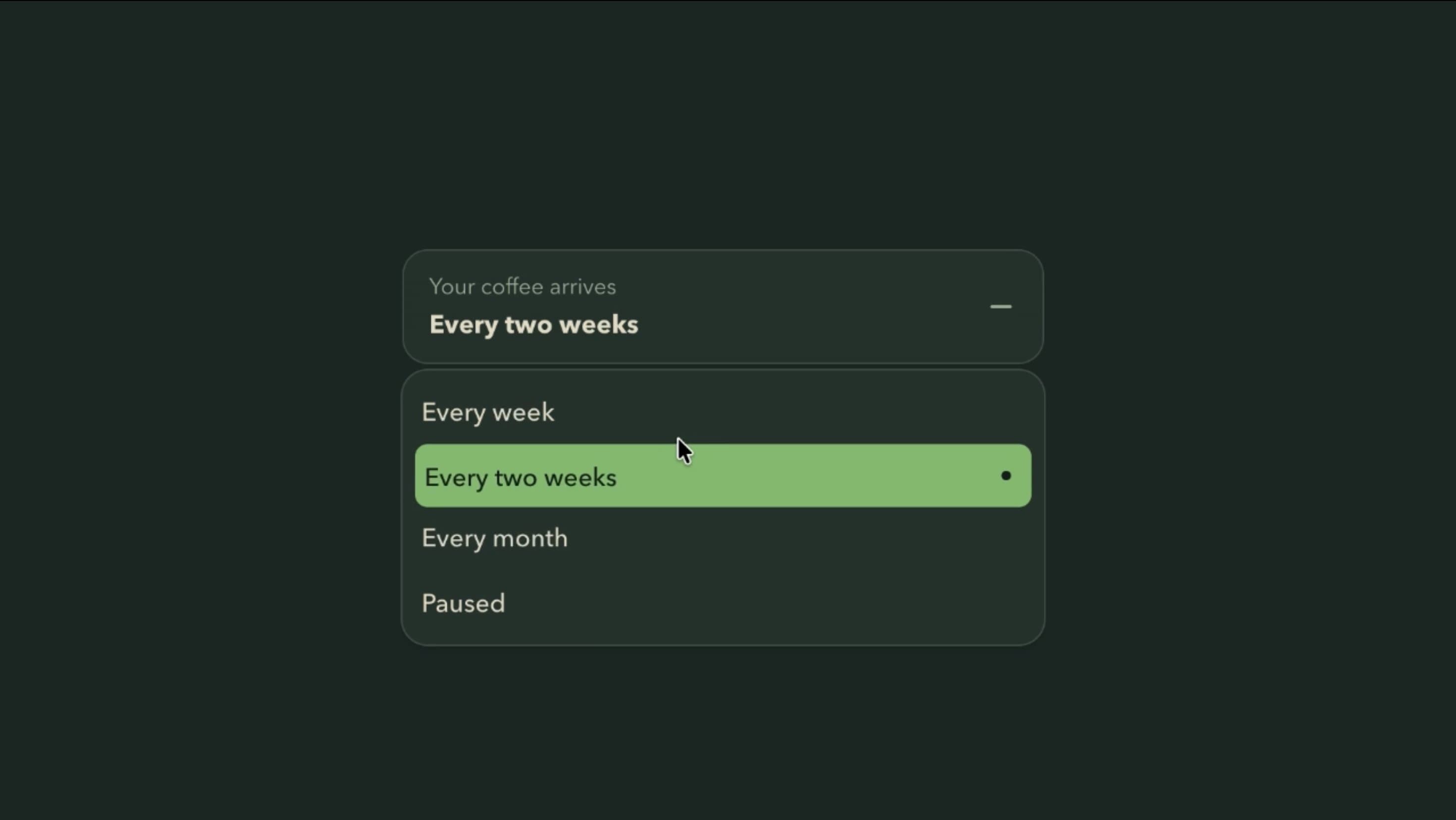
Dropdown Menu Component
Components
An animated toggle switch with elastic press feedback, Apple-style dragging, spring-based movement, and customisable on/off states for modern interfaces.
Switch adds tactile feedback to a standard toggle. The Elastic mode compresses the handle on press, while the Apple mode widens it and lets users drag it between on and off, both settling with a controlled spring. Optional I/O marks add an extra state cue.
Use it for settings that switch on or off immediately, such as notifications, Wi-Fi, auto-updates, and privacy options. The animation should make the control feel responsive, never delay or hide the result.
Adjust size, roundness, label position, and on-state colour, including semantic success, info, warning, and destructive colours, or an iOS-style green in Apple mode. Interaction settings cover Elastic or Apple mode, press squeeze, duration, and spring bounce.
A SaaS settings page can list notification sounds, auto-updates, and sync options, each with a short description and an Elastic switch that applies the change instantly and reverts if the save fails.
A mobile connectivity panel can use the Apple variant for Wi-Fi and Bluetooth, so users tap or drag the handle just as they would on their phone.
A smart-home dashboard can use larger switches with I/O marks for lights and devices, making each state readable at a glance from across the room.
For one choice among several, use Radio, and for multiple independent form options, use Checkbox.
Actions that need review, like deleting an account or making a payment, shouldn’t happen through a toggle.
If changes only apply after a form is submitted, a checkbox describes that better. An unfamiliar setting always needs a clear label, not just motion and colour.
Update state immediately and keep handle movement light. Keep press effects short, avoid app-wide updates on every drag event, and always settle on a valid value when a gesture is released or interrupted.
Use switch semantics with a stable label, accurate on/off state, Space to toggle, and visible focus. On mobile, give it a comfortable tap target and stop dragging from fighting page scroll, with I/O marks only supplementing real state information. With reduced motion, remove compression, widening, and bounce.
| Prop | Type | Default | Description |
|---|---|---|---|
theme | string | valorant | Colour palette for the track, thumb, marks and focus ring. Primary uses its primary colour; Green, Blue, Orange and Rose use its success, info, warning and destructive colours. |
mode | string | dark | Light or dark version of the palette. Starts dark. |
variant | string | elastic | Elastic stretches the thumb as it moves; Apple copies the iOS switch. |
size | string | xl | Size of the switch. |
color | string | primary | Track colour when the switch is on. |
appleGreen | boolean | false | Uses iOS green for the on track. Only for the Apple type with On colour set to Foreground. |
rounded | string | full | Corner radius of the track and thumb. |
showMarks | boolean | false | Shows on and off marks inside the track. |
labelPosition | string | top | Where the label sits relative to the switch. |
pressSqueeze | number | 0.24 | How much the thumb squashes when pressed (Elastic) or widens (Apple, which stops changing above about 0.27). |
duration | number | 0.35 | How long the thumb takes to move, in seconds. |
bounce | number | 0.3 | Springiness of the thumb when it lands. 0 means no overshoot. |
Switch is an animated React component for turning a binary setting on or off, with elastic press feedback, Apple-style dragging, spring transitions, and customisable states.
Elastic compresses the handle when pressed. Apple widens it on press and lets users drag it between positions.
It controls how much the handle deforms, compressing in Elastic mode and widening in Apple mode.
Yes. Apple green uses an iOS-inspired enabled colour when the Apple variant and foreground colour are selected.
Switch represents a setting that turns on or off, often immediately. Checkbox represents a form selection and can be part of a multi-select group.
It can be, with switch semantics, a stable label, accurate checked state, keyboard activation, and visible focus. Gestures must never be the only way to operate it.
Need a custom effect? Tell us what to create.
Components
Components
Components