motion
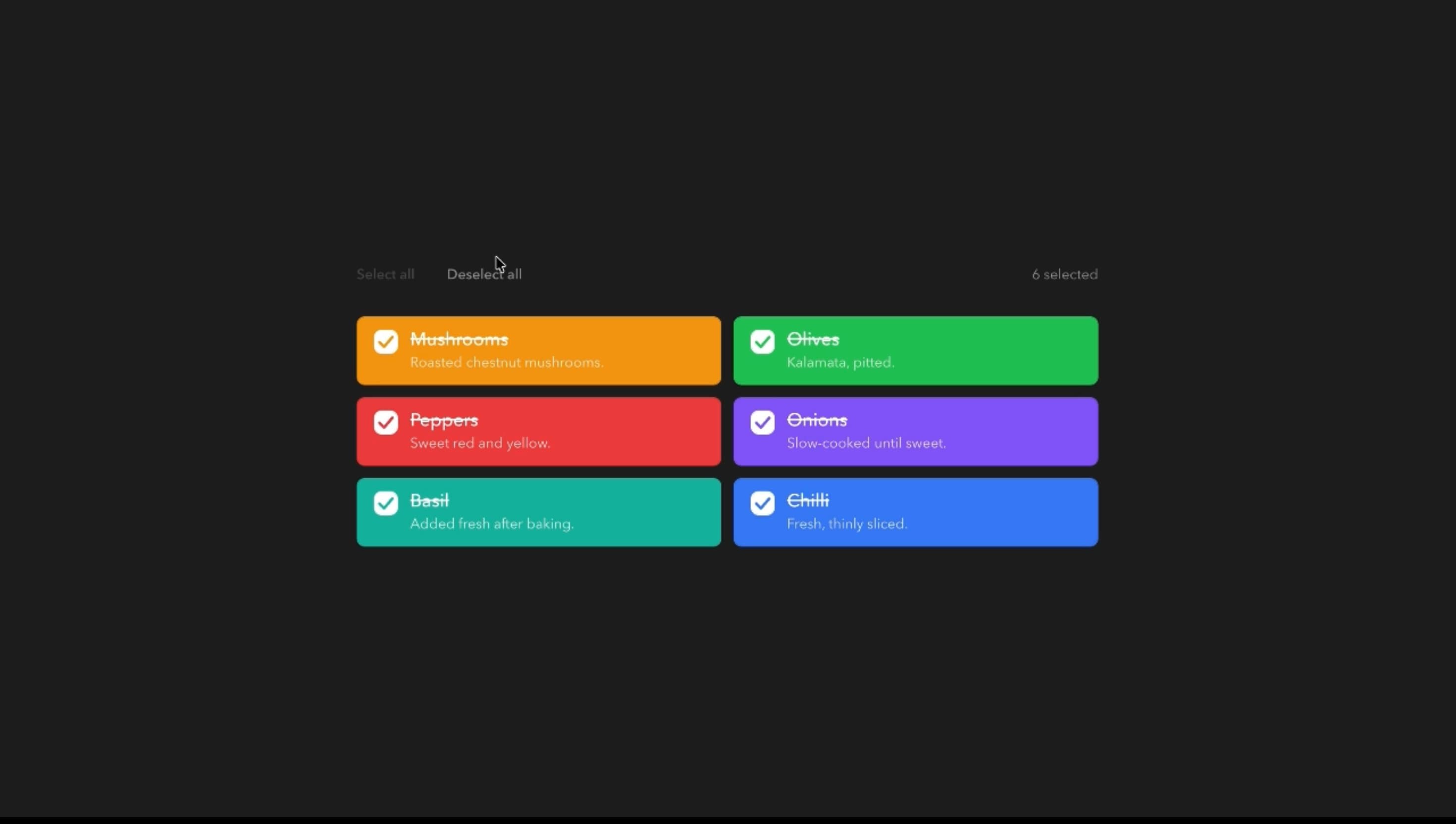
Checkbox Component
Components
An animated application menubar with gliding dropdown panels, responsive menu switching, and interactive highlights for desktop-style web applications.
Menubar brings desktop-style application menus to React, with a row of triggers and a dropdown panel that glides between them instead of closing and reopening. Content slides or fades as categories change, items highlight on hover, and trigger labels can roll.
Use it where users repeatedly reach for grouped commands, such as editors, design tools, project platforms, and admin interfaces. Motion adds continuity, but predictable command behaviour comes first.
Set size, roundness, pill, line, or no trigger highlight, primary or muted colours, and whether icons and descriptions show. Interaction options include hover or click opening, gliding or separate panels, sliding or fading content, rolling text, press feedback, entrance timing, and fast exits.
A browser-based document editor can place File, Edit, View, and Format above the canvas. Moving from File to Edit glides the panel across, and View holds radio-style display options with a clear selection marker.
A design tool can use click-to-open menus with icons and short descriptions, so new users learn what each command does without leaving the canvas.
A developer console can group project, build, and view commands in a compact menubar, keeping the workspace visible while keyboard users navigate with arrow keys.
Simple websites with a few page links need a standard header, not an application menubar. A single choice is better served by Dropdown Menu or Radio.
Touch-first interfaces can’t rely on hover, so a click-based or responsive pattern works better.
Deeply nested commands suggest an information architecture problem, and a command palette may serve frequent actions better.
Animate the shared panel’s position and size without per-frame layout measurement, and keep item delays and stagger short. Use fast exits for prompt closing, and let the latest interaction win when users switch menus mid-animation.
Follow application-menubar semantics with labelled triggers and menu-item roles, arrow-key movement between menus, Enter to activate, and Escape to close. Keep hover, focus, and radio selection visually distinct. On touch devices, use tap activation, comfortable targets, and panels inside the viewport, and with reduced motion simplify gliding, content transitions, and rolling text.
| Prop | Type | Default | Description |
|---|---|---|---|
theme | string | caffeine | Colour palette, menus included. With a Primary fill, the bar and item highlights take its primary colour. |
mode | string | dark | Light or dark version of the palette. Starts dark. |
animation | string | slide | How a menu opens from its trigger. |
exitFast | boolean | false | Menus close faster than they open (60% of Duration). |
switchAnimation | string | glide | What happens when you move to the next menu while one is open: the panel glides across, or closes and reopens. |
contentAnimation | string | slide | How the new menu's items appear while the panel glides. Needs Moving over set to Glide. |
slideDistance | string | lg | How far items slide in when switching menus. Needs Moving over set to Glide and Content animation set to Slides in. |
duration | number | 0.3 | How long opening, closing and gliding take, in seconds. |
delay | number | 0.05 | Wait before the items start to appear, in seconds. |
stagger | number | 0.03 | Delay between one item appearing and the next, in seconds. |
triggerHighlight | string | pill | Highlight that follows the pointer along the menu bar. |
triggerHighlightColor | string | primary | Colour of the bar highlight. Not used when Menu highlight is None. |
showChevrons | boolean | true | Shows a chevron next to each menu name that turns when it opens. |
triggerRollingText | boolean | true | Menu names roll to a second copy of themselves on hover. |
openOnClick | boolean | false | Menus open on click only; hovering the bar doesn't open them. |
pressFeedback | boolean | true | Menu names squeeze slightly when pressed. |
itemHighlight | string | slide | Highlight on the item under the pointer inside a menu. |
itemHighlightColor | string | primary | Colour of the item highlight. Not used when Item highlight is None. |
selectionIndicator | string | check | Mark shown next to chosen options in checkbox and radio items. |
showIcons | boolean | true | Shows an icon before each item. |
showDescriptions | boolean | true | Shows a second line of help text under items that have one. |
rollingText | boolean | true | Item labels roll to a second copy on hover. |
size | string | lg | Text and padding size of the bar and menus. |
rounded | string | md | Corner radius of the bar, the menus and their items. |
Menubar is a React component that organises application commands into a row of expandable menus, with animated panels, trigger highlights, item interactions, and keyboard navigation.
A dropdown offers one set of actions from one trigger. Menubar connects several top-level menus so users move between command groups in one persistent bar.
Yes. A separate-popup mode lets each menu open independently instead of sharing one moving panel.
Yes. Hover is the default, and a click-to-open setting suits touch-oriented interfaces.
It supports arrow keys between menus. Production use should follow full application-menubar conventions for opening, activating, and restoring focus.
It can use tap activation, but narrow layouts may need a responsive alternative to a full horizontal menubar.
Need a custom effect? Tell us what to create.
Components
Components
Components
Components