@base-ui/reactclass-variance-authoritygsap
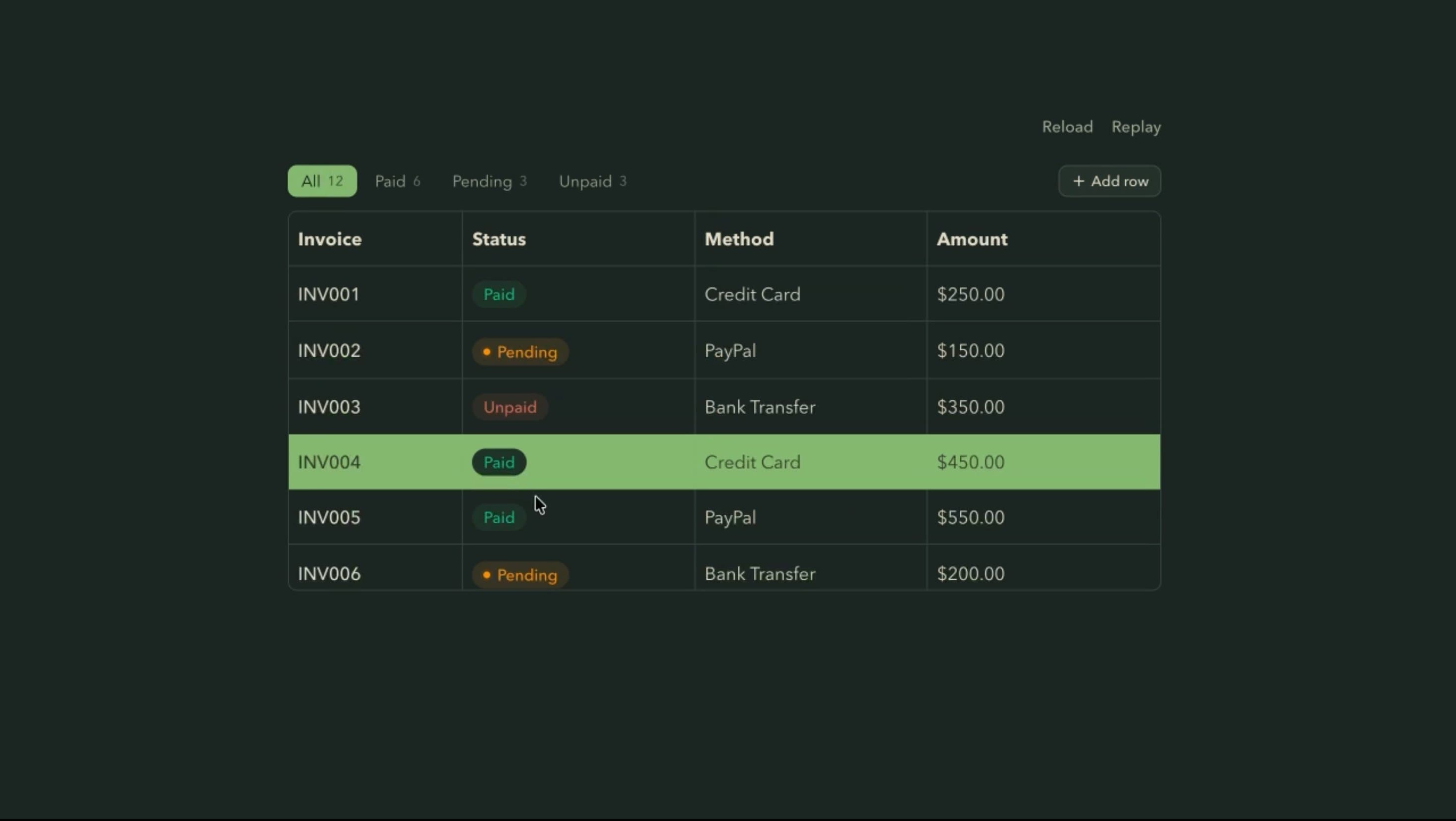
Table Component
Components
An animated hover card with rich website previews, smooth scale and fade transitions, pointer-following movement, and responsive link interaction
Hover Card shows a compact preview of a link’s title, description, and image, either fetched from the website or supplied manually. It scales or fades in after a short delay, its content fades in separately, it can drift with the pointer, and an animated underline marks the active link.
Use it when users may want to check a destination before leaving the page, such as article references, resource lists, and learning platforms. The preview should feel tied to its link while staying readable and easy to dismiss.
Choose Website preview or Manual details as the content source and set the card’s roundness. Interaction settings include Scale + fade or Fade opening, Start scale, Fade content, Open after and Close after delays, Follow the pointer, and Underline draws in.
A technical blog can add Hover Card to reference links, so readers see a documentation page’s title, summary, and image before deciding whether to leave the article.
A curated tools directory can use website previews on each entry, helping visitors compare resources at a glance while the plain links still work normally.
An agency portfolio can use manual details to preview related case studies, controlling exactly what each card says instead of relying on site metadata.
Links that already make their destination clear don’t need previews, and adding them everywhere becomes noise.
Never put essential instructions or warnings only in a hover card, since touch, keyboard, and screen-reader users may miss it.
Interactive content belongs in a Popover or Dialog, and unreliable metadata or strict privacy needs suit manual details or a simple linked card better.
Use efficient scale and fade transitions and keep pointer drift local to the active card. Avoid fetching metadata on every brief hover, cache and deduplicate requests, handle timeouts and missing images gracefully, and keep inactive previews unmounted.
The link text must make sense without the preview, and any essential preview content needs an accessible route. Let users move onto the card without it closing, keep it open long enough to read, and support Escape to dismiss. On mobile, keep the link working by tap, offer a tap preview if the information matters, and fit the card in narrow viewports. With reduced motion, remove scaling and pointer drift.
| Prop | Type | Default | Description |
|---|---|---|---|
theme | string | valorant | Colour palette, card included. Its primary colour fills the card's button. |
mode | string | dark | Light or dark version of the palette. Starts dark. |
site | string | vault.hyperiux.com | Website the card previews. Needs Card shows set to Website preview. |
source | string | link | What the card shows: a preview of the website or manually written details. |
contentAnimation | string | scale | How the card appears: scales and fades, or only fades. |
startScale | number | 0.9 | Size the card starts from when it opens, as a fraction of full size. |
fadeContent | boolean | true | Fades the card contents in as it opens. |
openDelay | number | 0.7 | How long you hover before the card opens, in seconds. |
closeDelay | number | 0 | How long after leaving before the card closes, in seconds. |
followCursor | boolean | true | The card follows the pointer instead of staying put. |
underline | boolean | true | The link underline draws in on hover. |
rounded | string | md | Corner radius of the card. |
Hover Card is an animated React component that shows a floating preview when users hover over a link, using fetched website details or manually supplied content.
A tooltip briefly explains a control. Hover Card shows richer information about a linked destination, including a title, description, and image.
It displays the destination’s title, description, and image to build a preview.
The application should fall back gracefully, using available information or manually supplied details instead of an empty card.
It can be, but server-side fetching must validate destinations, block unsafe network access, restrict redirects, and handle external content safely.
Hover isn’t available on many touch devices, so links must stay usable and important preview content needs another access method.
Need a custom effect? Tell us what to create.
Components
Components
Components