@base-ui/react@gsap/reactclass-variance-authority
Attachment Component
Components
An animated dropdown menu with smooth panel expansion, staggered options, sliding highlights, rolling text, and responsive selection feedback.
Dropdown Menu expands its panel from the trigger while items enter in a staggered sequence. A shared highlight glides between rows, labels can roll on hover, and the trigger value rolls when the selection changes. It also supports hover opening, type-to-jump, and a short close delay so users see their choice confirmed.
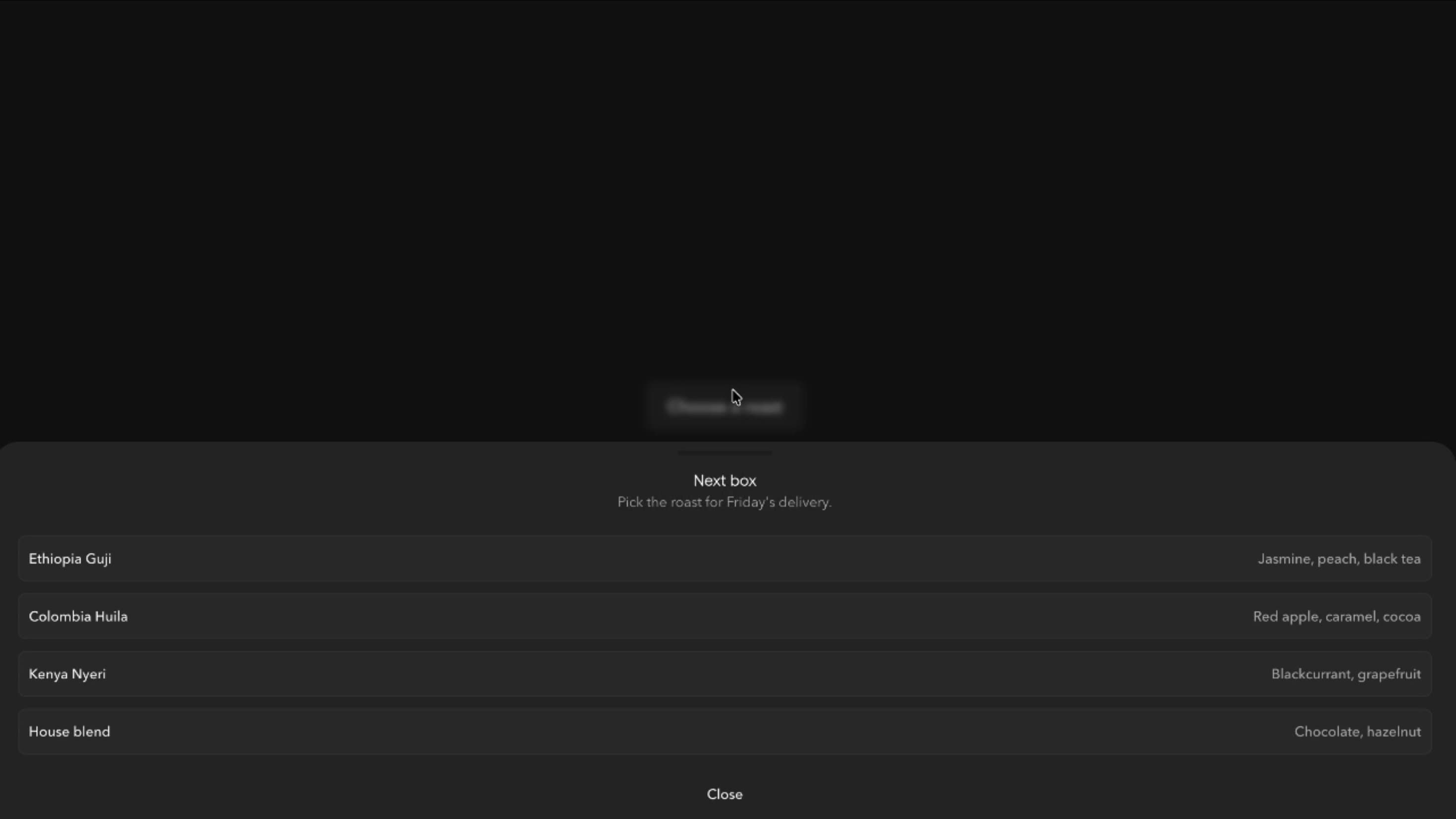
Use it when related actions or choices should stay available without taking permanent space, such as delivery schedules, notification preferences, report settings, or toolbar commands.
Adjust title weight, optional item descriptions, a checkmark selection indicator, sliding or top-fill hover highlights, and a plus or chevron trigger icon. Motion controls cover panel animation, duration, delay, stagger, rolling text, press feedback, hover activation, Exit fast, and Close delay on select.
A subscription store can use it on the account page for delivery frequency. Customers see the current schedule in the trigger, pick Every month from a described list, and the trigger rolls to the new value once saved.
A reporting dashboard can place it in the header for date intervals and export formats, keeping the toolbar compact while every option stays a click away.
A project tool can use it as a row action menu for rename, duplicate, and archive, with descriptions clarifying what each command does.
When users need to compare alternatives side by side, Radio or a visible option group works better.
Very large option sets need a searchable combobox, since type-to-jump doesn’t replace real search.
It isn’t primary navigation, and destructive actions like deletion or permission changes still need a proper confirmation step.
Avoid measuring the panel on every frame, keep stagger and rolling labels restrained, and use one shared highlight rather than animating every row. Use Exit fast for quicker dismissal, clear timers and listeners on close, and let the latest open or closed state win.
Give the trigger an accessible name and expanded state, support arrow keys, Enter, and Escape, and return focus to the trigger on close. Keep hover and selected states distinct, and choose menu, menuitemradio, or listbox semantics to match the actual use. On mobile, avoid relying on hover, keep items easy to tap and inside the viewport, and with reduced motion simplify the panel, stagger, and rolling text.
| Prop | Type | Default | Description |
|---|---|---|---|
theme | string | ghibli | Colour palette, menu included. The highlighted item and the selection pill take its primary colour. |
mode | string | dark | Light or dark version of the palette. Starts dark. |
animation | string | slide | How the menu opens: collapse, slide, scale, reveal or morph. |
exitFast | boolean | false | The menu closes faster than it opens. |
duration | number | 0.35 | How long the open animation takes, in seconds. |
delay | number | 0.1 | Wait before the menu starts opening, in seconds. |
stagger | number | 0.05 | Delay between each item appearing, in seconds. |
itemHighlight | string | slide | How the highlight moves between items: slides, fills from the top, or none. |
selectionIndicator | string | dot | Mark shown on the chosen item: check, dot or bar. |
showDescriptions | boolean | false | Shows a short description under each item. |
bold | boolean | true | Makes the item labels bold. |
rollingText | boolean | true | Item labels roll to a second copy on hover. |
icon | string | plus | Icon on the trigger: plus that turns to minus, or a chevron. |
rollingValue | boolean | true | The chosen value in the trigger rolls to the new one when it changes. |
pressFeedback | boolean | true | Items squeeze slightly when pressed. |
openOnHover | boolean | false | Opens the menu when you hover the trigger, not only on click. |
closeDelayOnSelect | boolean | false | Waits a moment after a pick so you see the selection before the menu closes. |
typeahead | boolean | false | With the menu open, typing a letter moves the highlight to the first item starting with it (P jumps to Paused). Off: letter keys do nothing. |
Dropdown Menu is an animated React component that opens a floating panel of actions or selectable options, with staggered entrances, animated highlights, selection indicators, and rolling text.
Yes. Exit fast shortens the closing transition to 60% of the opening duration and skips staggered item exits.
Delay sets when items start appearing after the panel opens. Stagger sets the interval between individual item entrances and exits.
Yes. Open on hover opens the menu when the pointer enters the trigger, while click and keyboard activation remain available.
No. It briefly shows the selected indicator before closing. Saving and confirming the update is handled by the application.
Both can hold a single selection. Radio keeps every option visible for comparison, while Dropdown Menu reveals options only when opened.
Need a custom effect? Tell us what to create.
Components
Components
Components
Components