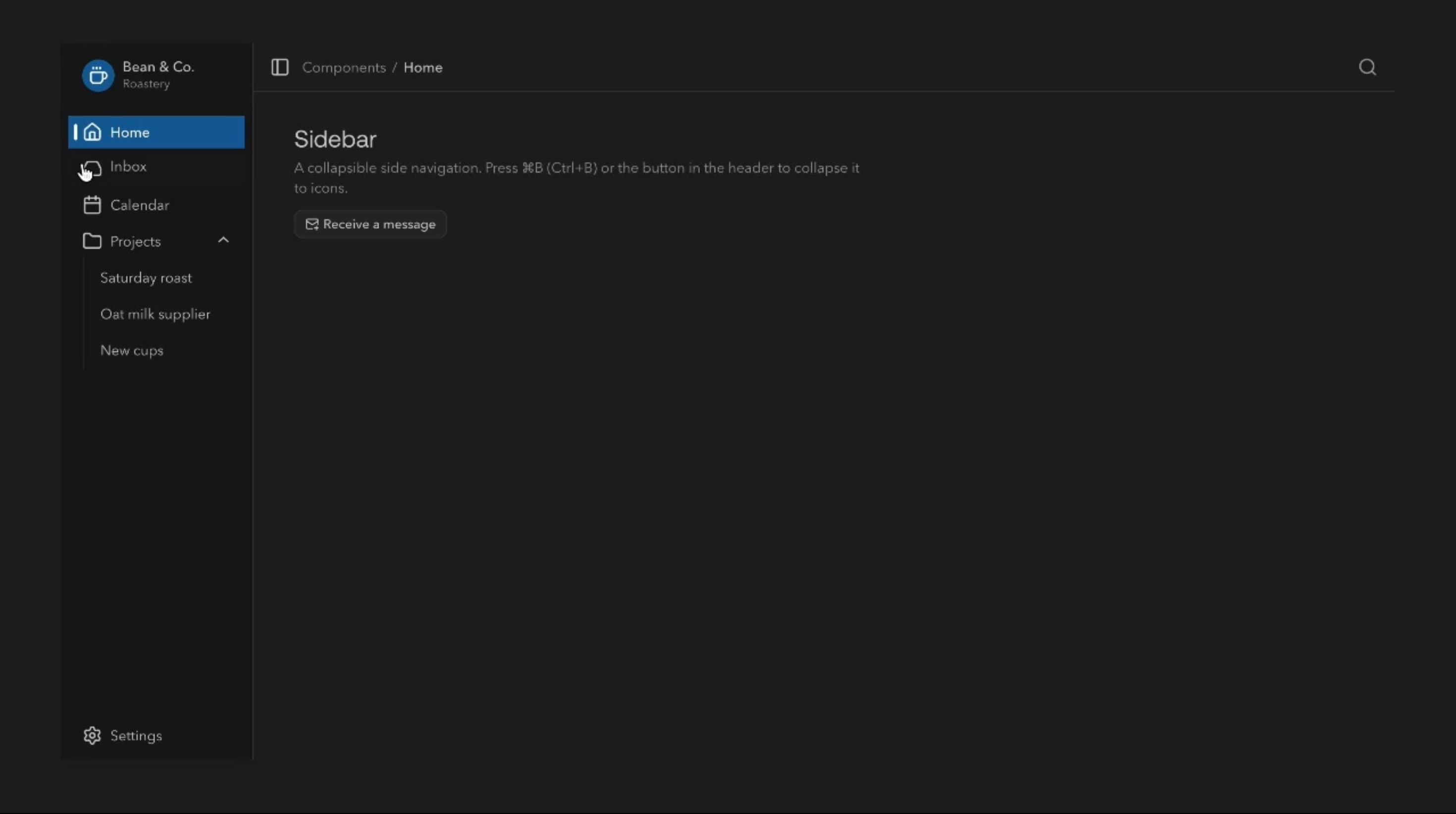
@base-ui/reactclass-variance-authoritylucide-react
Sidebar Component
Components
An animated chat bubble component with expressive message entrances, interactive emoji reactions, swipe-to-reply gestures, and responsive conversation feedback for modern messaging interfaces.
Bubble animates sent messages from the composer into the conversation, reveals incoming text word by word, and shows typing feedback while a reply is prepared. Users can react with an emoji picker, double-click for a heart, or swipe a bubble to reply, while reaction counts roll and long messages collapse until expanded.
Use it wherever messaging is central to the product, such as team collaboration, support, AI assistants, and community platforms. Animation should clarify who said what and whether it succeeded, without getting in the way of reading.
Incoming, outgoing, and error states stay visually distinct, joined corners group consecutive messages, and collapsible content keeps long messages compact. Entrances, text streaming, fly-from-input, reaction pops, rolling counts, emoji magnification, hover lift, press feedback, and error shake can each be switched on independently.
A project management platform can use Bubble for client conversations inside the workspace. A sent message flies from the composer, shows a sending state, and updates once delivery is confirmed.
An AI assistant can pair the typing indicator with streamed, word-by-word replies, then offer suggested follow-ups once the answer is complete.
A community app can lean on reactions and swipe-to-reply, letting members respond to a specific message with a quick gesture on mobile.
For a single status update or confirmation, Toast is a better fit than a conversation.
Don’t replace structured forms with chat when users need to enter several validated fields.
Avoid decorative chat with no real conversation behind it, since fake typing or delivery states mislead users. High-stakes actions like payments or permissions need explicit confirmation, not just messages.
Keep entrances and reactions light, use stable message IDs, and virtualise or incrementally load long histories. Stream text and update counts without re-rendering the whole thread, avoid repeated layout measurement, and never pull users away from earlier messages they are reading.
Give messages a clear reading order, identifiable senders, and text for delivery and error states, not just alignment or colour. Reactions, replies, and expand controls must be keyboard-operable, and swipe-to-reply needs a conventional alternative. On mobile, keep the composer visible above the keyboard and stop swipes from fighting vertical scroll, and with reduced motion simplify flying messages, streaming, and reaction animations.
| Prop | Type | Default | Description |
|---|---|---|---|
theme | string | valorant | Colour palette. Sent bubbles take its primary colour, replies its muted colour. |
mode | string | dark | Light or dark version of the chosen palette. |
animateEnter | boolean | true | New messages slide and fade in as they arrive. |
typing | boolean | true | Shows typing dots before each reply appears. |
streamText | boolean | false | Replies type themselves out word by word. |
flyIn | boolean | true | A sent message flies up from the input box into the chat. |
showDeliveryStatus | boolean | true | Shows sending, sent and failed under your messages. |
shakeOnError | boolean | true | A message that fails to send shakes. Needs Simulate failures on. |
simulateFailures | boolean | true | Some sends fail at random, to preview the error state. |
popOnChange | boolean | true | Reaction pills pop in and out as they change. |
rollingNumbers | boolean | true | Reaction counts roll to their new number. |
doubleClickToReact | boolean | true | Double-clicking a bubble adds a heart, or takes it off again. |
showReactionPicker | boolean | true | Shows a row of emoji to react with on each bubble. |
magnifyEmojis | boolean | true | Emoji in the picker grow as the pointer passes over them. Needs Show reaction picker on. |
liftOnHover | boolean | true | Bubbles rise slightly on hover and press in on click. |
selectable | boolean | true | Lets message text be selected and copied. |
swipeToReply | boolean | true | Drag a bubble sideways to reply to it. |
showSuggestions | boolean | true | Shows suggested replies you can tap to send. |
collapsible | boolean | true | Long messages are clipped with a Show more toggle. |
joined | boolean | true | Bubbles in a run from the same person share tighter corners. |
sendStyle | string | default | Look of the messages you send. |
Bubble is an animated React chat component that displays messages with interactive reactions, reply gestures, typing feedback, delivery states, and configurable message animations.
Yes. The Typing indicator setting shows typing dots while a response is prepared. It is ignored when a custom render function is supplied.
Yes. Bubble supports a contextual emoji picker and a double-click heart reaction. Choosing an emoji calls onReact, which the application handles.
Yes. Swipe to reply lets users swipe a message past a threshold to set it as the reply target in the composer.
No. Bubble provides the interface and interactions. Real-time delivery, authentication, storage, synchronisation, and read receipts come from the application’s messaging infrastructure.
Yes. Typing indicators, progressive text reveals, and suggested replies suit AI assistants, while model integration and streaming are handled by the application.
Need a custom effect? Tell us what to create.
Components
Components
Components