@base-ui/reactclass-variance-authoritylucide-react
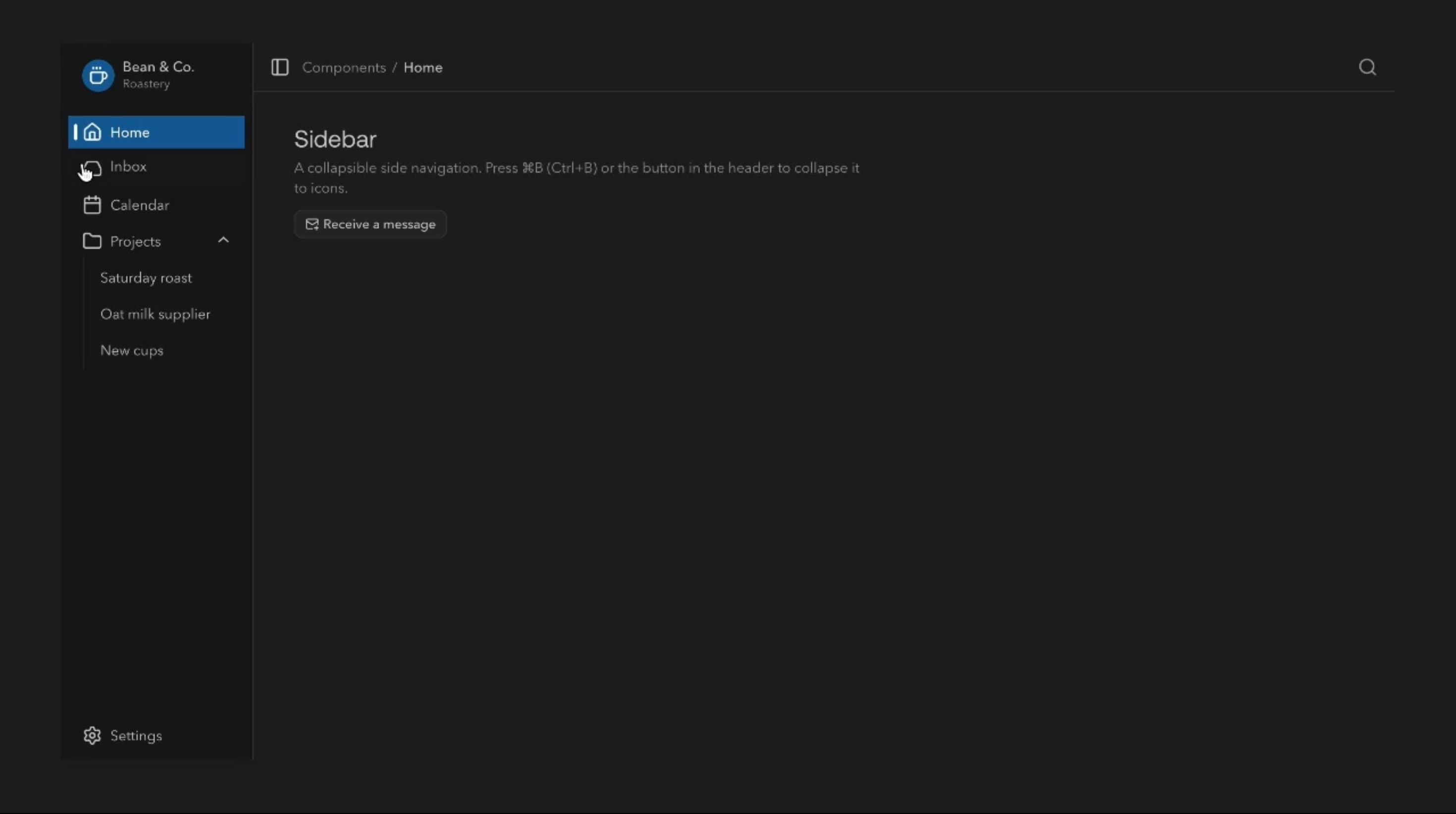
Sidebar Component
Components
An animated button with pointer-based fills, rolling and scrambling text, magnetic movement, and responsive press feedback for interactive websites and applications.
Button can fill from the pointer’s entry point, roll or scramble its letters, draw an underline or border, drift toward the cursor magnetically, and compress briefly when pressed. It can also show a loading spinner and success check inside the button, which in production should follow real application events.
Use it for primary calls to action, dashboard controls, form submissions, and portfolio sites where stronger feedback helps. Animation should never obscure the label, delay the action, or make the control harder to use.
Choose filled, outlined, or plain surfaces, colours, roundness, and icon position, with dot fill, character roll, scramble, underline, or border-draw hover effects. Interaction settings include rolling text, shimmer, magnetic movement, press feedback, duration, and letter stagger for character roll.
A SaaS workspace can use a filled Invite teammate button with a dot-fill hover. On click it shows a spinner while the request runs, then a check only once the invite is actually sent, or an error if it fails.
A creative portfolio can use character roll and magnetic movement on its Contact me button, making the call to action part of the site’s personality.
A developer tool can keep frequently used command buttons restrained, using only press feedback and an outlined surface so repeated clicks stay fast and calm.
Utility-heavy interfaces with many controls usually need consistent, restrained feedback rather than scrambling or magnetic effects everywhere.
Avoid moving or scrambled text on labels users must recognise instantly, and skip magnetic movement in tightly packed toolbars.
For destructive or financial actions, animation never replaces clear wording and explicit confirmation.
Scope hover work to the active button, avoid layout recalculation for fills and borders, and process pointer movement only while hovering. Limit simultaneous shimmer and character effects, keep stagger short, and never delay the actual action for an animation.
Use native button semantics for actions and links for navigation, with a stable accessible name even while letters roll or scramble. Communicate loading, success, and errors in text, and handle disabled states deliberately. On touch devices, don’t rely on hover, keep targets comfortable and press feedback immediate, and with reduced motion remove magnetic movement, scrambling, shimmer, and spring compression.
| Prop | Type | Default | Description |
|---|---|---|---|
theme | string | spotify | Colour palette. The Primary colour option takes the theme's primary colour. |
mode | string | dark | Light or dark version of the chosen palette. |
variant | string | dot-fill | What happens on hover: a dot that fills, letters that stagger or scramble, a drawn underline, or a drawn border. |
surface | string | filled | Filled or outlined background. Not used by Link; with Border draw both look the same. |
tone | string | primary | Colour of the button: the theme's primary, a status colour, or a gradient. |
rollingText | boolean | true | The label rolls up to a copy of itself on hover. Not used by Char stagger or Scramble. |
shimmerText | boolean | false | A light sweeps across the label. Not used by Char stagger or Scramble. |
pressFeedback | boolean | true | The button presses in slightly when clicked. |
magnetic | boolean | false | The button leans towards the mouse as it gets close. Off on touch screens. |
showLoadingState | boolean | true | Clicking shows a loading spinner, then a check, then resets. |
icon | string | arrow | Icon shown beside the label, or none. |
iconPosition | string | end | Puts the icon before or after the label. Needs an icon. |
rounded | string | full | Corner radius of the button. Not used by Link. |
duration | number | 0.4 | How long the hover effect takes, in seconds. |
stagger | number | 0.02 | Gap between each letter's move, in seconds. Needs the Char stagger effect. |
Button is an animated React component with configurable hover effects, text animations, magnetic movement, press feedback, icons, and visual loading states for actions and calls to action.
Dot fill, character roll, text scramble, link underline, and border drawing.
A coloured fill expands from wherever the pointer enters, so it starts from a different side depending on the user’s movement.
It shifts the button gently toward the pointer while hovering, as a visual effect that shouldn’t interfere with its target or neighbours.
Yes. Show loading state runs a spinner-to-success demo. Real applications should drive these states from actual results.
It can look like a link, but navigation should use link semantics. Use a button element only for actions.
Need a custom effect? Tell us what to create.
Components
Components
Components