Loading
WebGL Slider
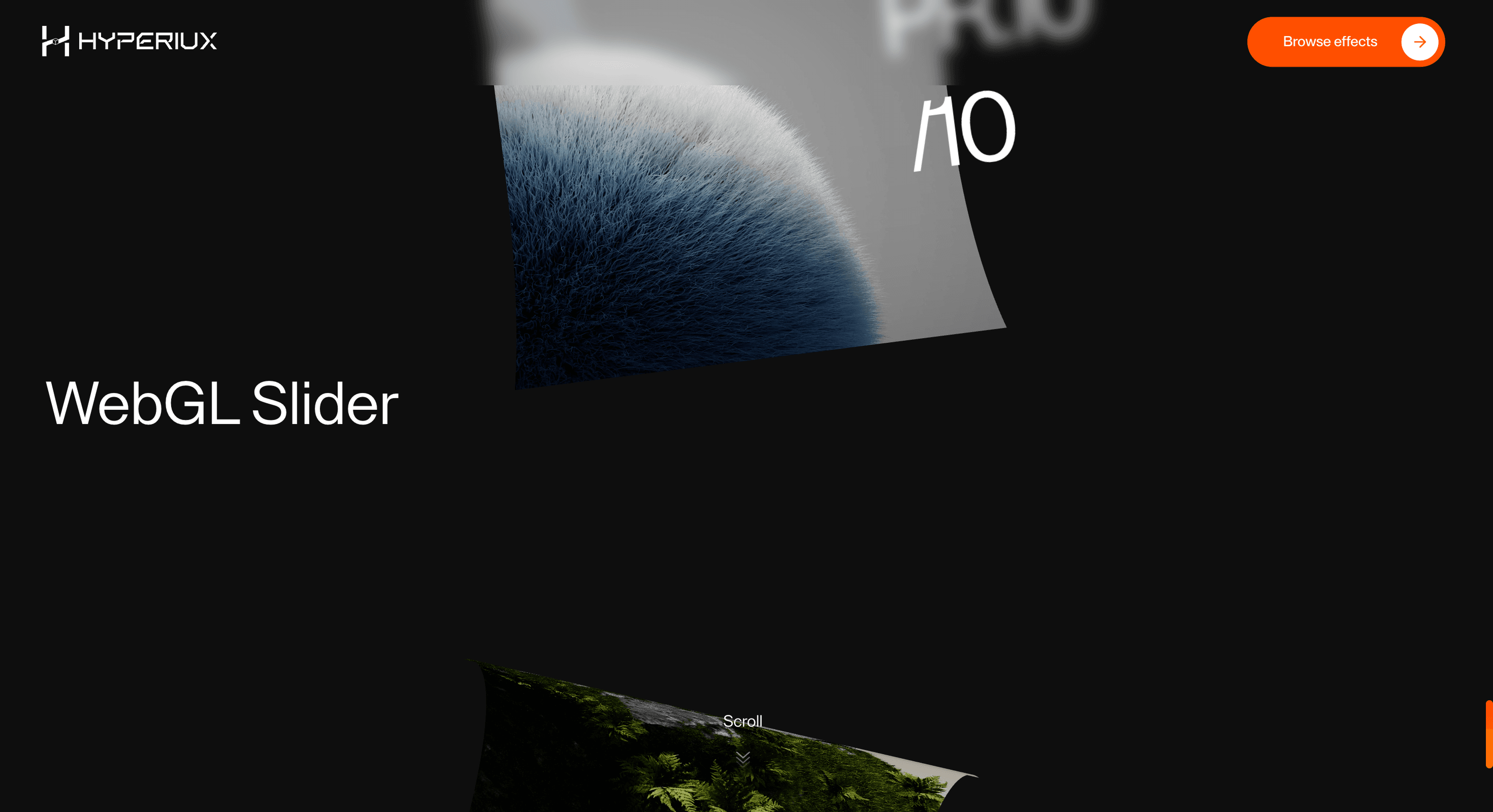
Move image slides through shader-led transitions so campaign visuals, product shots, and portfolio frames feel authored rather than swapped.
Published On: June 4, 2026
Last Updated: August 17, 2026
Three.jsGSAPLenis
Overview
WebGL Slider gives a carousel a real visual engine. Slides do not just move; they distort, blend, and transition as a designed surface.
Use WebGL Slider when a visual sequence needs more atmosphere than a standard carousel can provide. It fits portfolios, launch campaigns, fashion visuals, product storytelling, and experimental editorial pages where the transition itself is part of the art direction. The page job is presentation: each slide should feel authored without hiding controls.
The production risk is hiding content behind a canvas. A WebGL slider can look expensive while failing as a carousel if slide text, controls, links, and fallback states are weak. The images can live in WebGL; the meaning still needs usable HTML.
Install Command
This is a Pro Effect.
You can preview it now. Upgrade to Pro for instant install access.
Usage Code
This is a Pro Effect.
You can preview it now. Upgrade to Pro for instant install access.
Component Code
This is a Pro Effect.
You can preview it now. Upgrade to Pro for instant install access.
This is a Pro Effect.
You can preview it now. Upgrade to Pro for instant install access.
Example Production Use Case
A campaign page can use WebGL Slider to move between ten visual frames with shader-led transitions. The outcome is presentation: the images feel like a designed sequence rather than a stack of assets in a carousel shell.
Best Used For
- Portfolio and campaign visuals where transition quality is part of the brand.
- Image-led case studies that need a richer slide change than a translateX animation.
- Launch pages where the slider is a feature visual, not a hidden content drawer.
Not For
Not for pricing, testimonials, critical proof, legal content, or anything users must compare side by side.
Not for pages where a static grid would help users decide faster.
Performance Budget
Compress images, cap DPR, lazy-load non-critical textures, pause rendering offscreen, avoid heavy postprocessing by default, and dispose of textures on route change.
Accessibility and Mobile
Use visible controls, keyboard navigation, swipe support, and polite announcements for meaningful user-initiated slide changes. On reduced motion, remove shader distortion and use a simple static or fading transition.
Common Mistakes
- Putting slide labels and links only inside WebGL.
- Autoplaying without pause controls.
- Making the shader transition more important than the slide content.
Changelog
v1.0.1
Jul 28, 2026Added reduced motion support.
v1.0.0
Jun 4, 2026Initial release
Props
| Prop | Type | Default | Description |
|---|---|---|---|
distortionStrength | number | 1 | Strength of the shader fold distortion as slides scroll past. |
transitionDuration | number | 0.6 | Duration of the scroll-snap settle animation. |
enableHoverEffect | boolean | true | Enables the pointer-driven hover bend on each slide. |
imageWidth | number | 3.2 | WebGL slide plane width. |
imageHeight | number | 3 | WebGL slide plane height. |
Frequently Asked Questions
When should I use WebGL Slider?
Use it when a visual carousel needs shader-led transitions and a premium image sequence, not when users need fast comparison.
Does WebGL Slider need normal controls?
Yes. Provide visible next/previous controls, keyboard access, swipe support, and predictable focus behavior.
What should happen if WebGL fails?
Render the same slides as a normal image slider or gallery. The content should not disappear with the canvas.
Should WebGL Slider autoplay?
Only with clear pause behavior, and never when autoplay hides important information or conflicts with reduced motion.
What should reduced motion do?
Remove shader distortion, heavy depth, and continuous movement. Use static slides, instant changes, or a short fade.
Can Hyperiux adapt WebGL Slider for a real brand system?
Yes. A custom version should define shader style, slide data, controls, fallback behavior, performance budget, source handoff, and implementation notes.
Request a Custom Carousel Animation
Need a custom effect? Tell us what to create.


