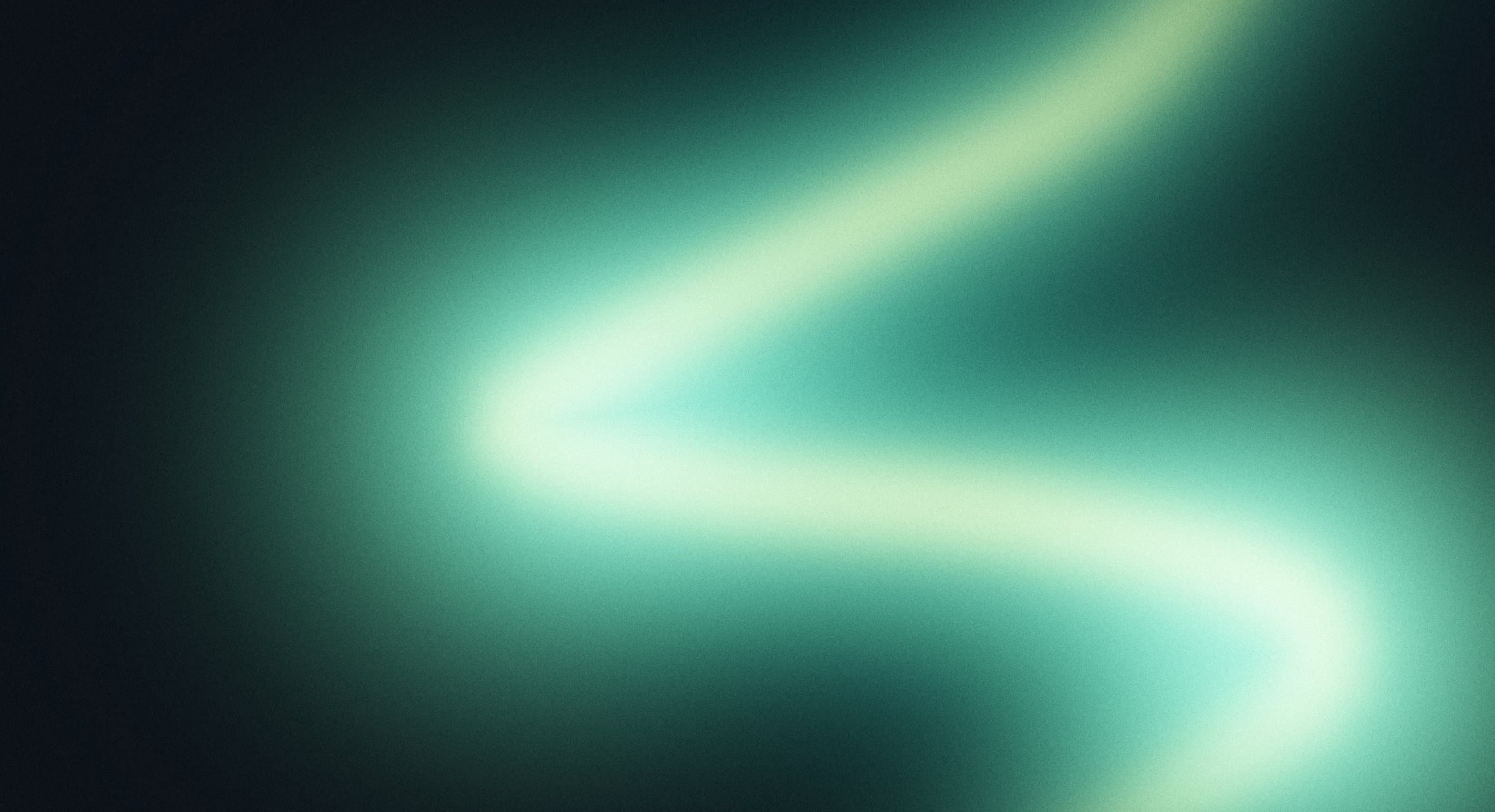
WebGL Shader
Aurora Ribbon
Backgrounds
A fluid animated background where iridescent waves of pink, lavender, and cyan blend into flowing, pearlescent gradients that continuously shift and reshape.
Opal Flow transforms the screen into a continuously evolving surface of soft, iridescent colours. Pastel pink, luminous cyan, and violet gradients flow into one another, forming smooth curves and liquid-like waves reminiscent of light reflecting across an opal gemstone.
The animation combines diffused colour transitions with subtle highlights and flowing contours. As the gradients fold and reshape, they create an illusion of depth and movement without conventional particles, geometric patterns, or distinct objects.
Designed for creative portfolios, premium brands, and contemporary digital experiences, Opal Flow brings a refined, atmospheric quality to fullscreen backgrounds. Its soft colour palette and continuous movement make it particularly effective for visually expressive websites.
import OpalFlow from '@/components/effects/opal-flow' const page = () => { return ( <div className="h-screen w-full"> <OpalFlow /> </div> )} export default pageConsider a premium skincare brand launching a new collection. The homepage opens with a minimal headline over Opal Flow, where soft pink, lavender, and cyan gradients move gently across the screen.
The pearlescent animation evokes the appearance of fluid textures and reflective surfaces, complementing the brand's focus on softness and refinement. Its smooth transitions create visual interest without relying on conventional product photography in the hero section.
The result is an elegant landing page that establishes a distinctive visual identity while keeping the product message prominent.
Opal Flow is less suitable for dense dashboards, administrative interfaces, and content-heavy pages where continuously changing gradients may compete with important information. Its bright pastel tones can also reduce text readability without appropriate contrast treatments.
Avoid combining it with several other prominent background animations. The effect works best as a primary visual element, supported by minimal typography and restrained interaction.
Keep gradient movement and colour transitions efficient, avoiding unnecessary rendering updates or excessive visual processing. The animation should remain fluid without compromising page responsiveness.
On mobile and lower-powered devices, simplify rendering complexity where necessary. Pause decorative animation when offscreen and provide a static alternative for reduced-motion preferences.
Maintain sufficient contrast between foreground content and the shifting pastel gradients. Dark text, carefully placed overlays, or dedicated content surfaces can help preserve readability across brighter areas.
On mobile, adapt the composition so flowing colours remain balanced within smaller viewports. Respect prefers-reduced-motion by pausing the animation or displaying a static gradient.
| Prop | Type | Default | Description |
|---|---|---|---|
baseColor | color | #6a6cf6 | The periwinkle ground. |
wispColor | color | #8de0f1 | The cyan wisps. |
ribbonColor | color | #fb9ce8 | The pink ribbon. |
highlightColor | color | #fccbbf | The warm centre of the ribbon. |
hue | number | 0 | Turns every colour around the colour wheel, in degrees. 0 is the reference palette. |
saturation | number | 1 | Colour strength. 0 is greyscale, 1 matches the reference. |
grain | number | 0.025 | Film grain strength. 0 turns it off. |
speed | number | 1 | How fast the paint flows. 0 holds it still. |
flow | number | 1 | How far the paint folds and curls. |
detail | number | 1 | How strongly the cyan wisps are combed into fine streaks. |
interactive | boolean | true | Let the pointer stir the paint like ink in water. |
smearStrength | number | 1 | How far a stroke drags the paint. |
smearRadius | number | 0.1 | Width of the stroke, in canvas heights. |
Opal Flow is an animated React background featuring flowing pastel gradients that blend pink, lavender, violet, and cyan into a continuously changing, iridescent composition.
A WebGL2 shader paints a periwinkle ground with a pink ribbon and cyan wisps folded through it. Each colour is a band of one flowing coordinate, so they slide past each other like oil on water. Moving the pointer smears the paint like ink in water.
Yes. Opal Flow can be integrated into React and Next.js applications using an appropriate client-side animation setup.
No Three.js. Opal Flow is drawn with raw WebGL2 shaders on a single canvas and has no runtime dependencies beyond React. It does need WebGL2: where the browser can't provide it, nothing is drawn and only the background colour shows.
Yes. Props cover the four colours (baseColor, wispColor, ribbonColor, highlightColor), hue and saturation, grain, speed, flow and detail, and the pointer smear (interactive, smearStrength, smearRadius).
Yes. It pauses while offscreen or in a hidden tab, caps the canvas pixel ratio, and holds a single still frame when reduced motion is preferred.
Need a custom effect? Tell us what to create.
Backgrounds
Backgrounds
Backgrounds
Backgrounds