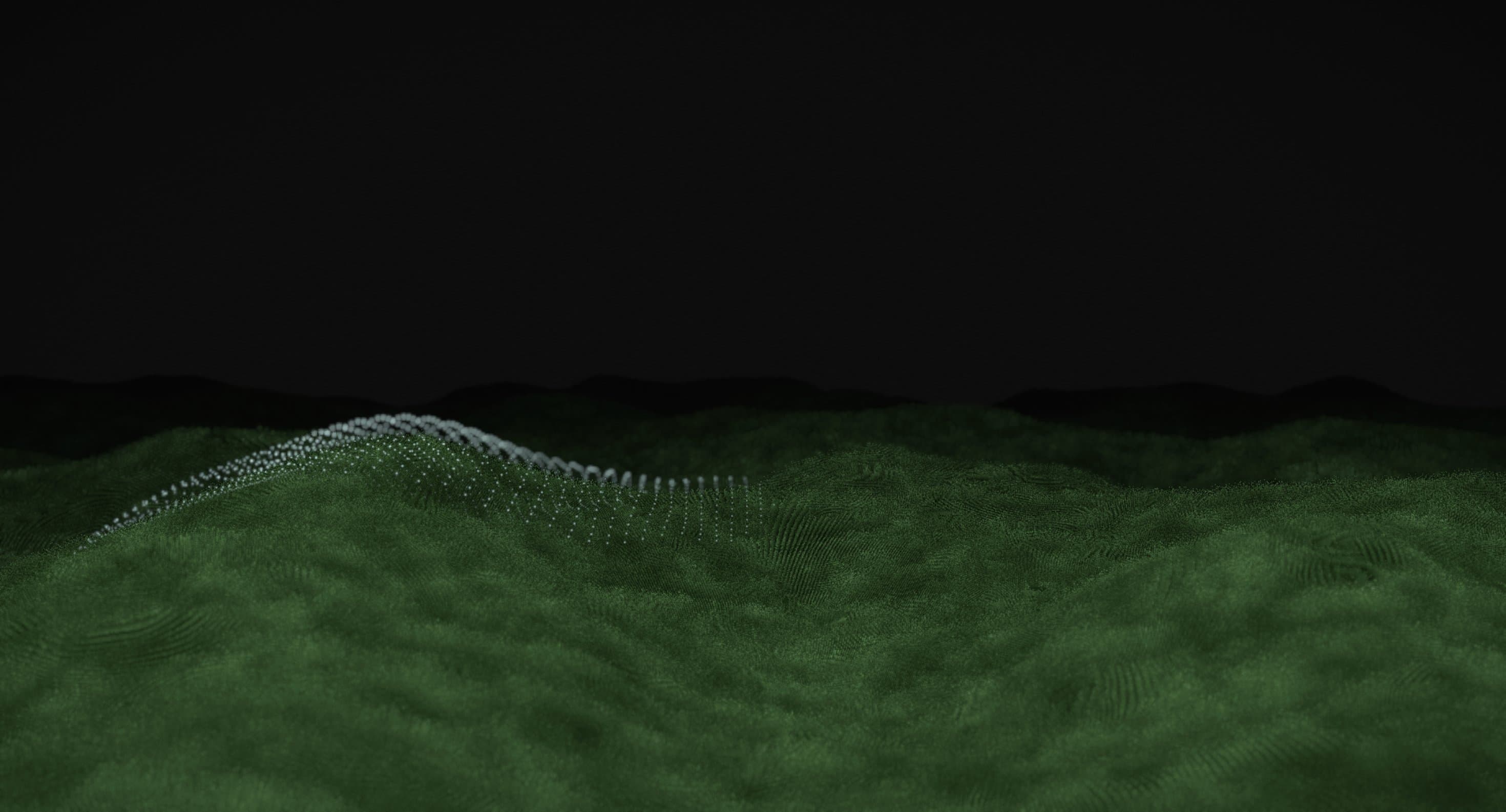
Three.js@react-three/fiber@react-three/postprocessing
Moss Grid
Backgrounds
A glowing neon light trail that twists, loops, and flows across a dark, atmospheric background, creating a continuous display of fluid motion.
Neon Streak creates a continuous flow of luminous light against a dark, smoky environment. A vibrant purple trail moves across the screen, forming circular loops, sweeping curves, and abstract patterns that evolve as the animation progresses.
The effect combines a bright neon core with a soft surrounding glow, giving the moving streak a sense of depth. Its fluid transitions shift between structured shapes and unpredictable paths, keeping the background visually engaging without introducing complex geometry.
Designed for creative portfolios, technology brands, music platforms, and experimental websites, Neon Streak adds a distinctive visual atmosphere to hero sections and immersive digital experiences.
import NeonStreak from '@/components/effects/neon-streak' const page = () => { return ( <div className="h-screen w-full"> <NeonStreak /> </div> )} export default pageConsider a creative technology studio launching a website to showcase its experimental work. The homepage features a bold headline against a dark background, with Neon Streak moving continuously behind the content.
The luminous trail forms loops and sweeping curves, bringing energy to the composition while the surrounding smoky tones preserve contrast. The animation establishes a futuristic visual identity without relying on conventional illustrations or photography.
The result is a memorable hero section that captures attention while allowing the studio's message and primary call to action to remain prominent.
Neon Streak is less suitable for content-heavy dashboards, administrative interfaces, and websites where visual simplicity is essential. Its continuous movement can compete with dense text, forms, and frequently used controls.
Avoid pairing it with several other high-intensity animations. The glowing light trail works best as a primary visual element, supported by restrained typography and minimal surrounding movement.
Keep the animation lightweight by minimising unnecessary redraws, avoiding excessive glow layers, and limiting updates when the background is outside the viewport. Preserve smooth motion without allowing decorative effects to compete with page responsiveness.
For mobile and lower-powered devices, simplify the glow and motion complexity where necessary. Pause continuous movement or use a static frame when reduced motion is preferred.
Maintain sufficient contrast between foreground content and the moving neon streak. Keep navigation, headings, and interactive controls accessible independently of the background animation.
On mobile, adapt the composition so the streak remains visible without obscuring important content. Respect prefers-reduced-motion by disabling continuous movement or displaying a static visual.
| Prop | Type | Default | Description |
|---|---|---|---|
backgroundColor | color | #0b0b0b | Canvas colour behind the smoke. |
hue | number | 0 | Turns every colour around the colour wheel, in degrees. 0 is the reference violet. |
saturation | number | 1 | Colour strength. 0 is greyscale, 1 matches the reference. |
intensity | number | 1 | Overall brightness of the light. |
glow | number | 1 | How wide the glow spreads around each strand. |
smoke | number | 1 | How much grey smoke drifts behind the light. 0 leaves the background flat. |
grain | number | 0.04 | Film grain strength. 0 turns it off. |
thickness | number | 1 | How thick the bright strands are. |
weave | number | 1 | How far the strands weave apart and cross. 0 draws one line. |
trailLength | number | 2.6 | Seconds a streak stays lit before it fades out. |
speed | number | 1 | How fast the smoke drifts and the strands twist. 0 holds them still. |
ringSize | number | 0.32 | Radius of the self-drawn ring, in canvas heights. |
interactive | boolean | true | Let the pointer draw streaks of light. |
autoplay | boolean | true | Draw the ring on its own when nobody is moving the pointer. |
idleDelay | number | 1.2 | Seconds after the pointer stops before the ring starts drawing itself again. |
Neon Streak is an animated React background where the pointer draws twisting pink-violet light streaks over drifting grey smoke. When nobody is moving the pointer, it draws a neon ring on its own.
The pointer's path is laid down as a trail of points, and several strands of light weave along it, crossing and twisting as they go. Each streak fades out after a few seconds. A WebGL2 shader draws the strands' core, glow and halo over a layer of drifting smoke and film grain.
Yes. Neon Streak can be integrated into React and Next.js applications using the appropriate client-side animation setup.
Yes. Props cover colour (backgroundColor, hue, saturation, intensity, glow), the strands (thickness, weave, trailLength), the smoke and grain, speed, and the idle ring (autoplay, idleDelay, ringSize). Set interactive to false to stop the pointer drawing.
No Three.js. Neon Streak is drawn with raw WebGL2 shaders on a single canvas and has no runtime dependencies beyond React. It does need WebGL2: where the browser can't provide it, nothing is drawn and only the background colour shows.
Yes. It pauses while offscreen or in a hidden tab, caps the canvas pixel ratio, and holds a single still frame when reduced motion is preferred. Keep foreground content readable over the brightest streaks.
Need a custom effect? Tell us what to create.
Backgrounds
Backgrounds
Backgrounds
WebGL